
Housing authority overnight batch jobs need to connect to Azure SQL without storing passwords in the job definition. Which approach should they use?
Select an answer to reveal the explanation.
Short Explanation
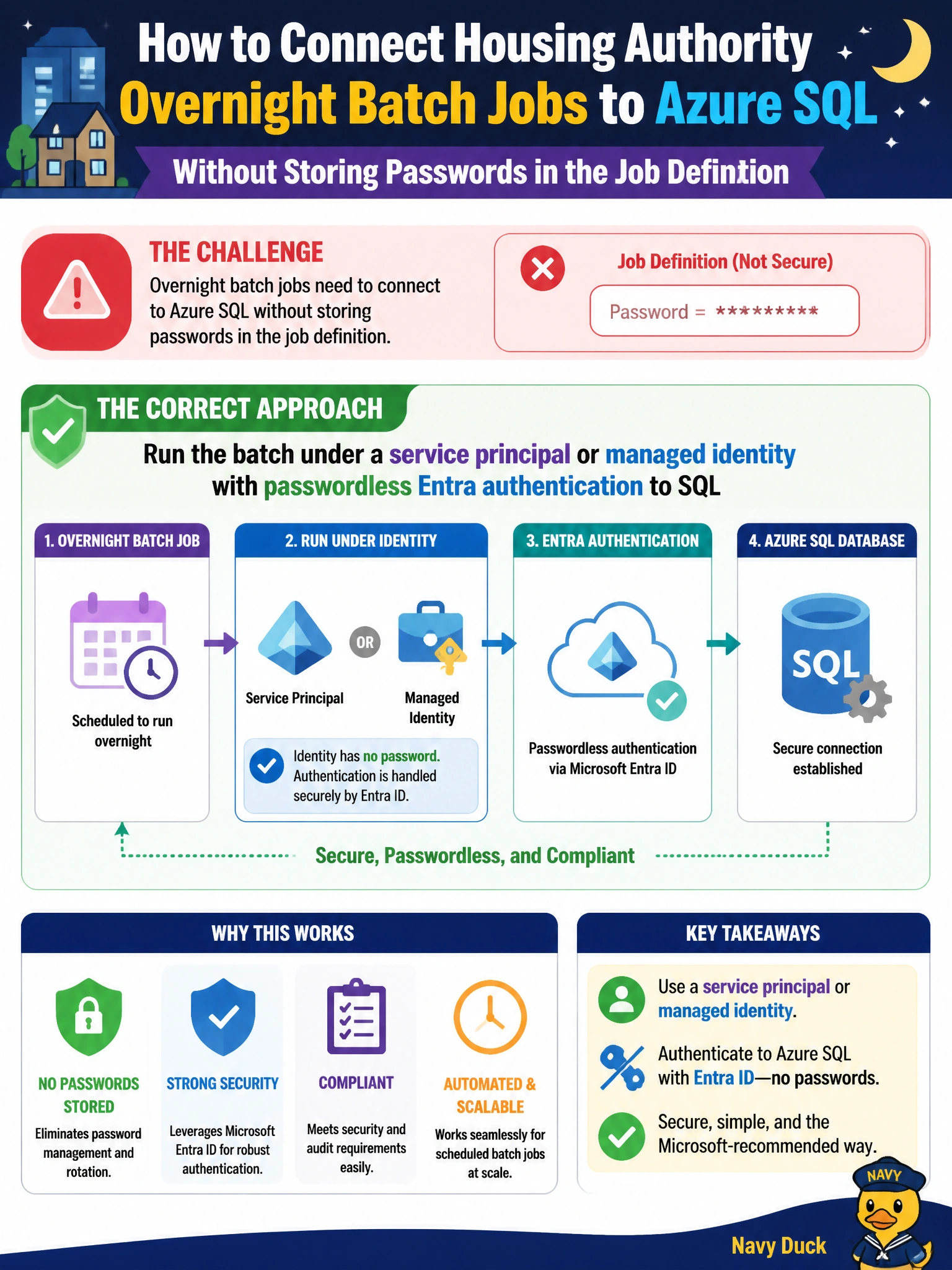
Let the overnight housing job wear a service-principal badge—passwordless Entra auth—so nobody has to hide a SQL password in the scheduler drawer.
Full Explanation
Running the housing authority overnight batch under a service principal or managed identity with passwordless Entra authentication to SQL is the correct approach when jobs must connect without storing passwords in the job definition. The scheduler or compute identity obtains a token at runtime; Azure SQL authorizes that Entra principal. Job XML, pipeline variables, and runbooks no longer need embedded SQL login secrets that are copied, emailed, or checked into automation definitions.
Hard-coding a SQL login password in the scheduled task XML on the jump box fails by concept—anyone with jump-box or backup access obtains the secret. Emailing the SQL password to the on-call analyst before each nightly run spreads secrets through mail systems and human inboxes. Using a shared SQL login embedded in a public GitHub Actions variable without secrets protection exposes production credentials to broad read access and CI logs.
Exam caveat: Passwordless batch auth still requires creating the Entra user in Azure SQL and granting only the batch’s needed objects. Managed identity is ideal when the job runs on Azure compute; a service principal with federated credentials may fit other runners. Network rules (private endpoint/firewall) remain mandatory alongside identity.
Operational check: Assign a managed identity or service principal to the overnight job runner, map it in Azure SQL, grant EXECUTE/SELECT on housing batch objects only, and remove passwords from task XML and pipelines. Confirm the job connects with token auth and fails if the identity is disabled. Store any non-password secrets in a proper secret store if hybrid components remain, enable auditing for the batch principal, and alert on interactive use of that identity outside the batch window.