
A water utility billing app currently uses SQL authentication with passwords in config files. What change best aligns with passwordless secure access?
Select an answer to reveal the explanation.
Short Explanation
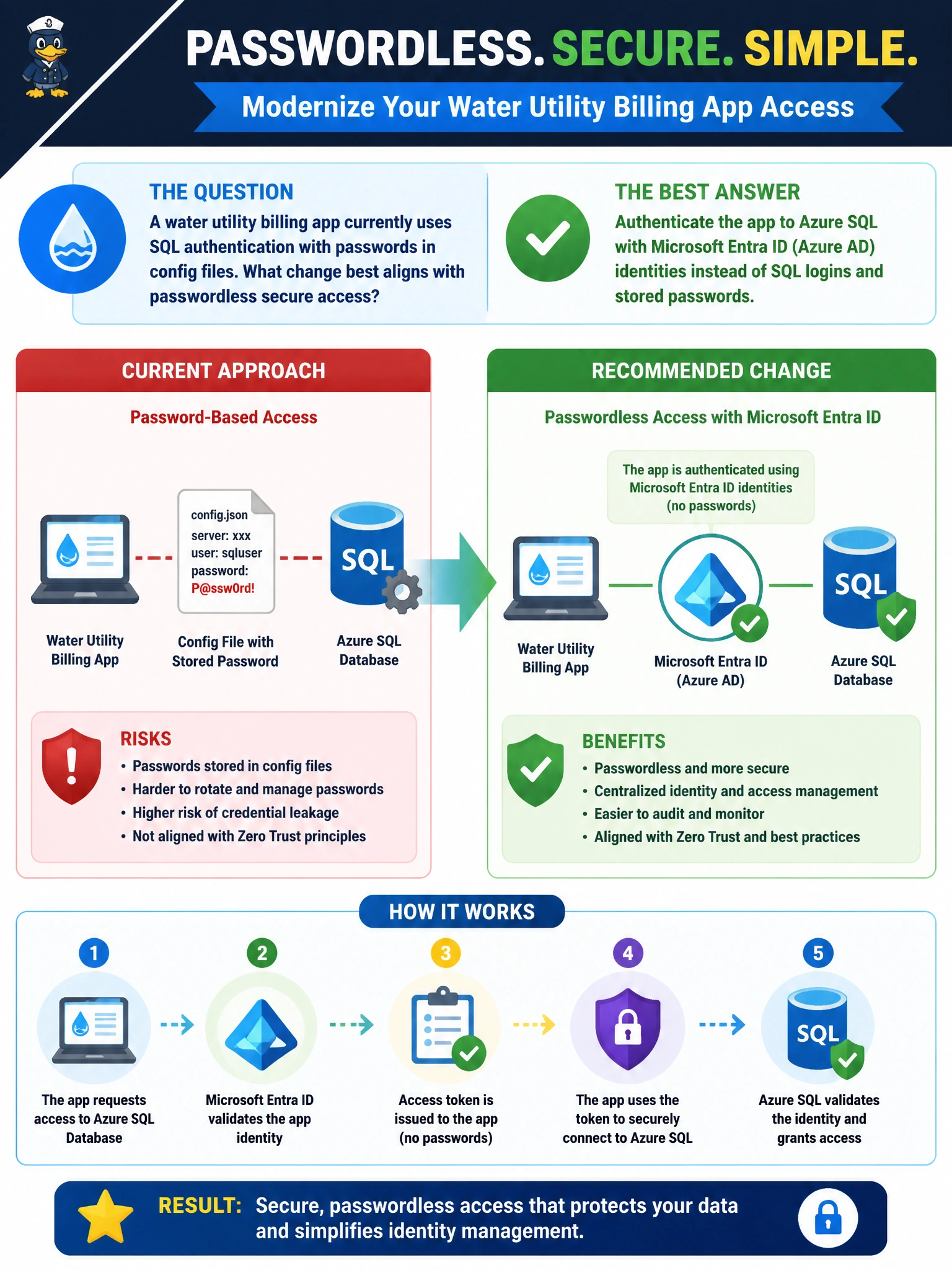
You can give the billing app a safer way to prove its identity: use Microsoft Entra ID to connect to Azure SQL instead of keeping a SQL password in configuration. That’s passwordless access, and it avoids relying on a shared, long-lived secret.
Full Explanation
Authenticating the billing app to Azure SQL with Microsoft Entra ID identities instead of SQL logins and stored passwords best aligns with passwordless secure access. The app can present a managed identity or service principal token; Azure SQL validates the Entra identity and maps it to a contained user or external group membership. This removes the need to store a long-lived SQL password in configuration. Keeping SQL authentication but placing a shared credential in a protected vault and rotating it quarterly improves secret handling, but the app still depends on a shared password, so it is not passwordless. Embedding the sa password in the mobile billing client exposes a highly privileged credential on every device and greatly increases the potential blast radius. Disabling TLS and relying only on private IP allow lists removes transport protection and mistakes network location for identity: an allow list does not authenticate the app. Exam caveat: Entra authentication still requires correct firewall or private endpoint networking and appropriate SQL-side permissions; passwordless does not mean permissionless. Mixed-mode authentication may exist during migration, but Entra identities are the target posture. Practical check: create an Azure SQL user for the billing app’s managed identity, grant only the required access, remove SQL login secrets from configuration, and verify token-based connections succeed while connections fail when the identity is disabled. Keep TLS enabled and monitor Entra sign-in logs and SQL auditing.