
A 311 platform team’s SQL work spans both a Fabric lakehouse and a GitHub-hosted SQL Database Project. How should they choose Copilot surfaces?
Select an answer to reveal the explanation.
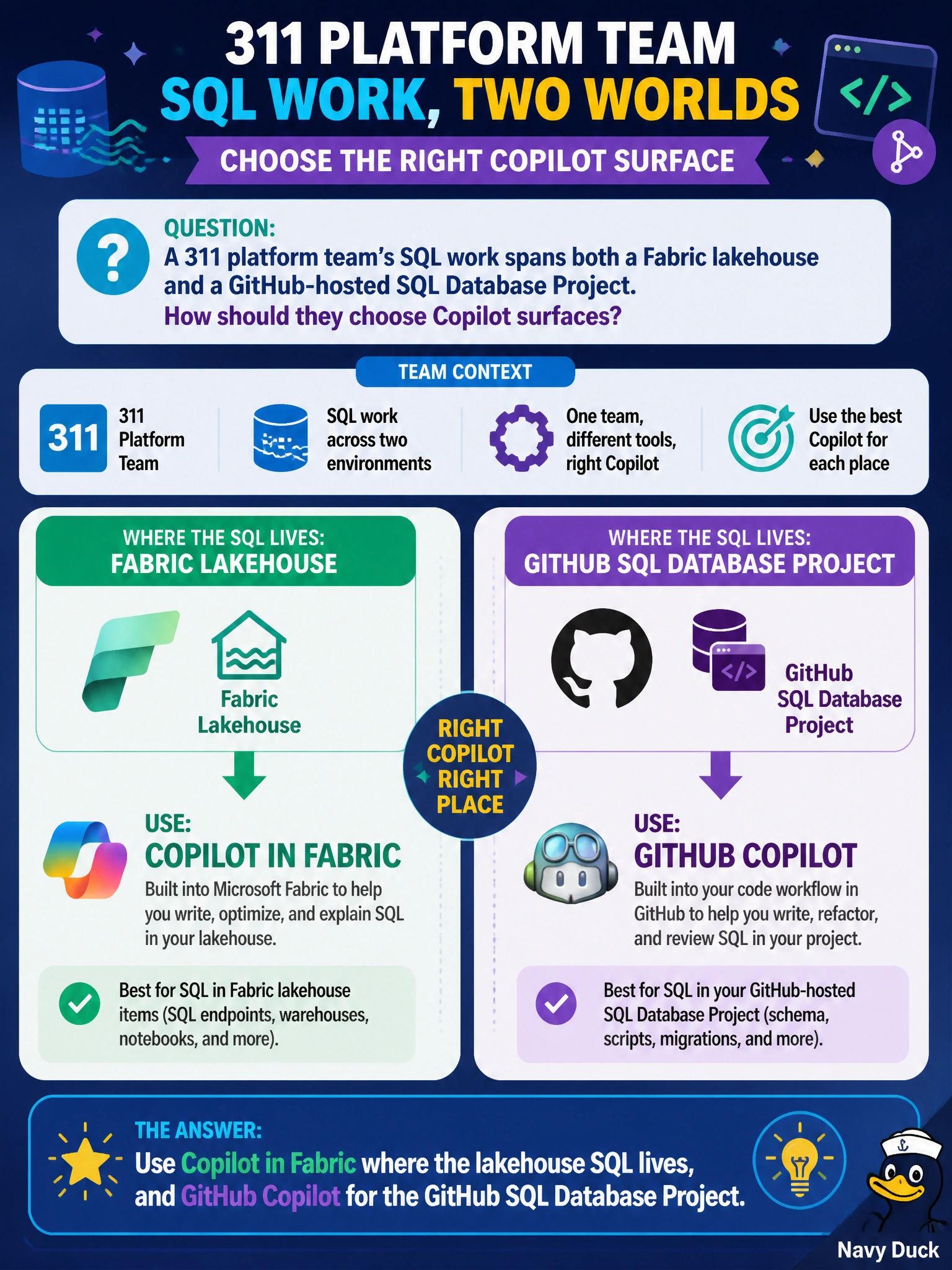
Short Explanation
You’ll get the best fit by matching the assistant to where the SQL lives: Copilot in Fabric for lakehouse SQL and GitHub Copilot for the GitHub SQL Database Project. Keep each tool in its own workshop rather than forcing one assistant across both environments.
Full Explanation
Using Copilot in Fabric where the lakehouse SQL lives, and GitHub Copilot for the GitHub SQL Database Project, matches each assistant to the environment where the work is hosted. This avoids relying on a tool outside its intended surface. Using only Copilot in Fabric for GitHub .sqlproj files outside Fabric fails because Fabric Copilot does not replace GitHub Copilot for a GitHub-hosted SQL Database Project. Using GitHub Copilot in both the Fabric lakehouse SQL editor and the GitHub SQL Database Project to keep assistance consistent fails because Fabric-hosted SQL assistance belongs to the Copilot-in-Fabric path; consistency does not mean using one product everywhere. Disabling both Copilot products and pasting production secrets into public chatbots fails because it abandons the available tools and exposes sensitive information. Exam caveat: DP-800 tests product-to-surface matching—Fabric SQL with Copilot in Fabric, and a GitHub SQL Database Project with GitHub Copilot—subject to policy; never paste production secrets into public chatbots. Practical check: map each 311 SQL workload to its host, Fabric or GitHub, enable the matching Copilot product under organizational policy, remind developers not to cross-wire tools or paste production secrets into public chatbots, and revalidate the mapping after toolchain changes.