
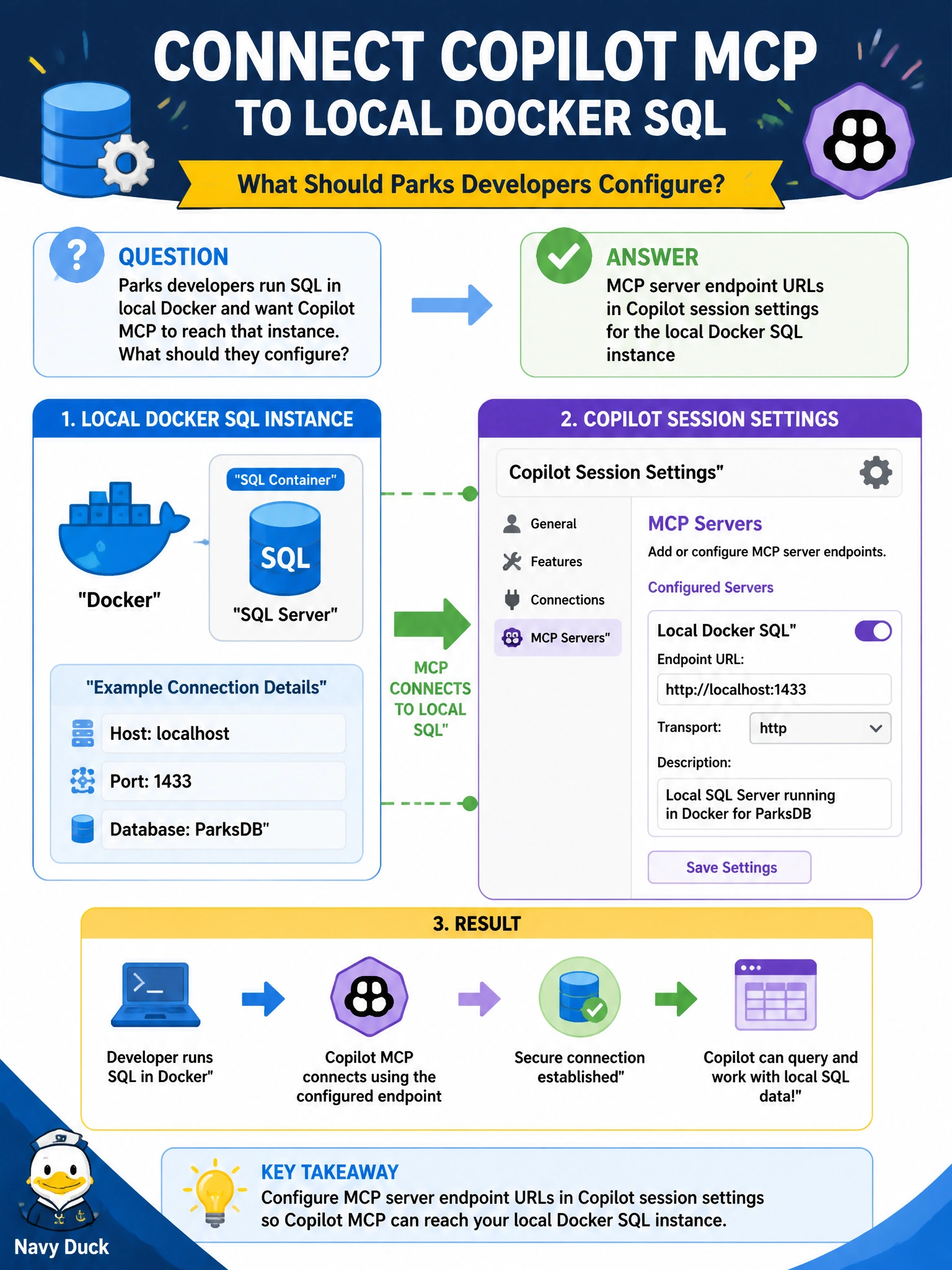
Parks developers run SQL in local Docker and want Copilot MCP to reach that instance. What should they configure?
Select an answer to reveal the explanation.
Short Explanation
Local Docker SQL is a workshop on your desk—point the MCP endpoint URL at that local instance in Copilot settings so the assistant can talk to it.
Full Explanation
Configuring MCP server endpoint URLs in Copilot session settings for the local Docker SQL instance is correct when parks developers run SQL in local Docker and want Copilot MCP to reach that instance. The MCP endpoint must point at the local workshop where their municipal SQL is running.
Production firewall rules that open SQL to the entire internet fail by concept because exposing production SQL globally is a severe security anti-pattern and does not correctly target local Docker. Always Encrypted without any column encryption keys fails because Always Encrypted cannot function without proper keys and is unrelated to connecting MCP to local Docker. Fabric lakehouse MCP only, while refusing any local endpoint configuration, fails when the actual target is local Docker SQL—the endpoint type must match the instance in use.
Exam caveat: Point MCP at the SQL instance you actually need (local Docker → local MCP endpoint URL in session settings). Do not “solve” local connectivity by opening production to the internet or by forcing Fabric MCP when local SQL is the target.
Operational check: Set the Copilot MCP endpoint URL to the local Docker SQL endpoint, verify Copilot can discover local parks objects, ensure production remains firewalled from the public internet, and document the local-dev MCP setup for the team.