
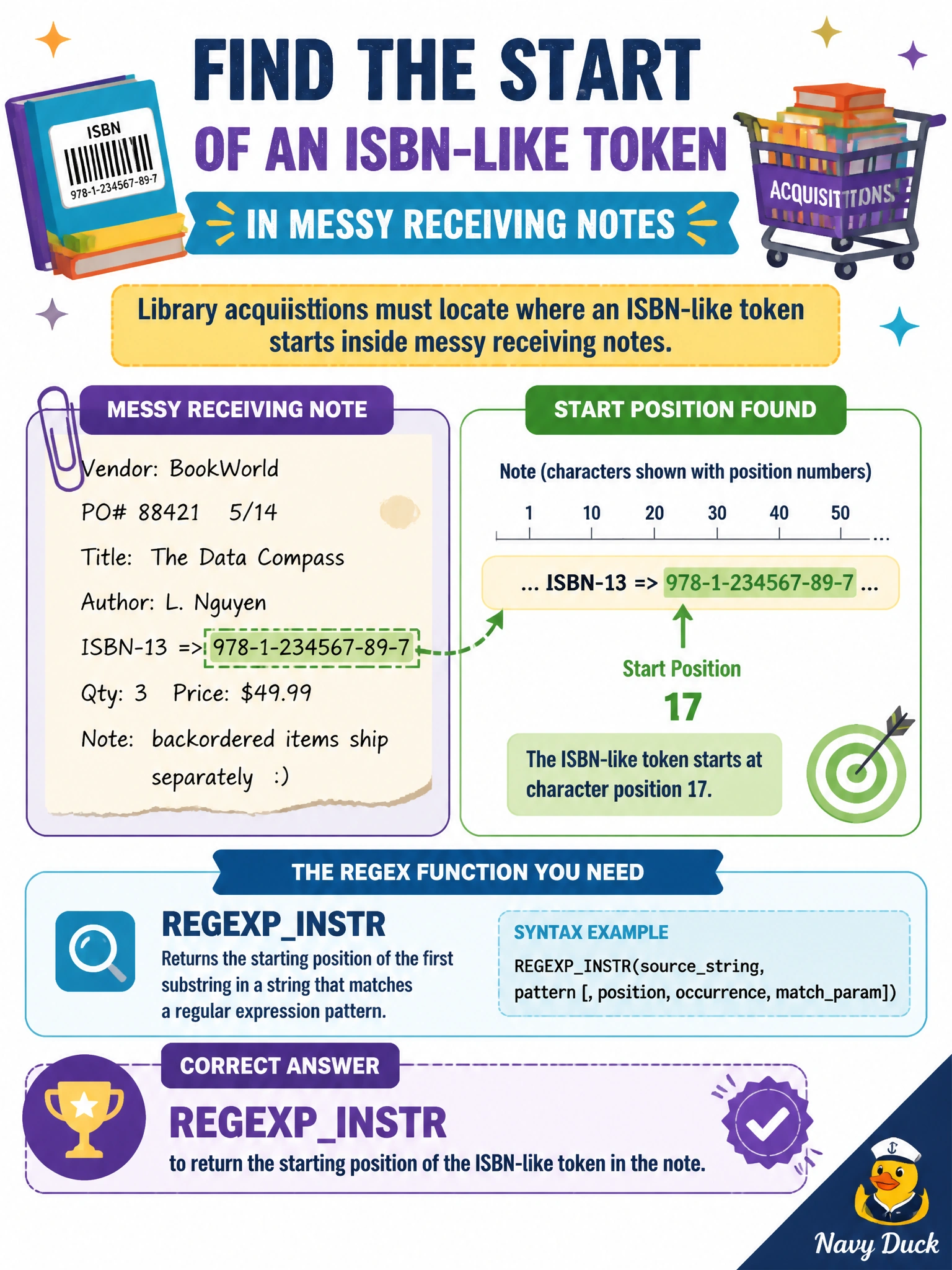
Library acquisitions must locate where an ISBN-like token starts inside messy receiving notes. Which regex function returns that position?
Select an answer to reveal the explanation.
Short Explanation
REGEXP_INSTR is the ‘find’ box—it tells you where the ISBN-looking token begins in the note so staff can jump straight there. Split-to-table gives rows of pieces, not one start index.
Full Explanation
Library acquisitions locating where an ISBN-like token starts inside messy receiving notes need a character position, not a split rowset. REGEXP_INSTR returns the starting position of the first match (with options for occurrence and return type on supporting platforms), letting staff tools highlight or jump to the ISBN-like token in the note for verification against the invoice.
REGEXP_SPLIT_TO_TABLE explodes a string into rows of pieces; it does not return a single character-offset integer for “find in note.” JSON_CONTAINS searches JSON structures, not plain non-JSON receiving notes. A SEQUENCE object generates numeric keys; storing string offsets for every note in a sequence is unrelated to locating a pattern inside text.
Exam caveat: zero- versus one-based positions and “not found” return values vary by engine—normalize before feeding UI highlighters. Operational check: place an ISBN-like token at a known offset in a sample note, call REGEXP_INSTR, and assert the returned position matches; then remove the token and confirm the documented not-found result. Combine REGEXP_INSTR with REGEXP_SUBSTR when staff need both jump-to position and the captured ISBN value for copy-paste into the acquisitions system. Validate check digits separately after extraction; position finding only locates a candidate token, it does not prove the ISBN is valid.