
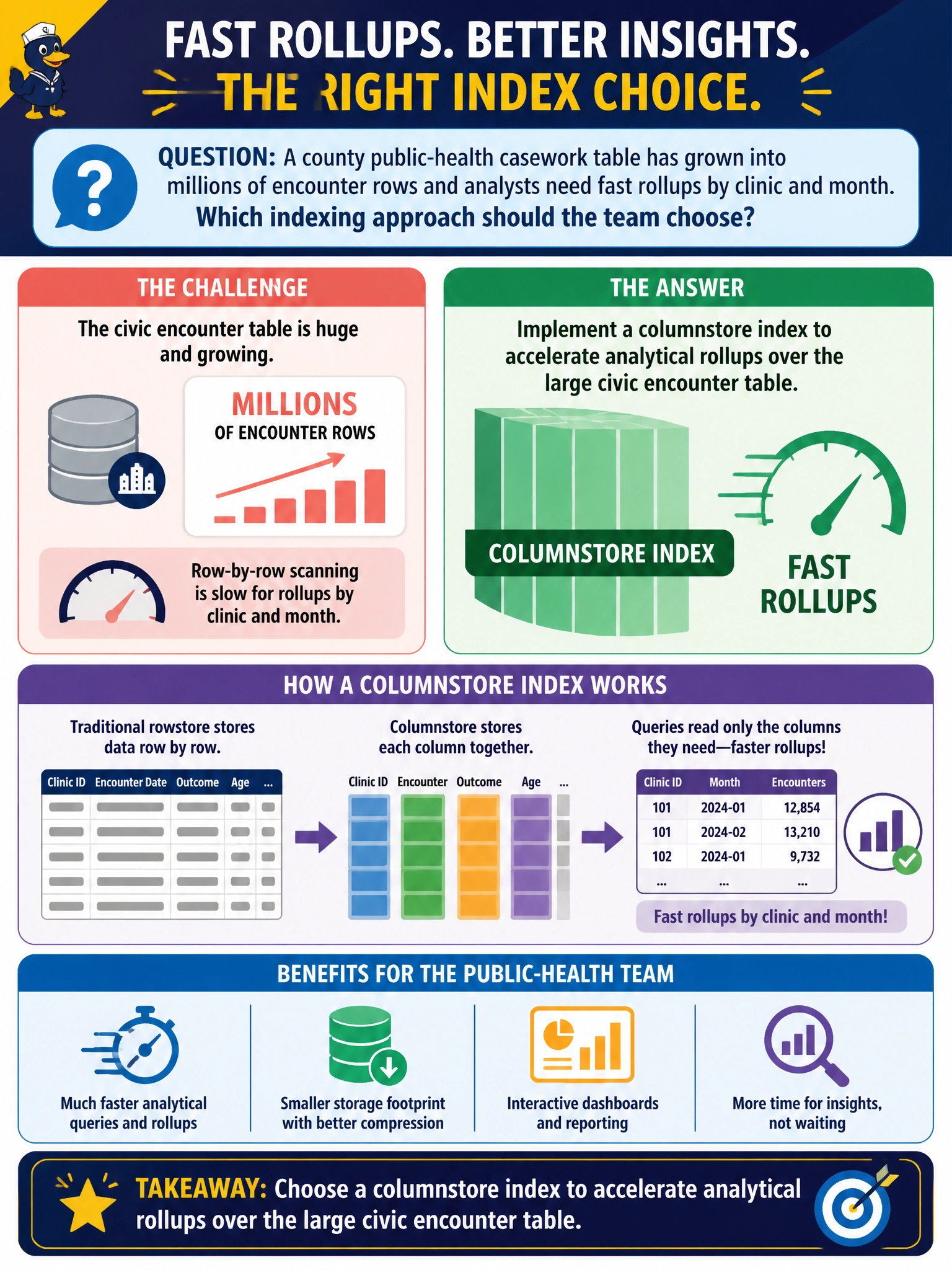
A county public-health casework table has grown into millions of encounter rows and analysts need fast rollups by clinic and month. Which indexing approach should the team choose?
Select an answer to reveal the explanation.
Short Explanation
When your public-health table has millions of encounter rows, a columnstore index lets you scan the clinic and month data efficiently for analytical rollups instead of hunting row by row. You get the right fit for civic reporting, rather than relying on a rowstore index meant for point lookups.
Full Explanation
When a public-health encounter table reaches millions of rows and your workload is analytical, with rollups by clinic and month, a columnstore index matches the access pattern. It stores and compresses data by column, letting aggregations that touch clinic, month, and a few measures scan compressed segments rather than pull every row attribute through the buffer pool. Batch-mode execution on Azure SQL can further reduce CPU for warehouse-style summaries used in outbreak and capacity reporting. A heap with no indexes may simplify inserts, but it forces full scans for rollups and provides no columnar compression. A nonclustered index on encounter_id alone can help point lookups, but not wide aggregates; nested loops over identifiers do not make clinic-month GROUP BY plans efficient at this scale. Disabling statistics and forcing scan hints prevents the optimizer from choosing suitable plans and cannot replace analytical storage. Exam caveat: columnstore excels at large analytical scans, but if the same table handles heavy single-row OLTP updates, assess a hybrid design, such as rowstore hot partitions or a separate analytical replica, instead of assuming one index fits every municipal workload. Practical check: compare actual or estimated plans for the clinic-and-month rollup before and after adding columnstore, verifying segment elimination and batch mode on aggregate operators with representative data volume.