
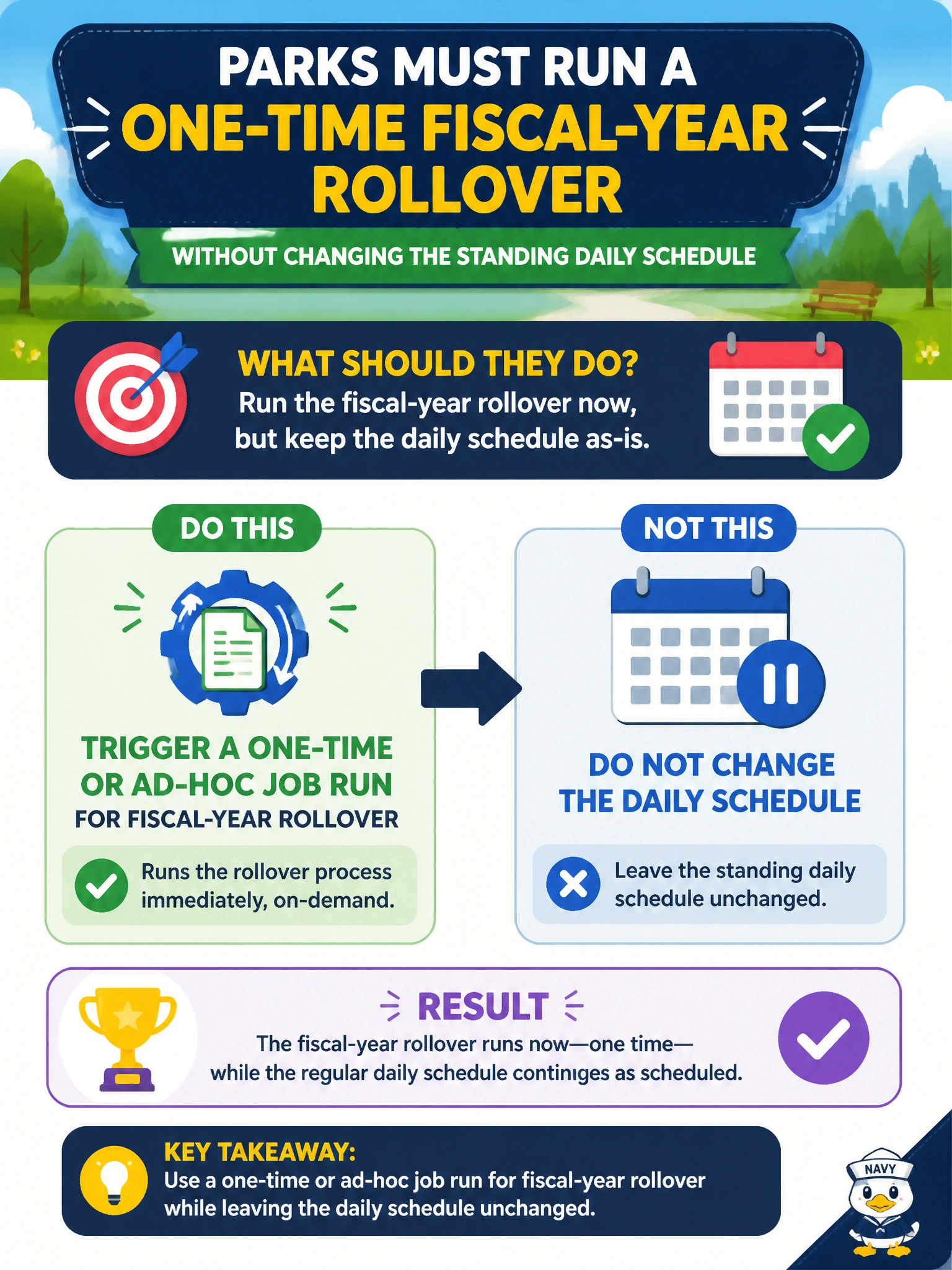
Parks must run a one-time fiscal-year rollover without changing the standing daily schedule. What should they do?
Select an answer to reveal the explanation.
Short Explanation
You'll trigger a one-off rollover run and leave your daily schedule alone — it's a special concert, not a change to the tour. Don't stuff it into your next daily run or chain it as a dependent step, since you'll tangle one-time work with daily SLAs and retries. Copying your daily trigger just re-runs daily work and won't isolate the fiscal logic you need.
Full Explanation
Parks performing a one-time fiscal-year rollover without changing the standing daily schedule should trigger a one-time or ad-hoc Lakeflow Job run for the rollover while leaving the daily schedule unchanged. Ad-hoc runs cover rare municipal calendar events—fiscal rollovers, one-off corrections, special inventories—without rewriting the steady-state cadence that keeps daily park tables fresh. That separation prevents a special event from permanently distorting overnight schedules.
Processing the fiscal-year rollover in the next daily job execution while leaving the daily schedule unchanged still hijacks that daily run for one-time work, mixing rollover outputs into the daily batch and risking daily SLAs and rerun confusion that an isolated ad-hoc run avoids. Queueing the fiscal-year rollover as a dependent step in the daily chain while leaving the daily schedule unchanged tangles a one-time task into the steady-state dependency graph, forcing every daily run to carry extra ordering, waiting, and failure handling for work that should run once in isolation. Copying the daily schedule as a one-time run for fiscal-year rollover while leaving the daily schedule unchanged just duplicates the daily trigger and reruns daily logic rather than launching the parameterized rollover logic ad-hoc, risking duplicate daily outputs and wasted compute.
Exam caveat: ad-hoc/one-time runs complement schedules; they do not replace them. Prefer parameterized rollover notebooks invoked once from the job UI/API/CLI. After rollover, confirm the daily schedule is still intact. For true environment promotion of job definitions, use bundles/CI rather than clicking prod by hand.
Operational check: execute an ad-hoc rollover run in non-prod, verify daily schedule settings remain untouched, confirm rollover outputs (new fiscal keys/partitions) look correct, then repeat the ad-hoc pattern in prod with change control—not by folding the rollover into the next daily execution.
Prefer to study offline? Printable PDF study book + test engine ($7.50, unofficial). These questions stay free here.