
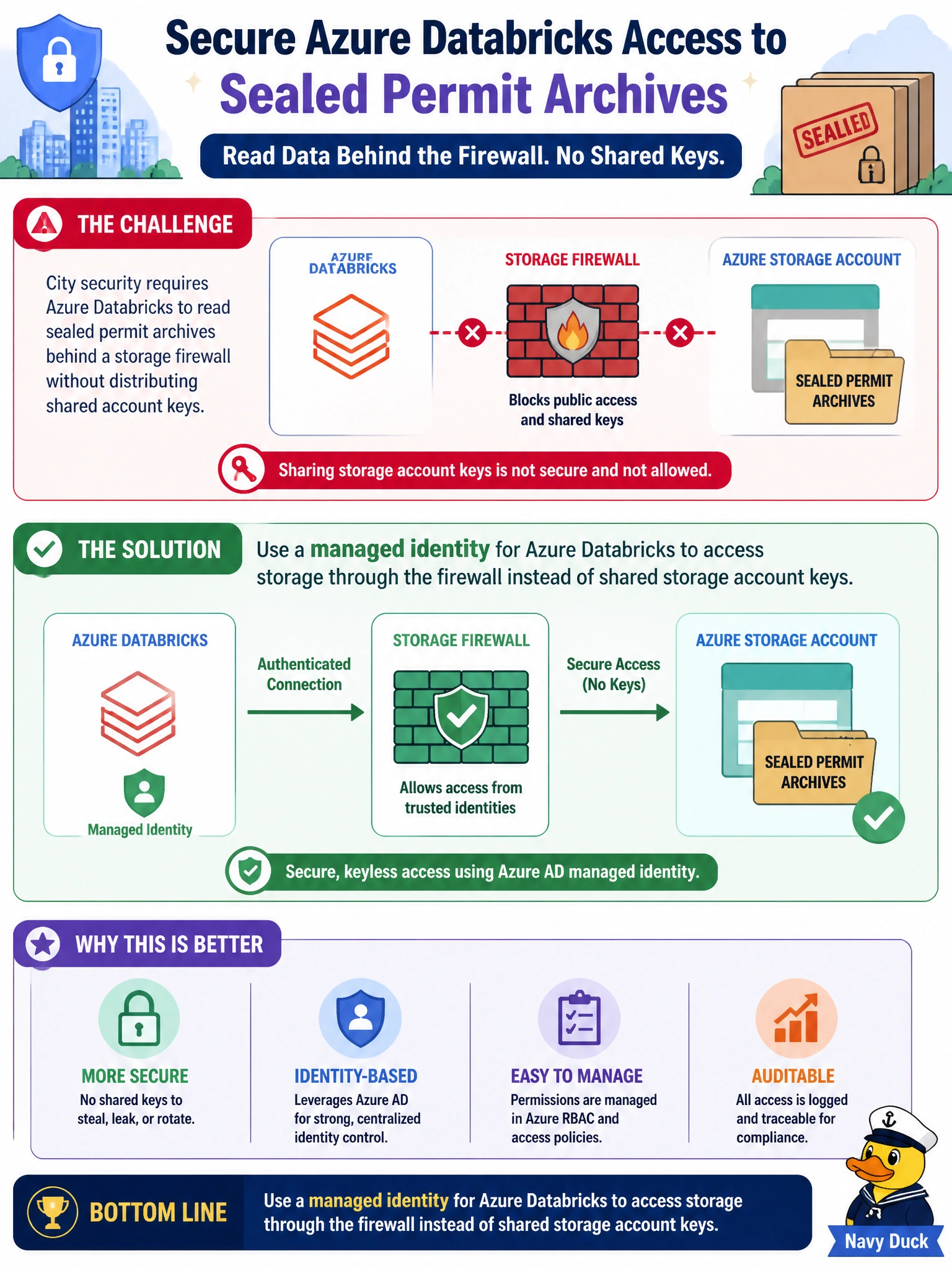
City security requires Azure Databricks to read sealed permit archives behind a storage firewall without distributing shared account keys. Which approach should they choose?
Select an answer to reveal the explanation.
Short Explanation
Managed identity beats a shared skeleton key for the sealed permits vault—compute proves itself to the firewall without photocopying storage keys into Git. Emailing keys around City Hall is the anti-pattern.
Full Explanation
Sealed permit archives behind a storage firewall should be read by Azure Databricks using a managed identity rather than shared storage account keys. Managed identity authenticates compute to Azure Storage under RBAC and works with firewall/VNet rules that allow trusted Databricks egress—without emailing skeleton keys around City Hall or committing them to Git. Security teams get identity-based access reviews instead of annual shared-key rituals.
Emailing storage account keys to every permits engineer with rare rotation multiplies copies and slows incident response. Disabling the storage firewall so any Internet client can read sealed archives removes the network control the question requires. Embedding long-lived storage keys in cluster init scripts on main branches places secrets in source control and cluster logs risk.
Exam caveat: configure both identity RBAC (e.g., Storage Blob Data Reader) and network allowlisting; either alone may be insufficient for locked-down municipal storage. Unity Catalog storage credentials/external locations should also align with the managed identity model where used. Operational check: assign managed identity to Databricks compute, grant storage RBAC, confirm firewall allows Databricks, read a sealed archive path successfully, and remove shared keys from email, Git, and init scripts.
Prefer to study offline? Printable PDF study book + test engine ($7.50, unofficial). These questions stay free here.