
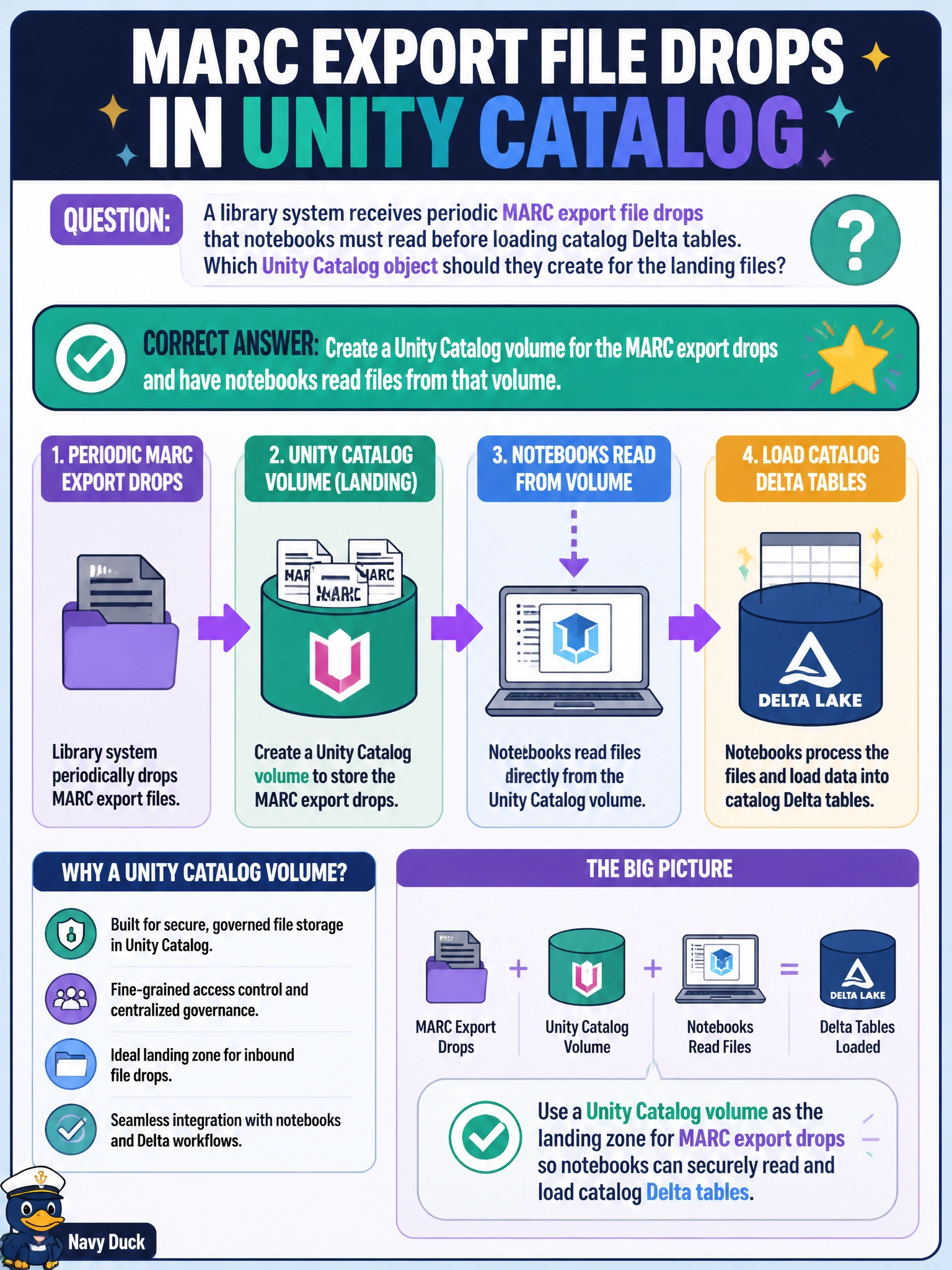
A library system receives periodic MARC export file drops that notebooks must read before loading catalog Delta tables. Which Unity Catalog object should they create for the landing files?
Select an answer to reveal the explanation.
Short Explanation
A Unity Catalog volume is the library's labeled loading bin for non-tabular files—MARC exports land there, notebooks pick them up, then Delta tables get built. Emailing ZIPs or pasting records into SQL is not a landing zone.
Full Explanation
Non-tabular MARC export drops belong in a Unity Catalog volume. Volumes provide governed file storage that notebooks and jobs can read by path while still participating in UC privileges and audit, which is exactly what a library system needs before loading catalog Delta tables. Treat the volume as the labeled loading bin: periodic MARC files land there, ingest notebooks read them, then structured bibliographic data is written to Delta tables under the library catalog.
Emailing ZIP attachments to analysts for manual notebook upload is not durable, not auditable at scale, and breaks automated pipelines. Storing drops only on a librarian's laptop share outside Azure removes cloud governance, HA, and job access. Pasting MARC records as string literals into a SQL warehouse window is not a landing pattern and cannot handle periodic bulk exports.
Exam caveat: volumes are for files and directories; tables (managed/external) are for structured datasets. Do not register a MARC binary drop as a table schema when the first consumer step is file read. Operational check: create the UC volume, grant the ingest service principal READ on the volume, land a sample MARC export, confirm the notebook lists and reads files from the volume path, then load Delta and revoke broad human write on the volume if jobs alone should land files.
Prefer to study offline? Printable PDF study book + test engine ($7.50, unofficial). These questions stay free here.