
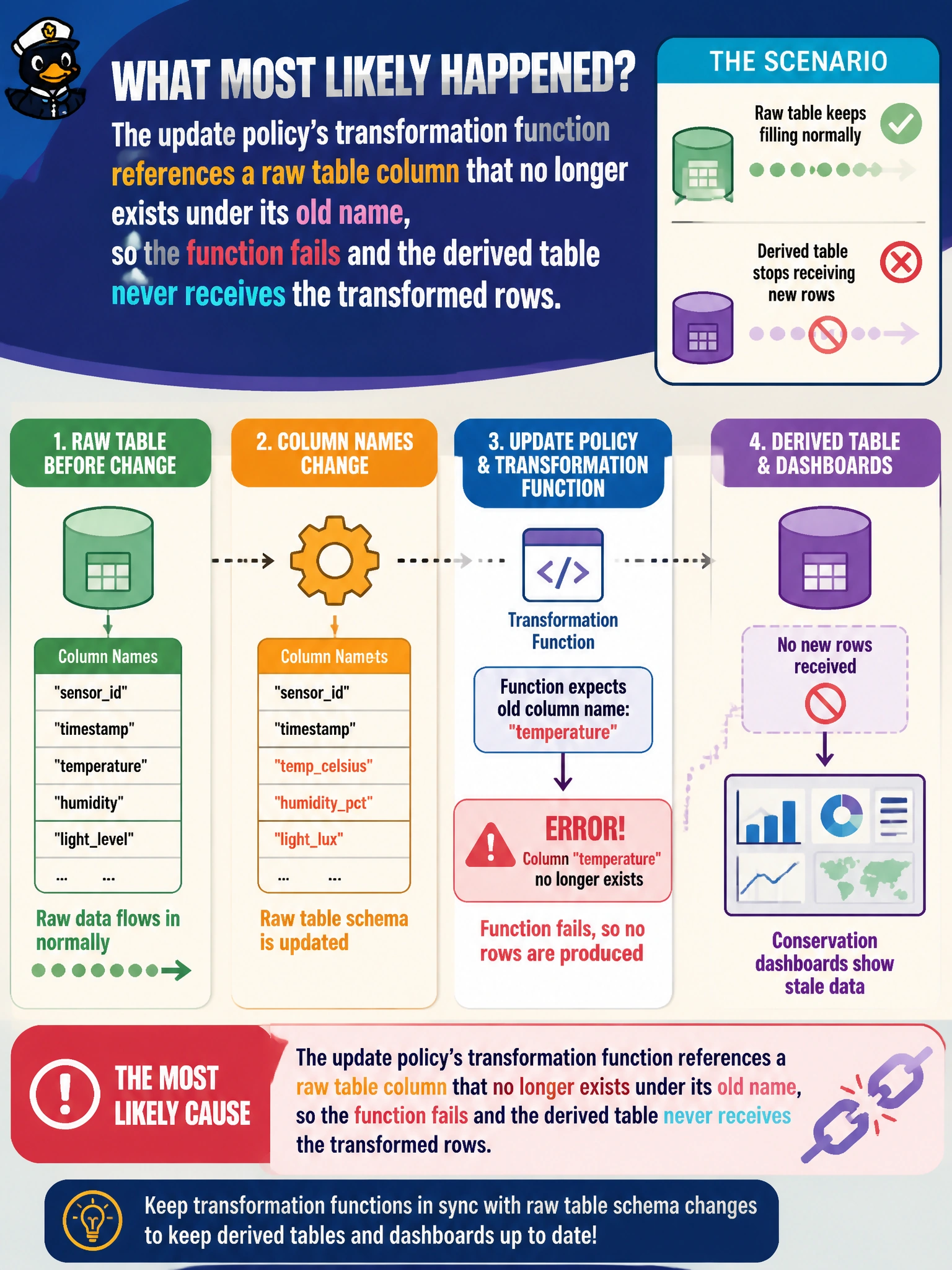
An Eventhouse has an update policy that runs a function to transform raw gallery sensor readings into a cleaned, derived table used for conservation dashboards. After the raw table's column names change, the derived table stops receiving new rows, while the raw table itself keeps filling normally. What has most likely happened?
Select an answer to reveal the explanation.
Short Explanation
An update policy is basically a standing instruction: whenever new rows land in the raw table, run this function and pour the result into the derived table. Rename a column that function depends on, and the instruction can no longer be carried out — the raw table keeps filling just fine, but the automatic pour into the derived table quietly stops.
Full Explanation
An Eventhouse update policy attaches a KQL function to a source table so that every new batch of ingested rows automatically triggers that function, with its output appended to a derived target table; if the function references a column by a name that a source schema change has removed or renamed, the function fails on execution and the derived table simply stops receiving output, even though ingestion into the raw source table continues completely unaffected. That split symptom, a healthy raw table alongside a frozen derived one, is the specific signature of a broken update policy function rather than a broader ingestion or connectivity problem. An Eventstream failure would show up as the raw table itself no longer filling, which contradicts the scenario. A dashboard losing its connection would prevent the dashboard from displaying results, but would not explain why the derived table in the Eventhouse itself stops accumulating rows. An expired retention policy purges old data after a set age; it does not block new rows from being written and would not selectively spare the raw table while starving the derived one. The concrete check is to review the update policy's function definition against the raw table's current schema and confirm which referenced column no longer matches, then update the function to the new column name.