
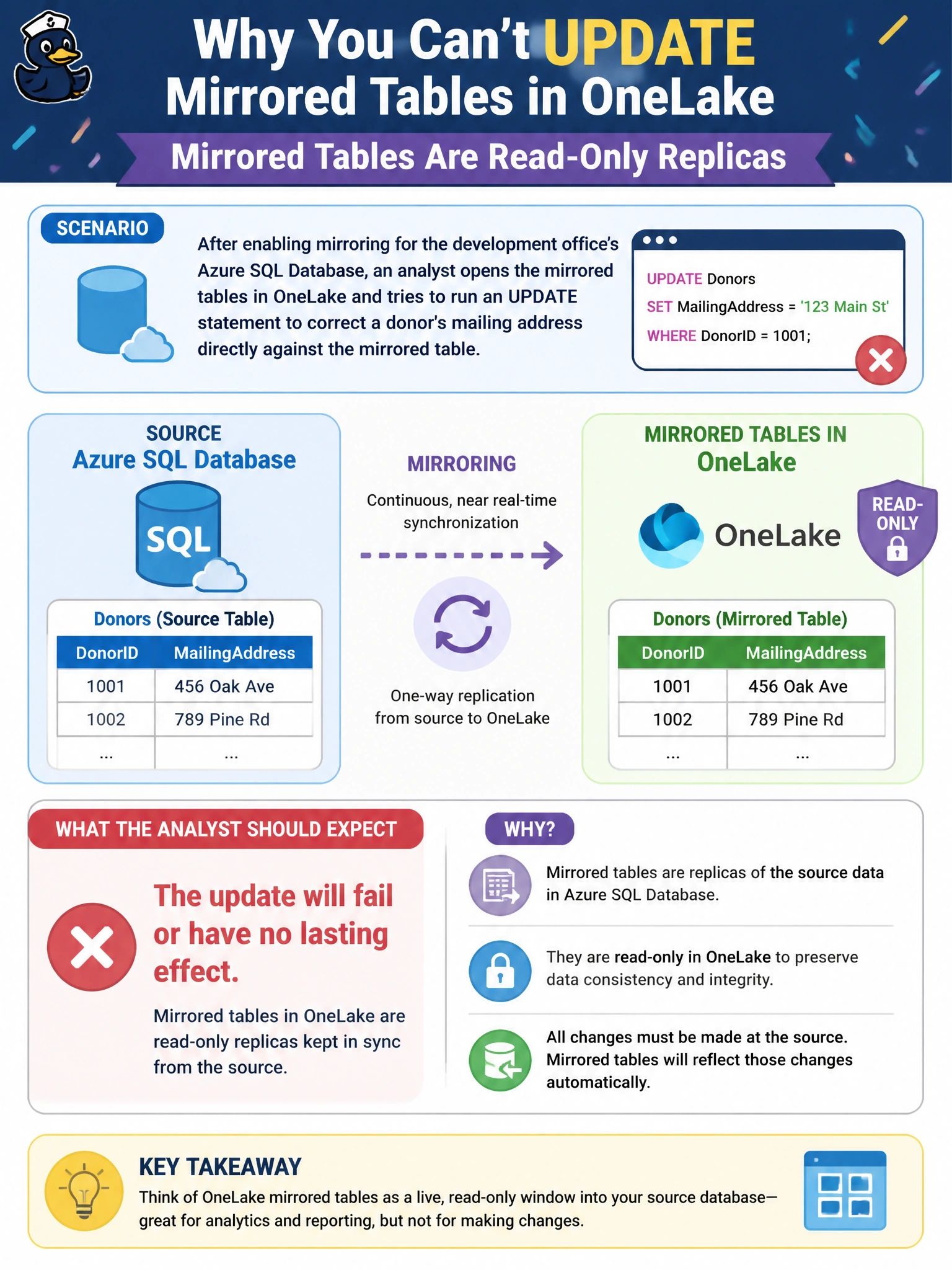
After enabling mirroring for the development office's Azure SQL Database, an analyst opens the mirrored tables in OneLake and tries to run an UPDATE statement to correct a donor's mailing address directly against the mirrored table. What should the analyst expect?
Select an answer to reveal the explanation.
Short Explanation
Think of a mirrored table like a live scoreboard, not a scorer's table: you can watch the numbers, but scribbling on the display doesn't change the actual game. Mirrored data in OneLake works the same way — it's a read-only reflection of the source, not a place to write corrections.
Full Explanation
Mirroring replicates data from the source system into OneLake as a continuously updated, read-only copy; the mirrored Delta tables exist for consumption by Spark, SQL, and other Fabric engines, not as a writable target, so a direct write attempt against them won't produce a lasting, meaningful change. Corrections belong in the source Azure SQL Database, from which they will then flow into the mirror automatically. The idea that Fabric would push an OneLake edit back into the source misunderstands the direction of replication — mirroring flows one way, source to Fabric, with no reverse-sync path. The notion that the edit could persist in OneLake while leaving the source untouched misreads what “mirrored” means: the mirror is defined by continuously reflecting the source, so a divergent, unsynced OneLake copy isn't the product being offered. There's also no branching-and-merge model for mirrored tables the way there might be in a version-controlled dataset. Before assuming a write went nowhere, check the mirroring status monitor to confirm replication is still healthy rather than silently paused.