
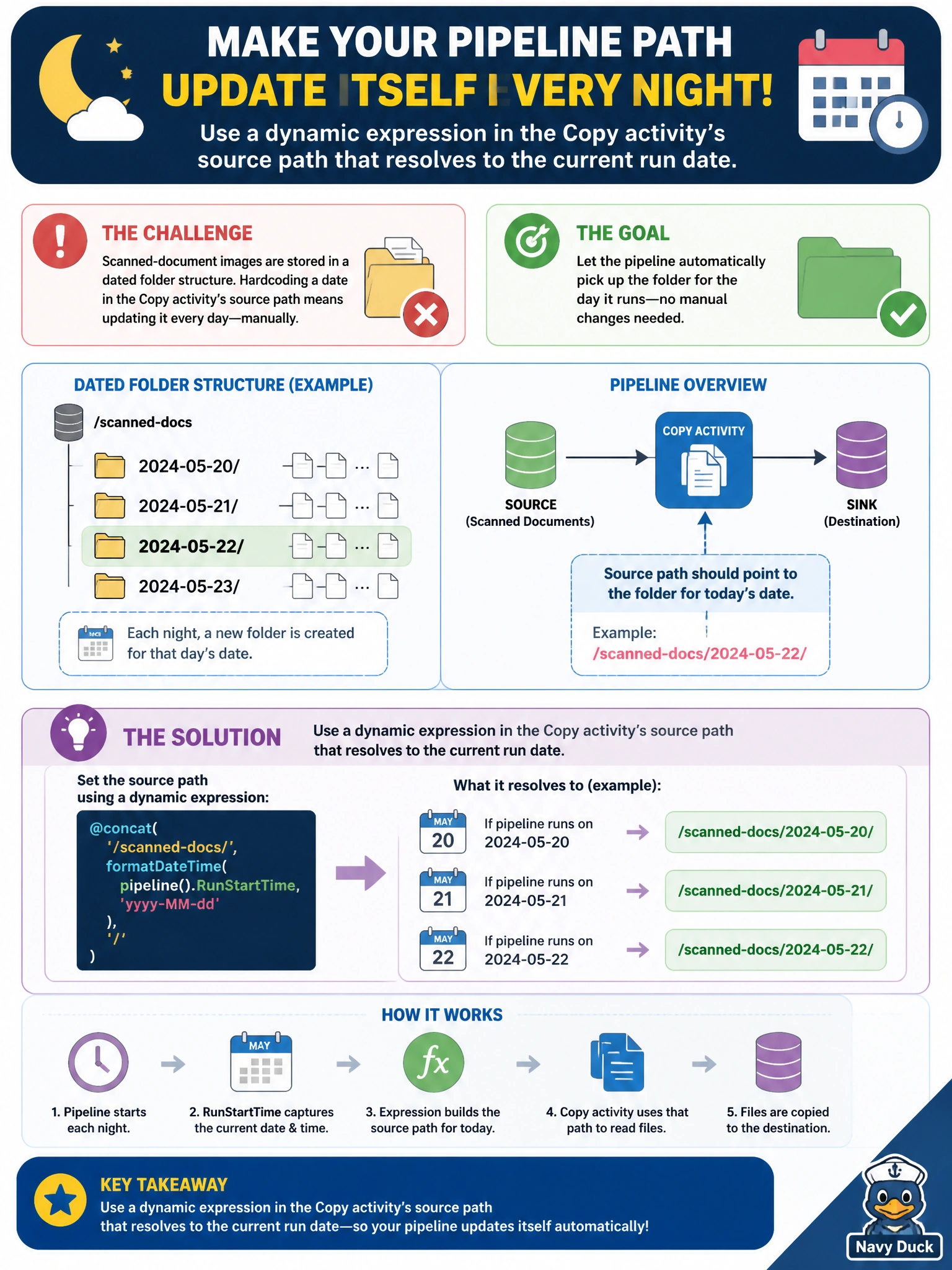
A nightly pipeline ingests scanned-document images from a dated folder structure, where each night's folder is named after that day's date. Rather than hardcoding a specific date into the Copy activity's source path every day, the data engineer wants the path to update itself automatically based on when the pipeline runs. What should she configure?
Select an answer to reveal the explanation.
Short Explanation
Nobody wants to hand-edit a folder path every single night — that's a job for the pipeline itself. Build the source path as a dynamic expression that resolves against the run's own date, and the path updates itself automatically, no typing required.
Full Explanation
Fabric pipelines support dynamic content in an activity's configuration, letting a value like a folder path be computed at run time from things such as the current date rather than typed in as a fixed string. Wiring the Copy activity's source path to a dynamic expression means each night's run automatically resolves to that night's dated folder with zero manual intervention, which is exactly what's needed for a recurring nightly load. A fixed path someone edits by hand reintroduces daily manual work and a single missed edit breaks that night's ingestion silently. Creating a new pipeline copy every day multiplies maintenance the same way duplicating pipelines per branch does elsewhere, and it's wildly disproportionate to a problem that dynamic content solves in one field. A static parameter set once and never revisited would freeze the path at whatever date it was first configured with, which defeats the entire point of a nightly, date-rolling load. The caveat: the expression should derive from the pipeline's own trigger or run time rather than the engineer's local clock, so behavior stays consistent regardless of who or what starts the run. A concrete check: let the pipeline run unattended for several consecutive nights and confirm each run's Copy activity resolved a different, correct dated folder without anyone touching the pipeline.