
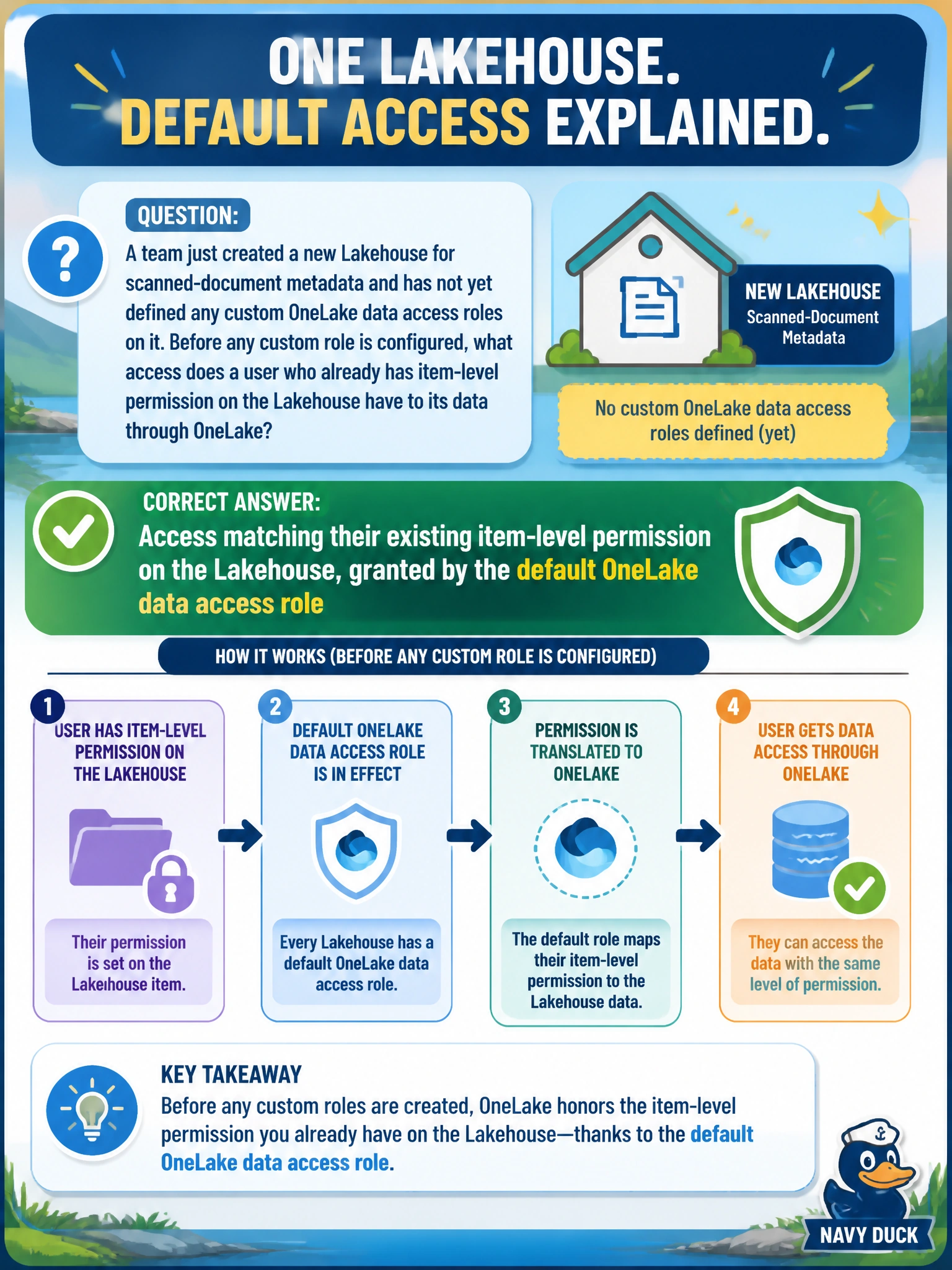
A team just created a new Lakehouse for scanned-document metadata and has not yet defined any custom OneLake data access roles on it. Before any custom role is configured, what access does a user who already has item-level permission on the Lakehouse have to its data through OneLake?
Select an answer to reveal the explanation.
Short Explanation
Think of the default OneLake role as the master key that already came with the building's front-door access — until someone cuts new, narrower keys (custom roles), your existing door pass just carries straight through to the data inside.
Full Explanation
Every Lakehouse ships with a default OneLake data access role that mirrors the item-level permissions already granted on it, so a user who has read access to the Lakehouse item can read its data through OneLake (SQL analytics endpoint, Spark, and so on) without any additional configuration. Custom roles exist to narrow that default down to specific folders or tables when finer-grained control is needed, not to unlock access that wasn't there before. 'No access at all until a custom role exists' inverts the actual default behavior — teams would be locked out of their own new Lakehouse otherwise, which isn't how Fabric ships the feature. 'Access to every Lakehouse in the tenant' confuses item-scoped defaults with a tenant-wide grant, which doesn't exist; each Lakehouse's default role only reflects that Lakehouse's own item permissions. 'A single default folder only' invents a restriction that isn't part of the default behavior — the default role isn't folder-scoped, it mirrors the item permission across the Lakehouse. To confirm, an engineer can query the Lakehouse's tables through OneLake as a user with only item-level read access and no custom role, and observe that access still succeeds.