
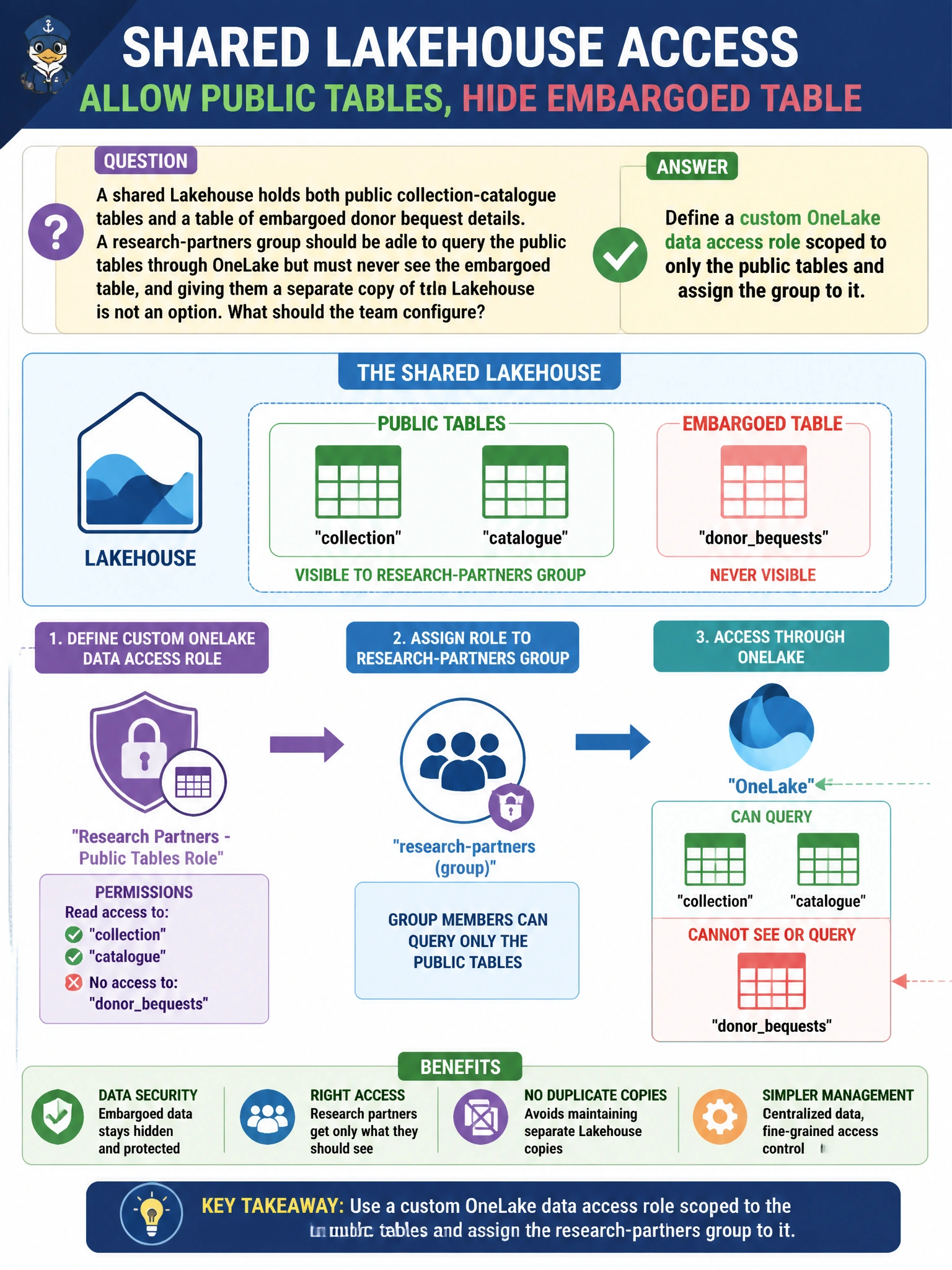
A shared Lakehouse holds both public collection-catalogue tables and a table of embargoed donor bequest details. A research-partners group should be able to query the public tables through OneLake but must never see the embargoed table, and giving them a separate copy of the Lakehouse is not an option. What should the team configure?
Select an answer to reveal the explanation.
Short Explanation
A OneLake data access role works like a curator's tour route through the collection: you can hand a visitor group a path that only passes the public galleries, never the archive rooms holding embargoed bequests. It's built for exactly this — one Lakehouse, different data-level access per group.
Full Explanation
OneLake data access roles let engineers define a named role that grants access to a specific subset of a Lakehouse's folders or tables, then assign Microsoft Entra security groups (or users) to that role — all within a single Lakehouse item, without duplicating data or creating a second copy. Here, a role scoped to the public catalogue tables lets the research-partners group query through OneLake, the SQL analytics endpoint, or Spark, while the embargoed table simply isn't part of that role's grant. Sharing the whole Lakehouse item fails because item-level sharing exposes everything the item contains, including the embargoed table. Making the group Contributors is worse still — that's a workspace role granting broad content-management rights, unrelated to restricting which tables a group can read. Dynamic data masking obscures column values for people who already have row access; it doesn't stop a group from discovering that the embargoed table exists or from being granted access to it, so it's the wrong tool for excluding an entire table. To confirm the configuration, an engineer should sign in as a test account in the research-partners group and verify the embargoed table doesn't even list in that account's OneLake browse view.