
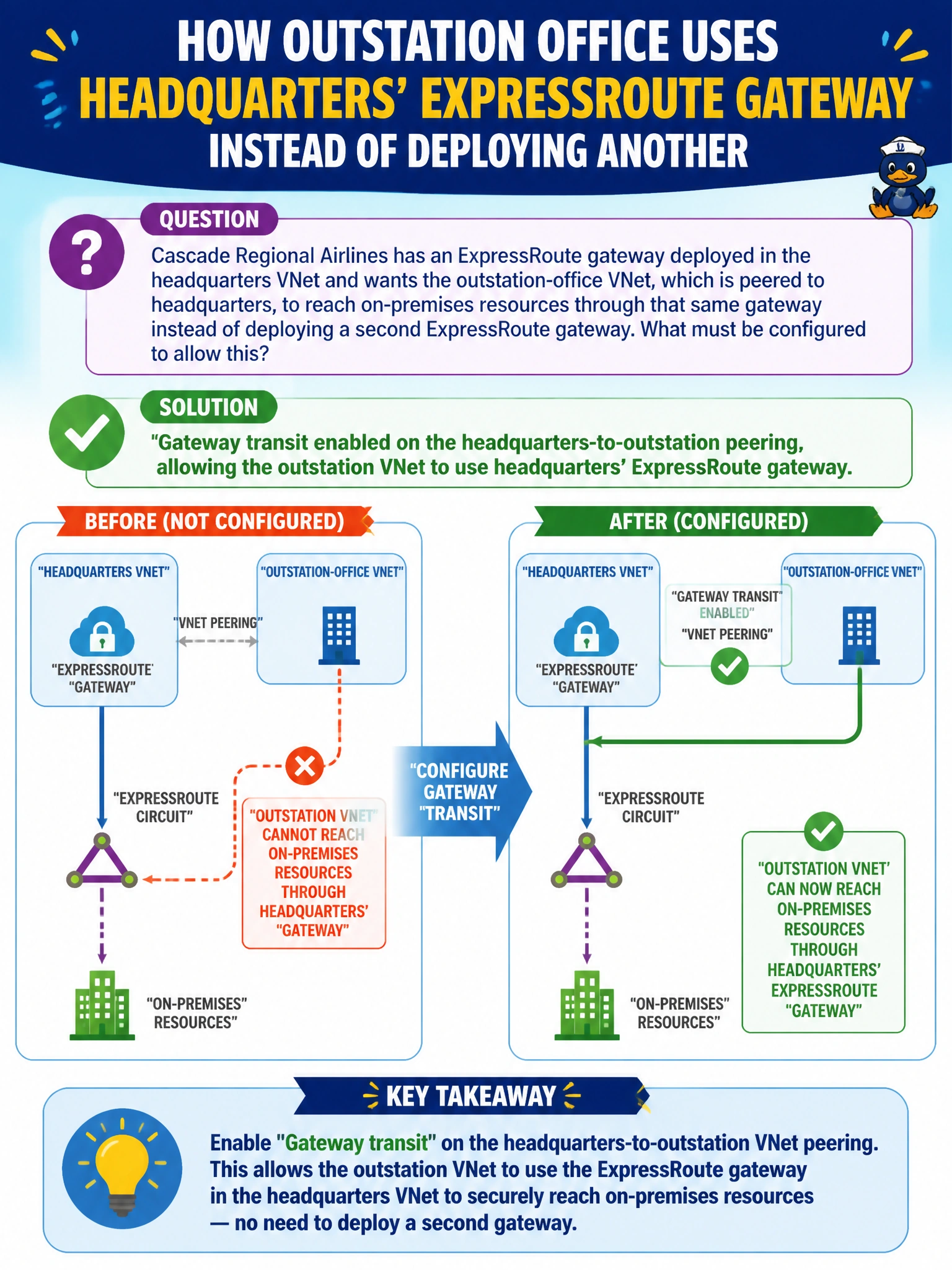
Cascade Regional Airlines has an ExpressRoute gateway deployed in the headquarters VNet and wants the outstation-office VNet, which is peered to headquarters, to reach on-premises resources through that same gateway instead of deploying a second ExpressRoute gateway. What must be configured to allow this?
Select an answer to reveal the explanation.
Short Explanation
Gateway transit is the setting that lets a spoke VNet borrow the hub's on-ramp to on-premises instead of building its own. Turn it on for the headquarters-to-outstation peering, and the outstation VNet rides headquarters' existing ExpressRoute gateway rather than needing one of its own.
Full Explanation
Gateway transit is a peering property that allows one VNet in a peering relationship to use the other VNet's VPN or ExpressRoute gateway for connectivity to on-premises networks, rather than deploying its own gateway. Enabling gateway transit on the headquarters-to-outstation peering (with the corresponding ‘use remote gateway’ setting configured on the outstation side, and the outstation VNet itself having no gateway of its own) lets outstation-office VMs route to on-premises resources through headquarters' existing ExpressRoute gateway. Deploying a separate site-to-site VPN would work technically but defeats the stated goal of reusing the existing gateway and adds unnecessary cost and complexity. A user-defined route alone cannot create connectivity that does not already exist at the gateway/peering level; UDRs steer traffic that has a valid path, they do not create the path itself. Service endpoints extend a subnet's identity onto specific Azure PaaS services like Storage or SQL Database; they have no relationship to ExpressRoute circuits or gateway sharing. Note that only one gateway (VPN or ExpressRoute) can be used per peering for transit, and the peered VNet must not have a conflicting gateway of its own for this configuration to take effect.