
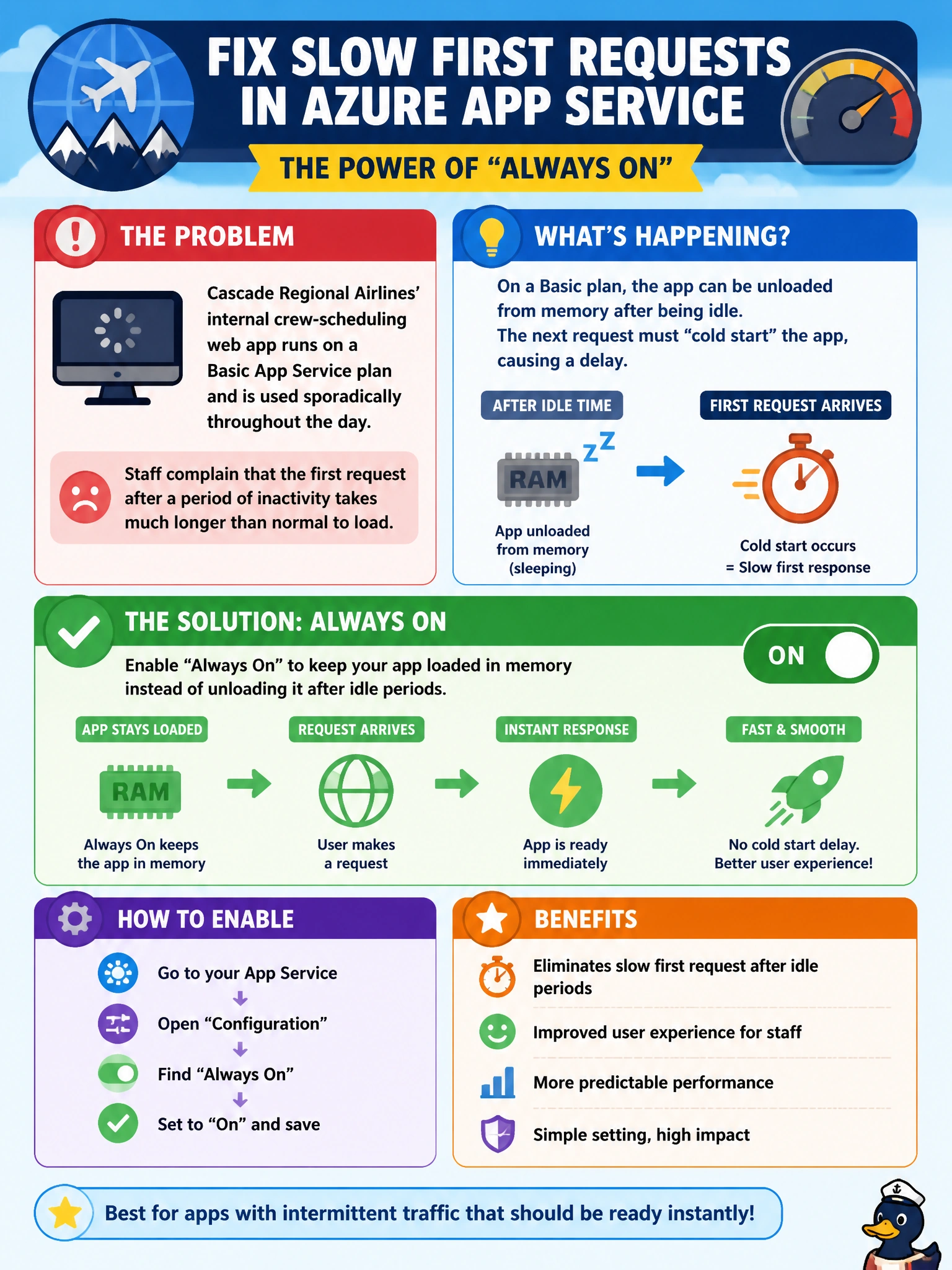
Cascade Regional Airlines' internal crew-scheduling web app runs on a Basic App Service plan and is used sporadically throughout the day. Staff complain that the first request after a period of inactivity takes much longer than normal to load. Which App Service configuration setting most directly addresses this specific complaint?
Select an answer to reveal the explanation.
Short Explanation
An app that goes quiet for a while gets unloaded by the platform to save resources, and that first request afterward has to pay the cost of reloading everything from scratch. Always On tells App Service to keep the app warm and resident even during idle periods, so that slow first-request penalty disappears.
Full Explanation
By default, an App Service app can be unloaded after a period with no incoming requests, and the next request then triggers a full reload of the application, including any startup logic, which produces the noticeably slower first response the crew-scheduling app's users are experiencing. Enabling the Always On setting instructs the platform to keep the app loaded continuously and to periodically ping it to prevent idle unloading, which directly eliminates this cold-start pattern for sporadically used apps. HTTPS Only is a security setting that redirects plain HTTP requests to HTTPS; it has no effect on application load time or idle behavior. Switching worker process architecture between 32-bit and 64-bit affects memory addressing and compatibility with certain dependencies, not idle unloading. A health check path is used by the platform to detect and route around unhealthy instances in a multi-instance deployment; it does not prevent an idle single instance from unloading. Note that Always On requires at least Basic tier, which this scenario already satisfies, so the fix here is simply to enable the setting in the app's Configuration blade and confirm subsequent idle-period requests no longer show the delay.