
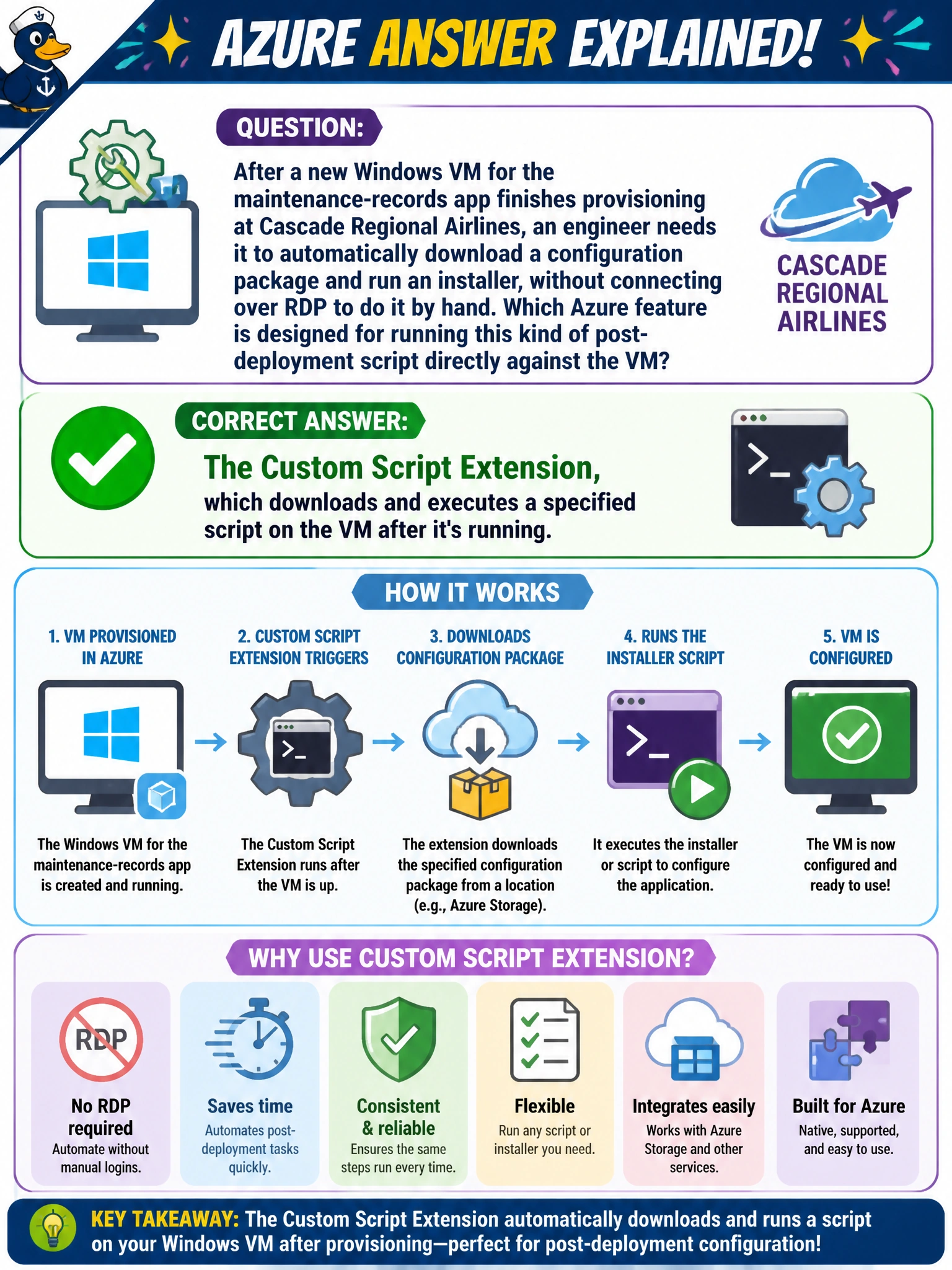
After a new Windows VM for the maintenance-records app finishes provisioning at Cascade Regional Airlines, an engineer needs it to automatically download a configuration package and run an installer, without connecting over RDP to do it by hand. Which Azure feature is designed for running this kind of post-deployment script directly against the VM?
Select an answer to reveal the explanation.
Short Explanation
A VM extension is like a small helper that gets dropped onto the machine after it's already up and running, ready to do a specific job. The Custom Script Extension's job is exactly this: fetch a script or package and run it against the VM, no remote desktop session required. It's the automated hands-off way to finish configuring a VM once it exists.
Full Explanation
VM extensions are small agents that Azure installs onto a running VM to perform post-deployment tasks, and the Custom Script Extension specifically downloads a specified script (often from a storage account or public URL) and executes it on the VM, which is exactly the 'run an installer after the VM exists' scenario described. This removes the need for someone to log in over RDP or SSH and configure the machine by hand, and it can be triggered as part of the same deployment that creates the VM. An availability set is purely a placement construct for fault and update domain distribution; it has no mechanism for executing code on a VM. A disk snapshot captures a point-in-time copy of a disk's data — it doesn't run anything, and scheduling one after deployment wouldn't install software. Applying an Azure Compute Gallery image version to an already-running VM isn't how the gallery works either; gallery images are used to create new VMs or disks, not to push configuration onto an existing one. As an operational check, review the extension's execution output and status in the VM's Extensions blade to confirm the script actually completed successfully rather than assuming success just because deployment finished.