
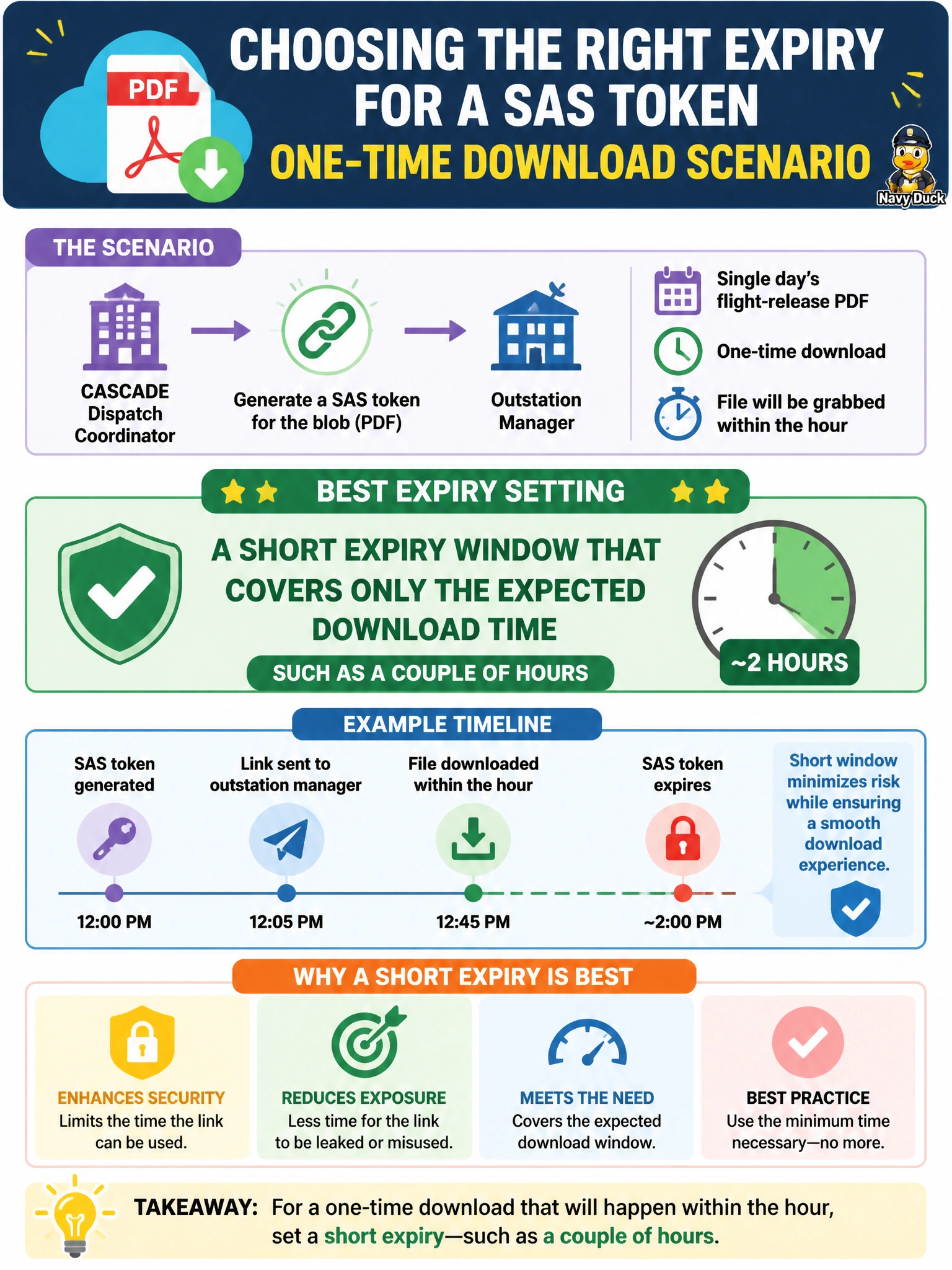
A dispatch coordinator at Cascade needs to send a one-time download link for a single day's flight-release PDF to an outstation manager who will grab the file within the hour. The coordinator is about to generate a SAS token for the blob. What expiry setting best fits this task?
Select an answer to reveal the explanation.
Short Explanation
Think of a SAS expiry like a parking permit that's only good for the afternoon — once the download happens, there's no reason the link should still work next month. Matching the token's lifetime to the actual task shrinks the window an attacker could ever use it. Short and task-scoped beats long and forgotten.
Full Explanation
Setting the SAS expiry to a couple of hours means the credential is only valid for the realistic time it takes the outstation manager to click the link and pull the file, so even if the URL leaks in a chat log or email thread, the exposure window closes quickly. A SAS with no expiry effectively becomes a permanent, unmanaged credential — anyone who ever sees that URL can use it indefinitely until someone remembers to revoke it, which is the opposite of least privilege. A one-year expiry has the same core flaw at a smaller scale: it trades a bit of operational convenience (not regenerating tokens often) for a long-lived secret sitting in inboxes and browser history. Rotating the account key after the download misunderstands the tools involved — key rotation is a blunt, account-wide action that would break every other application currently authenticated with that key, and it does nothing to limit the original link's validity beforehand. As a caveat, always pair a short expiry with HTTPS-only transmission of the link. To check the setup, attempt to use the URL after its expiry passes and confirm the request is denied.