
A subscription owner at Cascade Regional Airlines wants to track spending specifically for the maintenance-records resource group, separately from the rest of the spend happening elsewhere in the same subscription. How should the owner set this up in Cost Management?
Select an answer to reveal the explanation.
Short Explanation
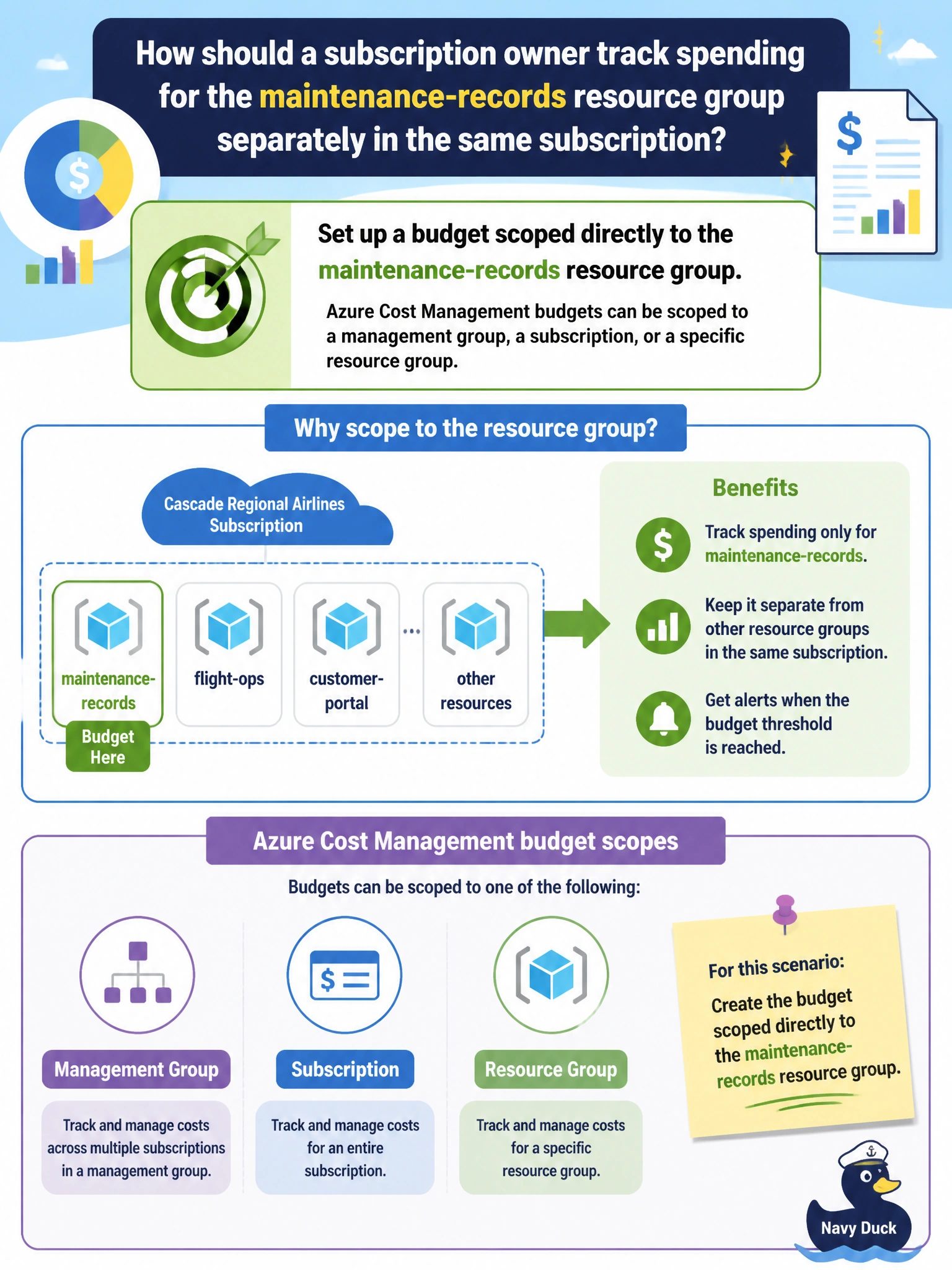
Budgets aren't stuck watching the whole subscription's wallet, you can point one at a single resource group and it will only watch that slice of spend. Scope is the setting that narrows the focus.
Full Explanation
Azure Cost Management budgets support several scopes: a management group, a subscription, or a resource group, and in some contexts an even narrower filter using tags or other dimensions. Creating the budget directly at the maintenance-records resource group means Cost Management tracks and alerts only on consumption attributed to resources inside that resource group, isolating it cleanly from unrelated spend elsewhere in the subscription. The claim that budgets are restricted to the subscription scope, or alternatively restricted to the management group scope, both describe only one of several supported scopes and miss that resource-group-level budgets are a standard, commonly used option, useful precisely for isolating one workload's cost trend the way this scenario needs. A resource lock is unrelated to cost tracking altogether; it is a delete and modify protection mechanism and has no configuration option for spend thresholds or budget amounts of any kind. One caveat: resource-group-scoped budgets reflect costs billed to resources that remain within that resource group for the billing period, so a resource moved out mid-month will only be reflected proportionally in each group's cost during that transition. Confirm the budget is capturing the right costs by comparing its reported spend against the Cost analysis view filtered to the same resource group.