
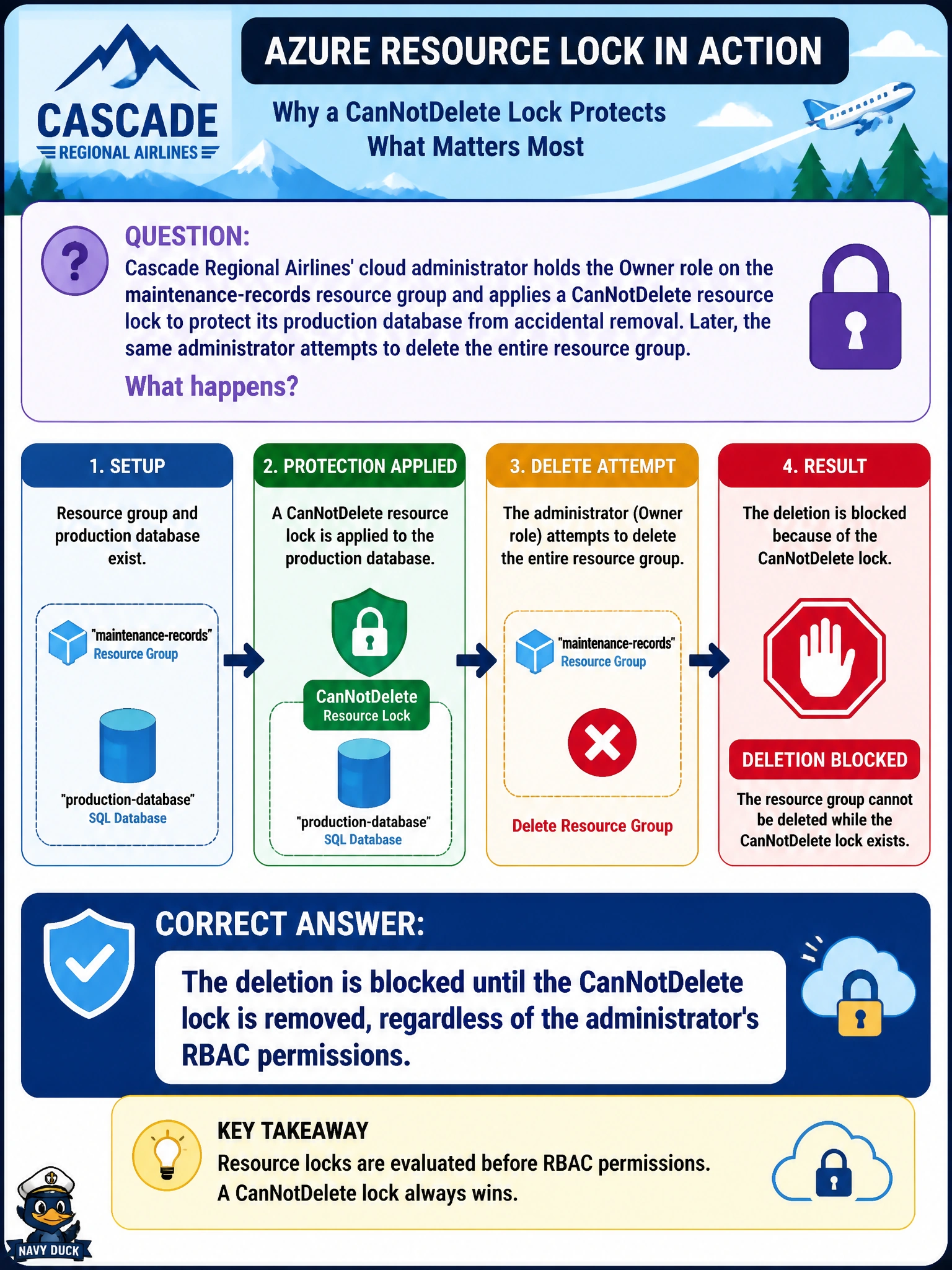
Cascade Regional Airlines' cloud administrator holds the Owner role on the maintenance-records resource group and applies a CanNotDelete resource lock to protect its production database from accidental removal. Later, the same administrator attempts to delete the entire resource group. What happens?
Select an answer to reveal the explanation.
Short Explanation
A resource lock doesn't care who you are or what role you hold; it's more like a physical padlock than a permission check. Even the person with the key to everything else in the resource group has to remove the padlock first before deletion can go through.
Full Explanation
Resource locks operate independently of the Azure RBAC authorization pipeline. Even a principal with full Owner rights on a scope must still satisfy the lock check, which blocks the specific management operations the lock type restricts, delete for CanNotDelete, delete and most write operations for ReadOnly, before Resource Manager will process the request. The idea that Owner overrides a lock confuses permission evaluation, which locks are not part of, with a separate protective layer enforced on the resource itself. Locks are also not scoped to specific identities; they apply to every caller regardless of who created them or what role they hold, so there is no special exemption for the administrator who set it. Locks do not have a time-based expiration or automatic type change; they persist until explicitly removed by someone with the appropriate permission, typically Microsoft.Authorization/locks/delete. One operational caveat: locks inherit downward through the resource hierarchy, so a lock applied at the resource group also protects every resource inside it, and the most restrictive lock anywhere in the chain wins. To confirm before attempting a deletion, check the Locks blade on the resource group in the portal, or run Get-AzResourceLock, to see exactly what is blocking the operation.