
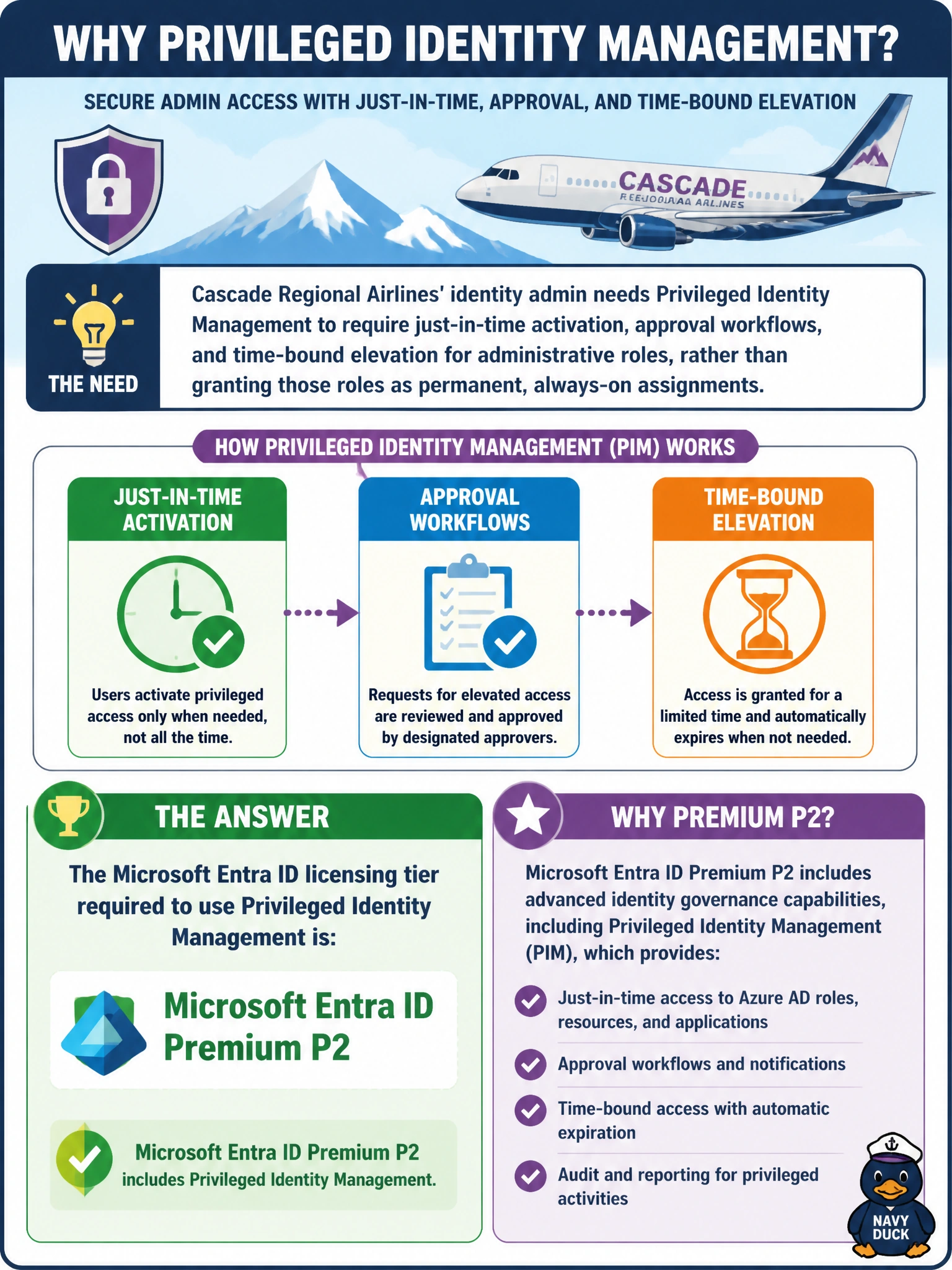
Cascade Regional Airlines' identity admin needs Privileged Identity Management to require just-in-time activation, approval workflows, and time-bound elevation for administrative roles, rather than granting those roles as permanent, always-on assignments. Which Microsoft Entra ID licensing tier is required to use Privileged Identity Management?
Select an answer to reveal the explanation.
Short Explanation
PIM sits on the top rung, not the middle one: it's a P2-only capability, one step beyond the conditional access features that come with P1. If the goal is just-in-time, approval-gated admin access, P2 is the tier that actually unlocks it.
Full Explanation
Privileged Identity Management is a Microsoft Entra ID Premium P2 feature that lets an organization convert standing, always-on administrative role assignments into eligible assignments a user must actively activate — optionally with approval, justification, time-bound duration, and MFA enforcement — reducing the window a compromised account could exploit a permanent privileged role. That activation-and-approval workflow is specifically gated behind P2 licensing, not offered at lower tiers. Entra ID Free provides only baseline directory functionality and security defaults, with no privileged access management capability at all. P1 alone unlocks conditional access and several other premium features, but Privileged Identity Management specifically requires the higher P2 tier — a common exam trap is assuming P1 covers every "premium-sounding" feature, when several, including PIM and Identity Protection, are P2-exclusive. The claim that PIM is bundled into every Microsoft 365 subscription is incorrect; it depends on the underlying Entra ID Premium P2 entitlement (included in bundles like Microsoft 365 E5, but not automatically present in every SKU). An exam-relevant caveat: PIM licensing must cover every user who will be assigned an eligible privileged role, not just the tenant as a whole. An operational check is confirming the Privileged Identity Management blade is accessible and not showing a license-upgrade prompt for the admin's tenant.