
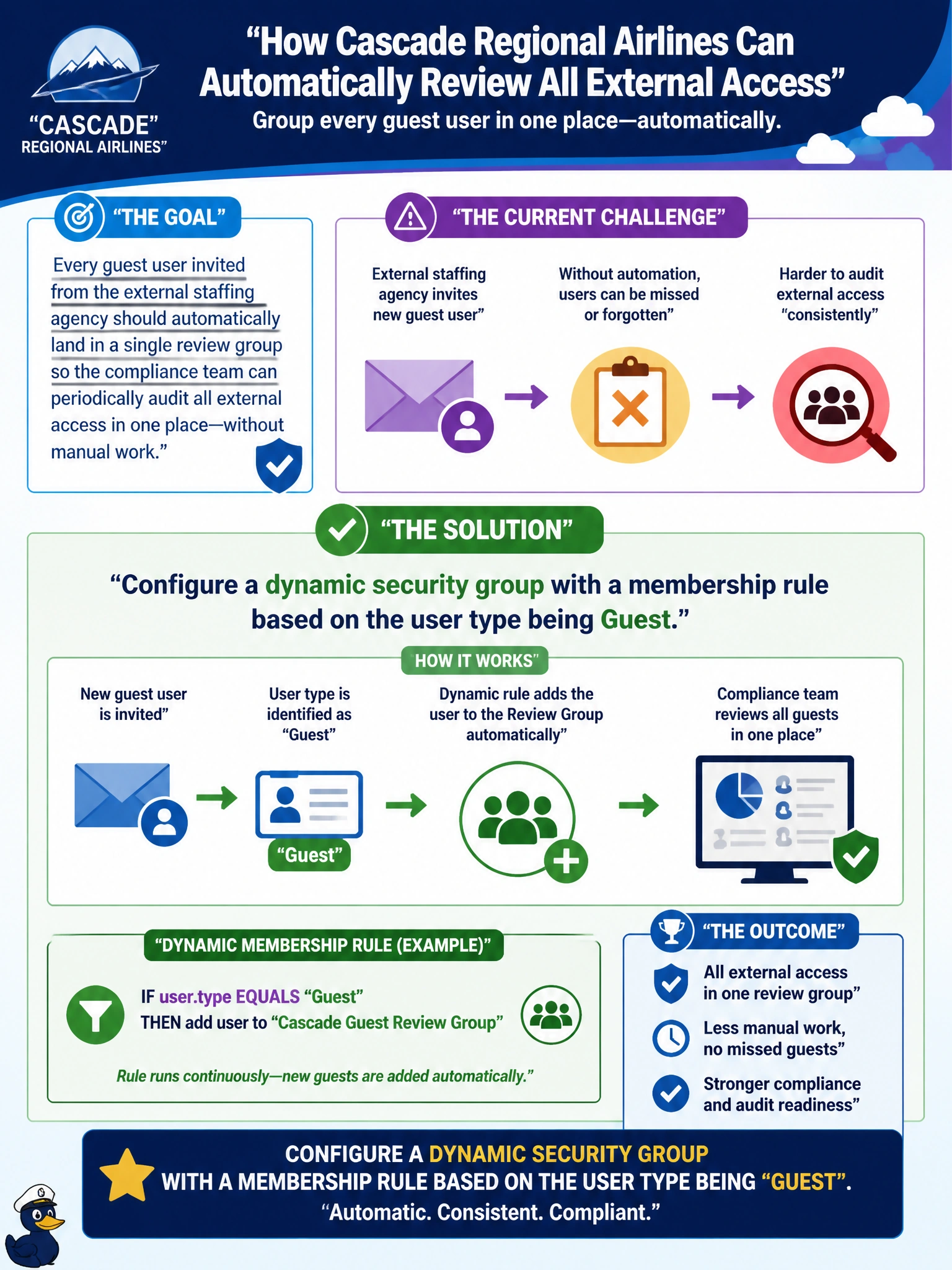
Cascade Regional Airlines wants every guest user invited from the external staffing agency to automatically land in a single review group so the compliance team can periodically audit all external access in one place, without anyone manually remembering to add each new guest. What should the identity admin configure?
Select an answer to reveal the explanation.
Short Explanation
The user-type attribute is a built-in tag Entra ID already keeps on every account — guest or member. A dynamic rule that checks for that tag catches every guest automatically, present and future, with nobody having to remember to do anything.
Full Explanation
Microsoft Entra ID stores a userType attribute (Member or Guest) on every account, and a dynamic membership rule can be written to match user.userType -eq "Guest", automatically pulling every current and future guest account into the review group the moment they're invited, and dropping them out if their type ever changes. That attribute-driven, self-maintaining mechanism is exactly what removes the manual-remembering step the compliance team wants eliminated. An assigned group that HR updates manually reintroduces the very human-memory dependency the scenario is trying to avoid, and a missed update means an unaudited guest slips through. A Microsoft 365 group restricted to internal employees is the wrong tool twice over: it's built for collaboration workspaces, not audit rosters, and explicitly excluding guests defeats the purpose of a group meant to track guests. An administrative unit built on manual nomination by department heads still depends on a human remembering to act for every single guest invitation, which is the same failure mode as the manually updated group. An exam-relevant caveat: dynamic membership requires an appropriate Entra ID P1 or higher license for the tenant. An operational check is inviting a test guest account and confirming it appears in the review group without any manual step.