
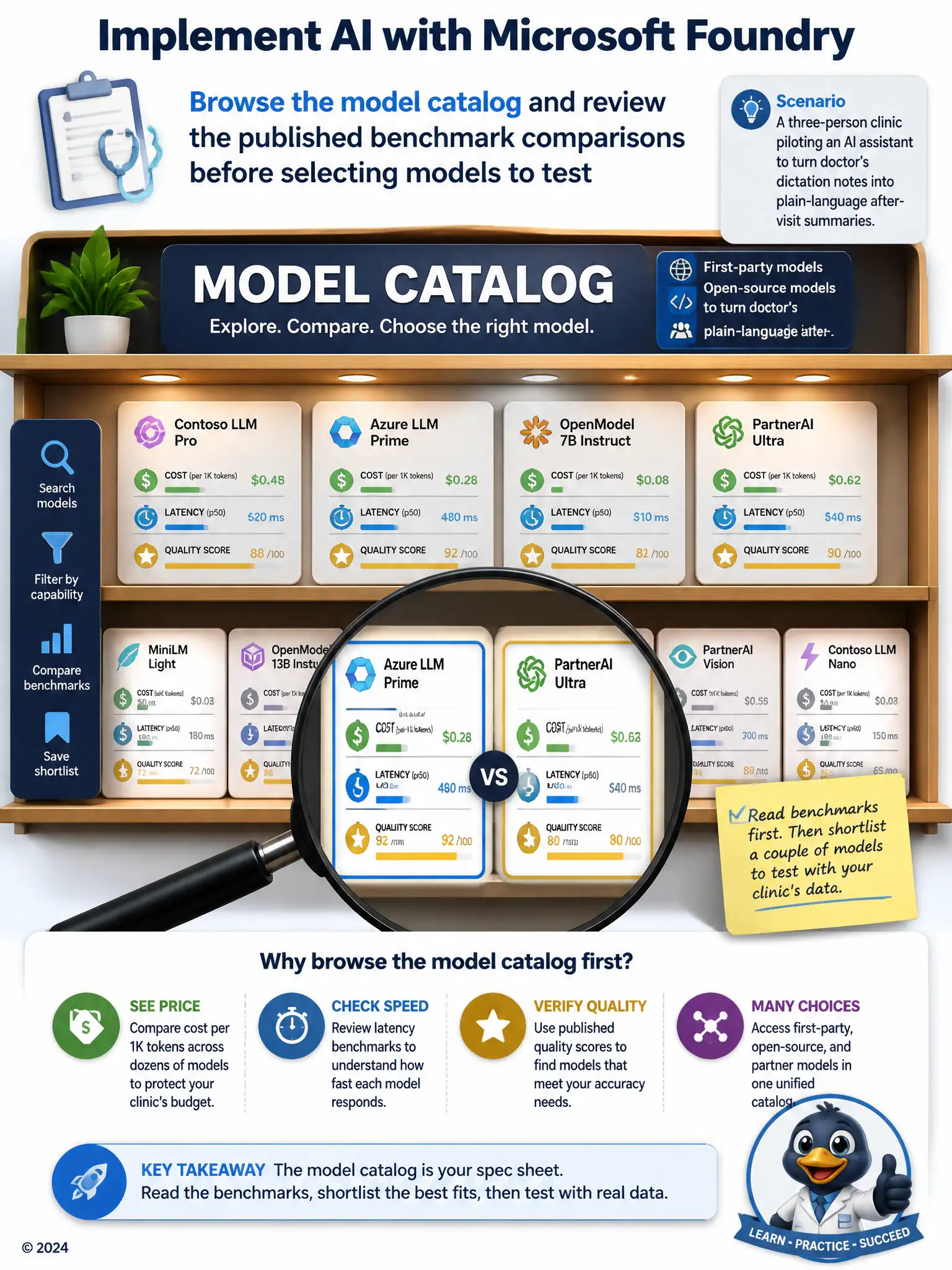
A three-person clinic is piloting an AI assistant to turn doctor's dictation notes into plain-language after-visit summaries. Before committing budget, the team wants to compare several candidate language models side by side on cost, latency, and quality benchmarks without writing custom evaluation code. Which capability of Microsoft Foundry should they use first?
Select an answer to reveal the explanation.
Short Explanation
Use the model catalog to compare published cost, latency, and quality benchmarks before you test anything. It's like checking specs before a test drive, so you don't waste money deploying the first model you see.
Full Explanation
The correct answer is the model catalog option: browse the model catalog and review the published benchmark comparisons before selecting models to test. The Microsoft Foundry model catalog lists many first-party, open-source, and partner models with published benchmark data on quality, cost, and latency, letting the clinic compare candidates before deploying anything, which fits their goal of choosing without writing custom evaluation code first. The deploy-the-first-model option is incorrect because Foundry projects can host and switch between many deployed models, not just one at a time. The Azure OpenAI-only option is incorrect because the catalog includes models from multiple providers, including open-source and third-party options, not only Azure OpenAI models. The manual-retraining option is incorrect because retraining every candidate model from scratch is unnecessary and costly; the catalog's benchmarks are designed specifically to support informed selection before any training or fine-tuning work begins. Choosing through the catalog first lets the clinic narrow to a shortlist, then test those few against real dictation samples, saving both money and staff time during the pilot phase of the project.