
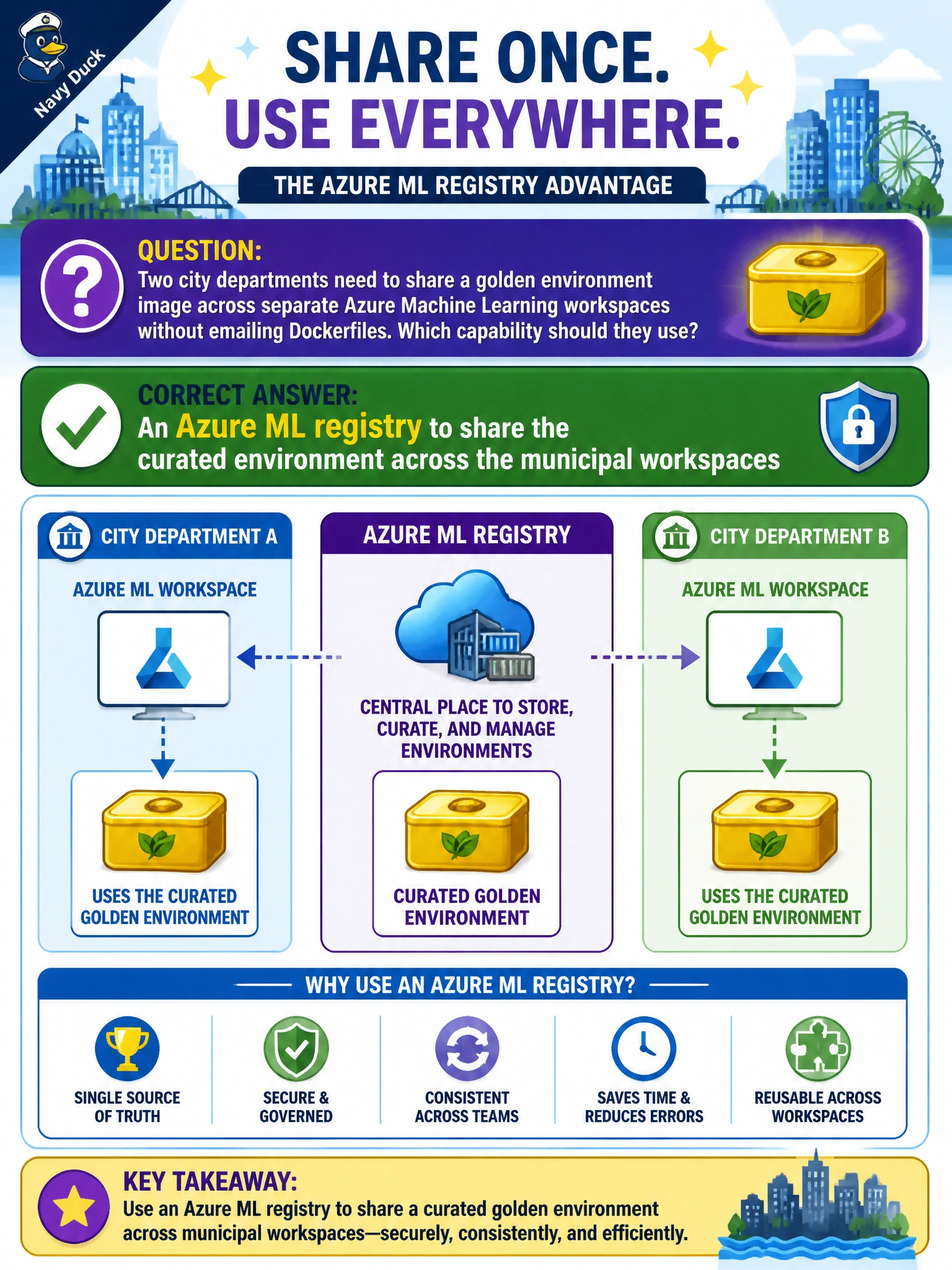
Two city departments need to share a golden environment image across separate Azure Machine Learning workspaces without emailing Dockerfiles. Which capability should they use?
Select an answer to reveal the explanation.
Short Explanation
You'll only have the base container in an Azure Container Registry, so you won't have a versioned Azure ML environment both workspaces can pull. Put it in an Azure ML registry so both workspaces pull the same curated image. A workspace environment stays versioned in its home workspace, and a datastore just stages files, so you can't use either to share the golden image across workspaces.
Full Explanation
Using an Azure ML registry to share the curated environment across the municipal workspaces is correct because registries are designed to distribute environments, models, and components across workspace boundaries without sneakernet. Two city departments can pull the same golden environment image/specification from the registry, preserving identity and version metadata. That replaces emailing Dockerfiles and reduces drift between separately administered Azure ML workspaces.
An Azure Container Registry to share the base Docker image across the municipal workspaces stores only the underlying container image and does not distribute the Azure ML environment asset with its conda specification and version identity, so Azure ML jobs cannot resolve it as a registered cross-workspace environment the way they resolve a registry environment. An Azure ML workspace environment to version the curated image within its home workspace keeps the version scoped locally, so the second department cannot resolve it across workspaces and it cannot serve as the golden-environment sharing mechanism without promotion via registry. An Azure ML datastore to stage the curated environment image for the municipal workspaces is still a data repository, not an environment-sharing service, and Azure ML jobs cannot resolve a datastore path as a registered cross-workspace environment the way they resolve a registry environment.
Exam caveat: registries share assets across workspaces; a single workspace environment stays local unless promoted/shared via registry (or equivalent sharing). When stems say "across separate workspaces without emailing Dockerfiles," choose registry.
Operational check: push the curated environment to the Azure ML registry, pull it into both departmental workspaces, submit a job in each workspace referencing the same environment version, and confirm package pins match.
Prefer to study offline? Printable PDF study book + test engine ($7.50, unofficial). These questions stay free here.