
After Key Vault rotation, the embedding worker fails with authorization errors. What is the most likely fix path?
Select an answer to reveal the explanation.
Short Explanation
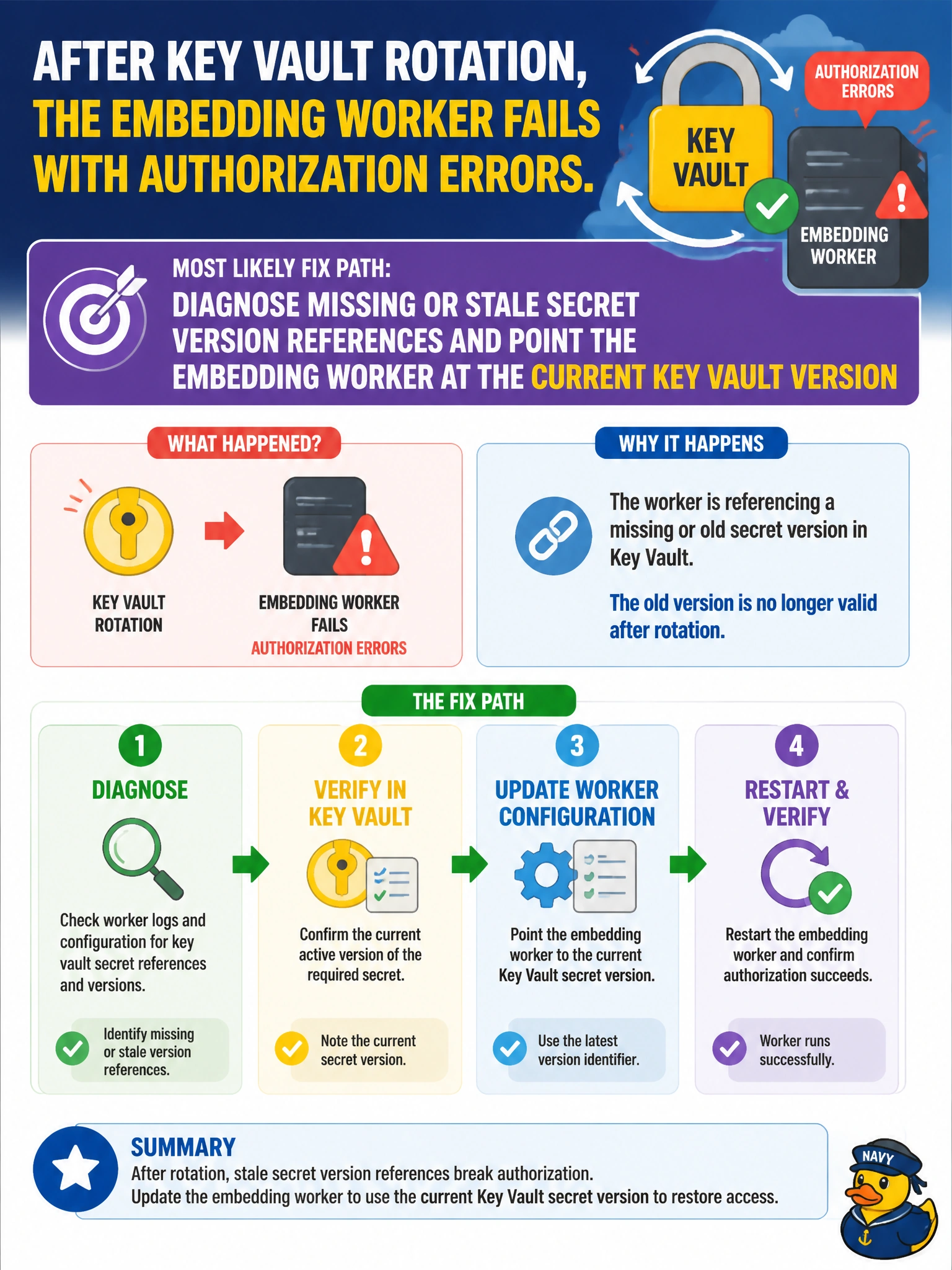
You can treat rotation like changing a lock: the embedding worker needs the current key. Check for a stale or missing secret-version reference and point the worker to the current Key Vault version.
Full Explanation
After Key Vault rotation, authorization errors most likely mean the embedding worker has a missing or stale secret-version reference. Point it at the current version, or use a versionless URI that resolves to the latest version. Rotation creates a new secret version; a worker pinned to an old version, caching retired credentials, or lacking Get permission on the new version can fail even when the vault and identity appear correctly configured. Align the reference, refresh configuration, and validate identity permissions rather than abandoning Key Vault. Disabling Key Vault and reverting to plaintext secrets in source control weakens security and hides the configuration problem. Ignoring the errors assumes consumers never need updates, but workers must be able to observe the new version or refresh their secret reference. Recreating the embedding worker while leaving its Key Vault settings unchanged repeats the same lookup and is unlikely to resolve the failure. Exam caveat: authorization errors after rotation can also stem from RBAC, a disabled old version, private-endpoint or firewall rules, or an unrefreshed app-settings reference; distinguish these causes systematically. Versionless references and dual-secret overlap windows can reduce cutover failures. Practical check: compare the worker’s configured secret URI and version with the vault’s current enabled version, update the reference, refresh or restart the worker, and confirm embedding calls succeed without putting plaintext secrets in source control.