
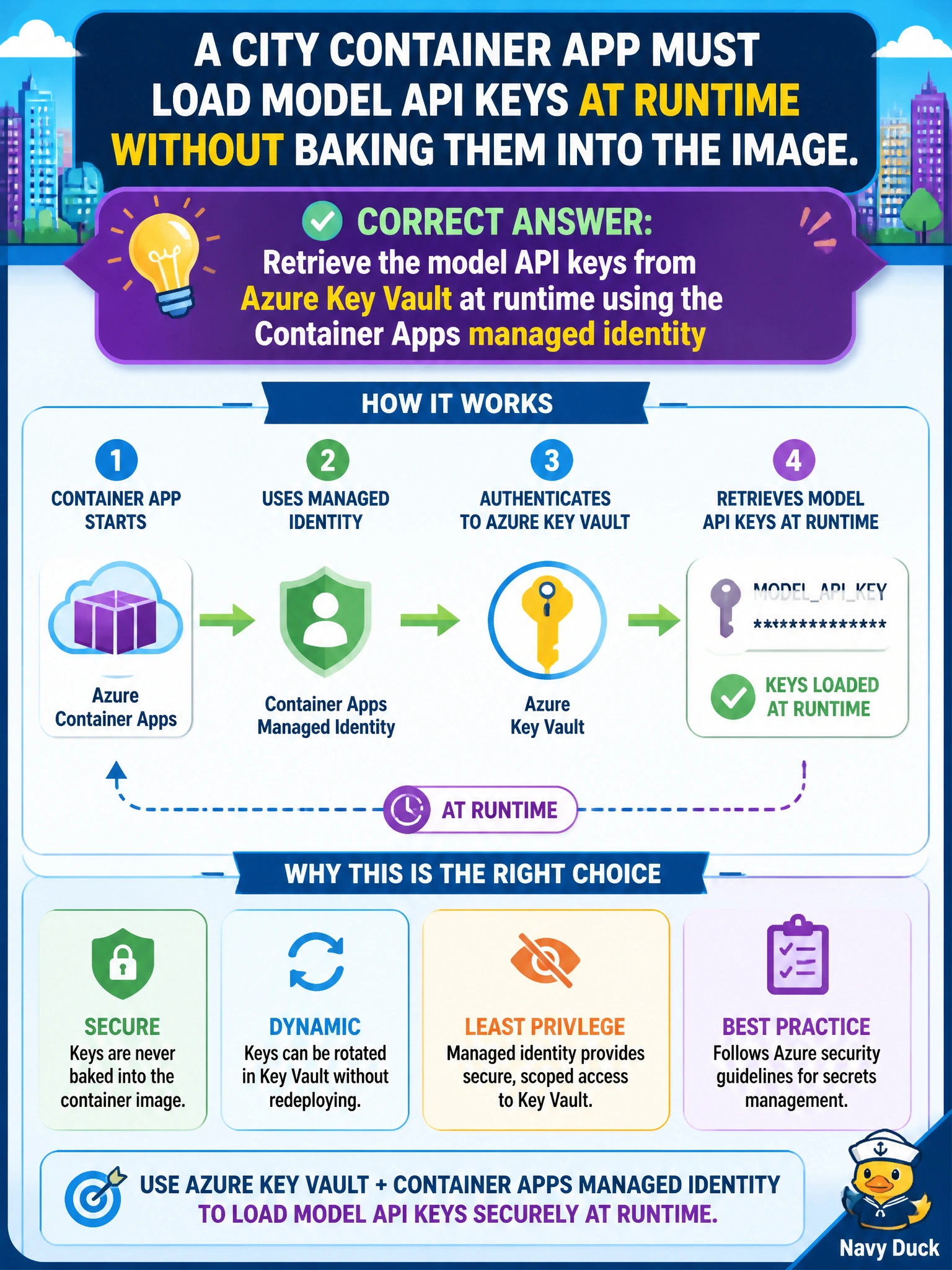
A city Container App must load model API keys at runtime without baking them into the image. What should the team use?
Select an answer to reveal the explanation.
Short Explanation
You can treat Azure Key Vault as the city lockbox: your Container App uses its managed identity at runtime to retrieve the model API keys, instead of baking them into the image. That keeps credentials out of the image while letting you rotate them without rebuilding it.
Full Explanation
For a city Container App that calls models, treat API keys as runtime secrets rather than build artifacts. Retrieve them from Azure Key Vault at startup or on demand using the Container Apps managed identity. The app requests a token for Key Vault, which authorizes that identity with least-privilege secret permissions; the process then receives the current secret value without embedding credentials in the image. This keeps image layers free of secrets and supports rotation without rebuilding images. Storing plaintext keys as environment variables in the container image fails because every image push, registry mirror, and cache becomes a credential store. Anyone who can pull an image or inspect historical tags may recover the keys, and rotation requires a rebuild and redeploy. Committing keys beside the Dockerfile in the municipal Git repository also creates long-lived exposure through source history, forks, CI logs, and developer clones; secret scanning may miss historical commits. Emailing keys to operators for portal pastes after scale events fails operationally: replicas can scale faster than people can paste, instances may get inconsistent credentials, and email retains copies outside Key Vault audit trails. Exam caveat: Key Vault still requires correct RBAC, such as Key Vault Secrets User, and network access; the identity needs permission to get secrets, and the vault firewall must allow the app. Practical check: verify the Container App identity can get the secret and that retrieval succeeds after a scale event without portal pastes; Key Vault logs should show the workload identity, not a shared admin account, reading it.