
A Container Apps RAG API calling Azure Database for PostgreSQL shows high connection latency under load. What should the team apply?
Select an answer to reveal the explanation.
Short Explanation
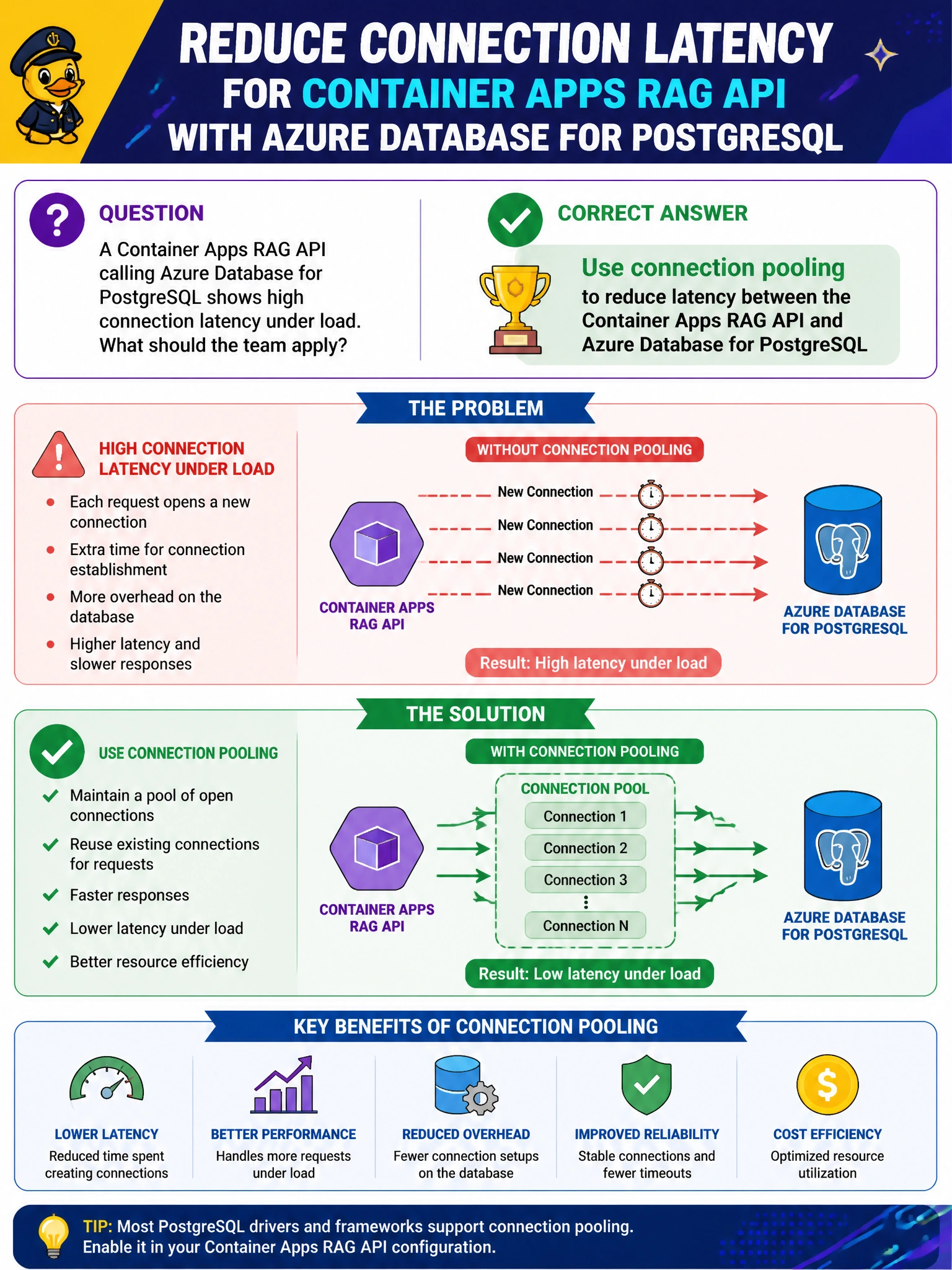
You can give your RAG API a reserved checkout lane with connection pooling, reusing warm PostgreSQL connections instead of opening a fresh one for every hurried question. That helps reduce connection latency under load.
Full Explanation
A Container Apps RAG API that talks to Azure Database for PostgreSQL under load should use connection pooling to reuse database sessions and reduce connection-setup latency. Pooling amortizes TCP/TLS and authentication overhead across many short RAG queries, which matters when generative requests fan out to frequent structured and vector lookups. Lower connection churn improves p95 latency for municipal RAG APIs. Opening a brand-new database connection for every token streamed from the model without pooling multiplies handshake cost and can exhaust PostgreSQL connection limits. Disabling TLS and sharing one global superuser password in client containers violates security baselines and least privilege. Restarting the entire PostgreSQL server on every API request to clear sessions is catastrophic for availability and is not a latency fix. Exam caveat: pooling may live in the app as a client pool or use a pooler compatible with Azure Database for PostgreSQL; the key is to apply pooling rather than per-request connections or unsafe shortcuts. Practical check: load-test the Container Apps RAG API, compare connection counts and query latency with pooling disabled versus enabled, set pool size relative to replica concurrency, and alert on PostgreSQL connection saturation.