
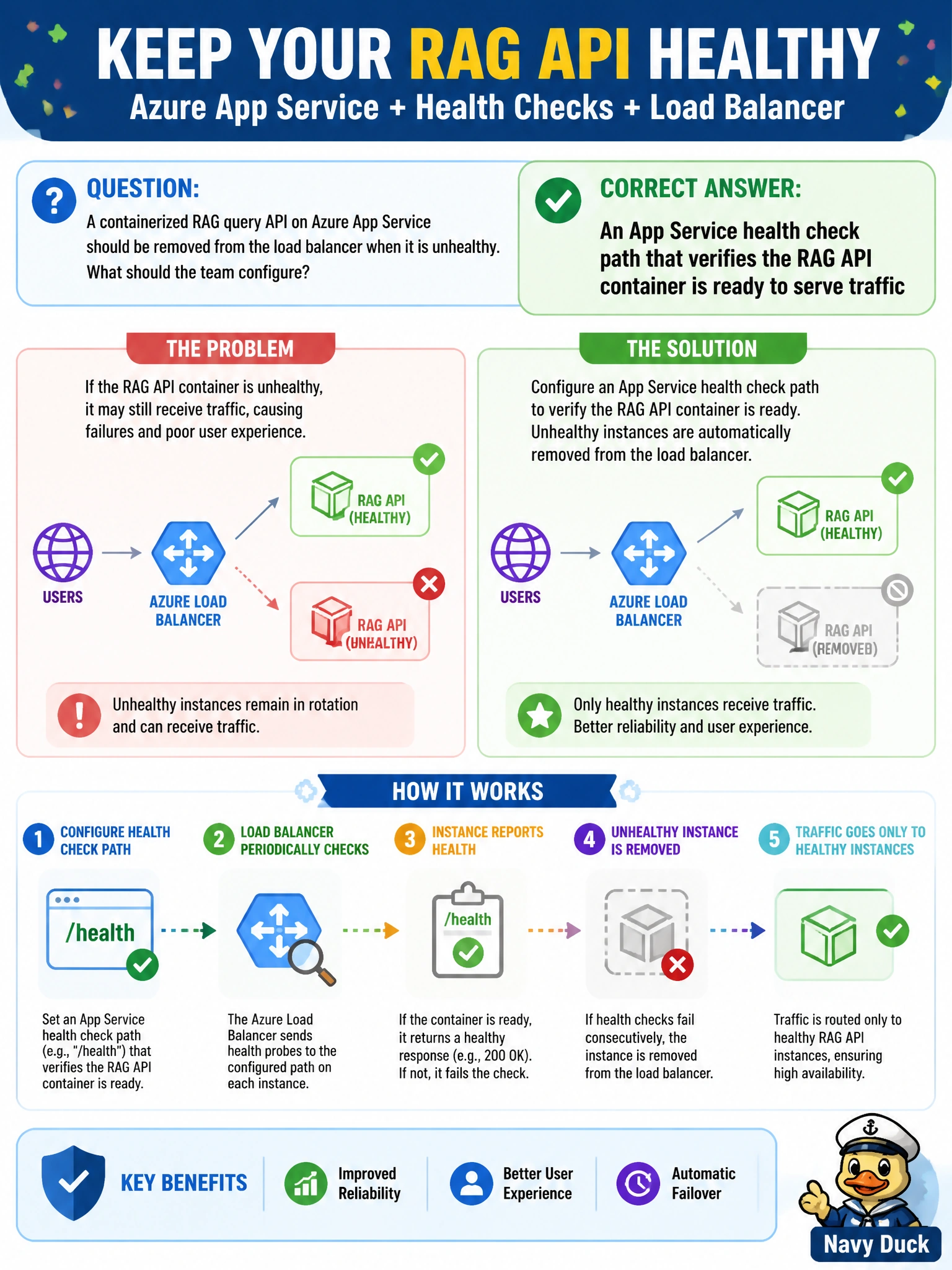
A containerized RAG query API on Azure App Service should be removed from the load balancer when it is unhealthy. What should the team configure?
Select an answer to reveal the explanation.
Short Explanation
App Service health checks are the city’s traffic light for the RAG API—when the path fails, the load balancer stops sending cars. A fake always-green light or social-media complaints don’t cut it.
Full Explanation
An Azure App Service health check path probes the containerized RAG query API and removes unhealthy instances from the load balancer when the path fails. The path should verify real readiness—process up, critical dependencies reachable enough to serve—so municipal traffic is not sent to broken replicas. That is the correct mechanism to drain bad instances automatically.
Having no health endpoint and relying on social media outage reports fails by concept because detection is slow, external, and not integrated with the load balancer. A health check that always returns 200 even when the model client cannot start fails because it lies about readiness and keeps sick instances in rotation. Probing only an unrelated static marketing site fails because marketing availability does not equal RAG API readiness; the wrong target produces false confidence.
Exam caveat: Health checks should be lightweight but truthful; over-heavy checks that call the full LLM on every probe can create load or flapping. Distinguish liveness versus readiness concepts; App Service health check primarily affects load balancer routing. Misconfigured paths (404) can mark all instances unhealthy.
Operational check: Implement a /health (or similar) endpoint that fails when the RAG container is not ready, configure App Service health check to that path, induce a failure (stop model client), and verify the instance is removed from rotation while healthy instances continue serving civic queries. Restore and confirm re-addition.