
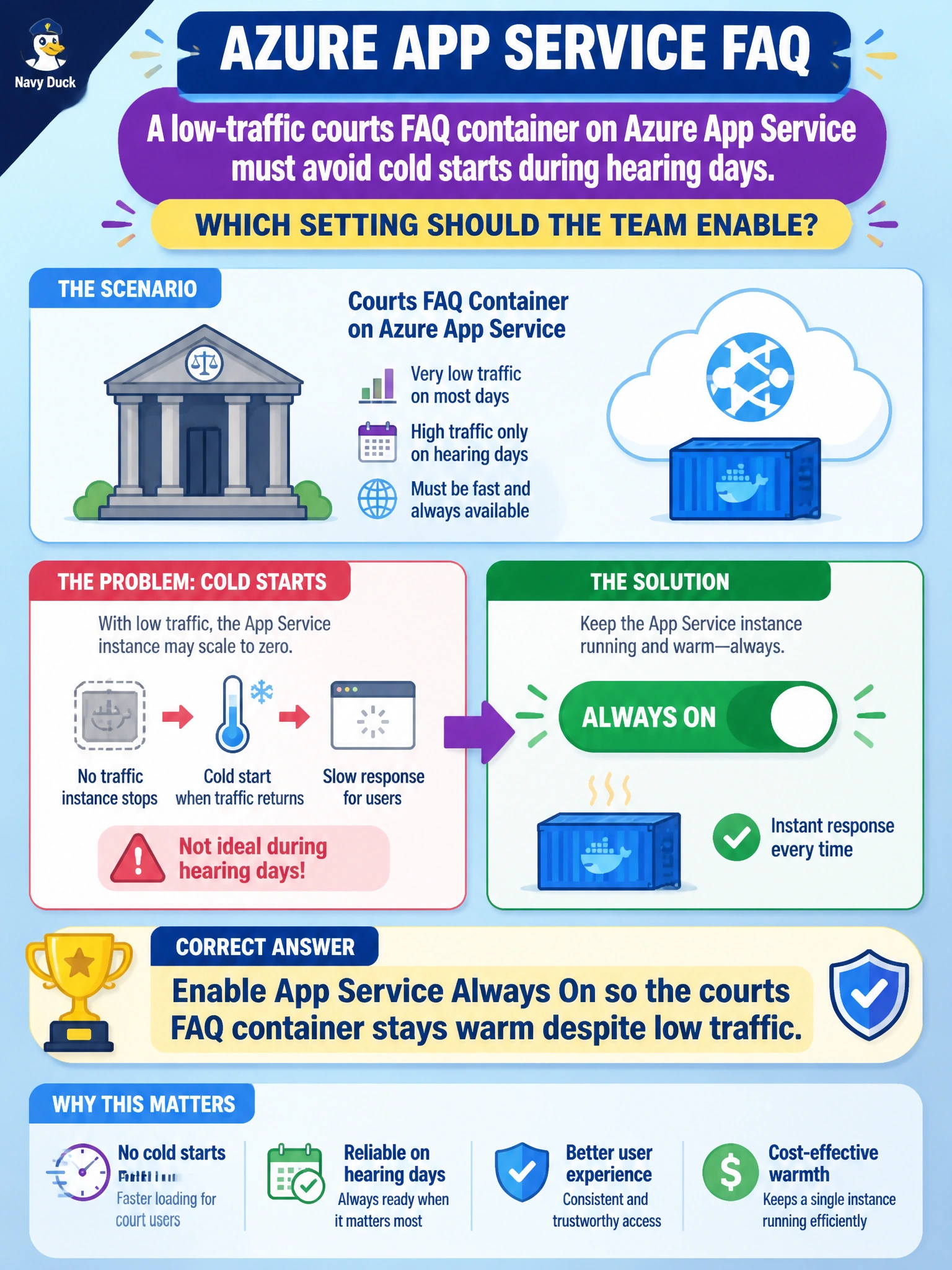
A low-traffic courts FAQ container on Azure App Service must avoid cold starts during hearing days. Which setting should the team enable?
Select an answer to reveal the explanation.
Short Explanation
You can think of Always On as leaving a night-light on in the courts FAQ hallway, so the first clerk on a hearing day isn’t waiting for the boiler to fire. Even with low traffic, the FAQ stays warm and ready.
Full Explanation
Azure App Service Always On keeps the courts FAQ container loaded so its worker process is not unloaded after idle periods, avoiding the cold-start-like delay when the first clerk visits on a hearing day. For a low-traffic but latency-sensitive municipal FAQ, Always On preserves responsiveness without changing the hosting product and directly meets the goal of keeping the site warm despite infrequent traffic. Turning off the App Service plan every night and relying on a cold start fails because it deliberately creates the delay the team wants to avoid. Replacing App Service with a single Logic App that sleeps indefinitely fails because a sleeping orchestration is not a warm, containerized FAQ site and does not provide Always On behavior for HTTP containers. Unpinning the custom domain until someone redeploys manually fails because it makes the site unreachable, worsening availability rather than preventing a startup delay. Exam caveat: Always On is an App Service configuration, available on Basic and higher plans (not Free or Shared), and keeping the site warm incurs cost. Operational check: Enable Always On, let the site sit beyond its normal unload window, then request the FAQ and confirm first-hit latency remains acceptable; also verify the plan SKU supports the setting and health checks pass while the site is warm.