
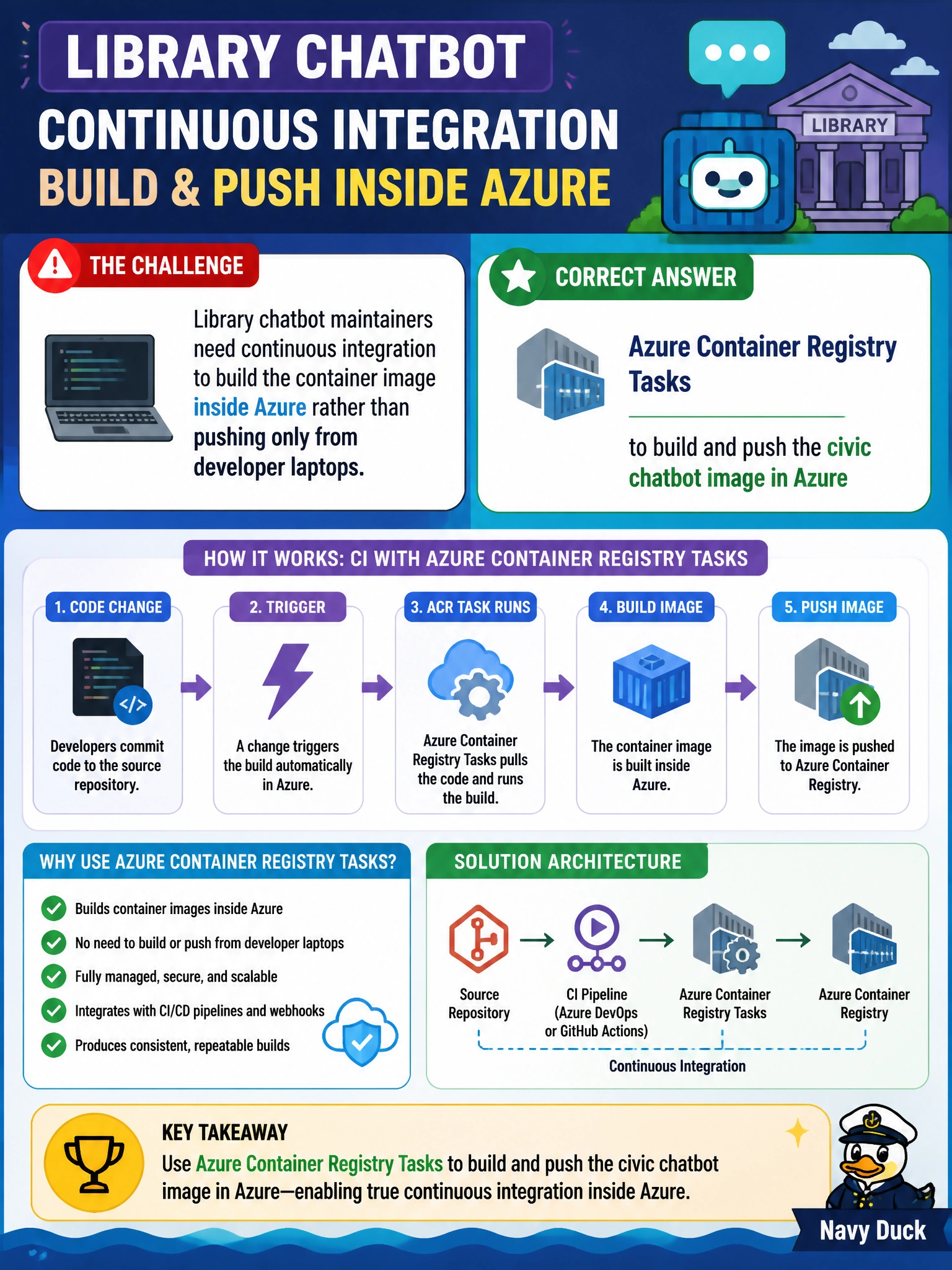
Library chatbot maintainers need continuous integration to build the container image inside Azure rather than pushing only from developer laptops. Which capability should they use?
Select an answer to reveal the explanation.
Short Explanation
You want every library branch to receive the same chatbot image, not a batch baked separately on each workstation. ACR Tasks build and push the image inside Azure, giving continuous integration a consistent registry artifact to deploy.
Full Explanation
Azure Container Registry Tasks build and push container images inside Azure from a Dockerfile or equivalent definition. For library chatbot maintainers who need continuous integration rather than laptop-only builds, ACR Tasks provide a cloud-side build that produces a consistent registry artifact. A task can run on commits, schedules, or base-image updates, then push the civic chatbot image into Azure Container Registry for deployment. This reduces “works on my workstation” drift and keeps the build process under municipal cloud control. Manual docker save on each librarian workstation before FTP to production fails the need for a consistent Azure-based CI build: artifacts can vary by machine, and FTP of saved files is not a registry-based image workflow. Azure Static Web Apps alone, without any container build step, does not meet the container-image requirement; it does not produce a versioned container image in Azure Container Registry. Copying root filesystem snapshots from a running VM into Blob Storage also fails: container platforms use image manifests and layers, not ad hoc VM filesystem snapshots. Exam caveat: ACR Tasks are a suitable Azure-native build capability, but the key requirement is a controlled pipeline that creates a proper container image and stores it in a registry. Practical check: verify that a task builds the chatbot Dockerfile, pushes a tagged image to Azure Container Registry, and that deployment uses that image rather than an FTP-uploaded workstation archive.