
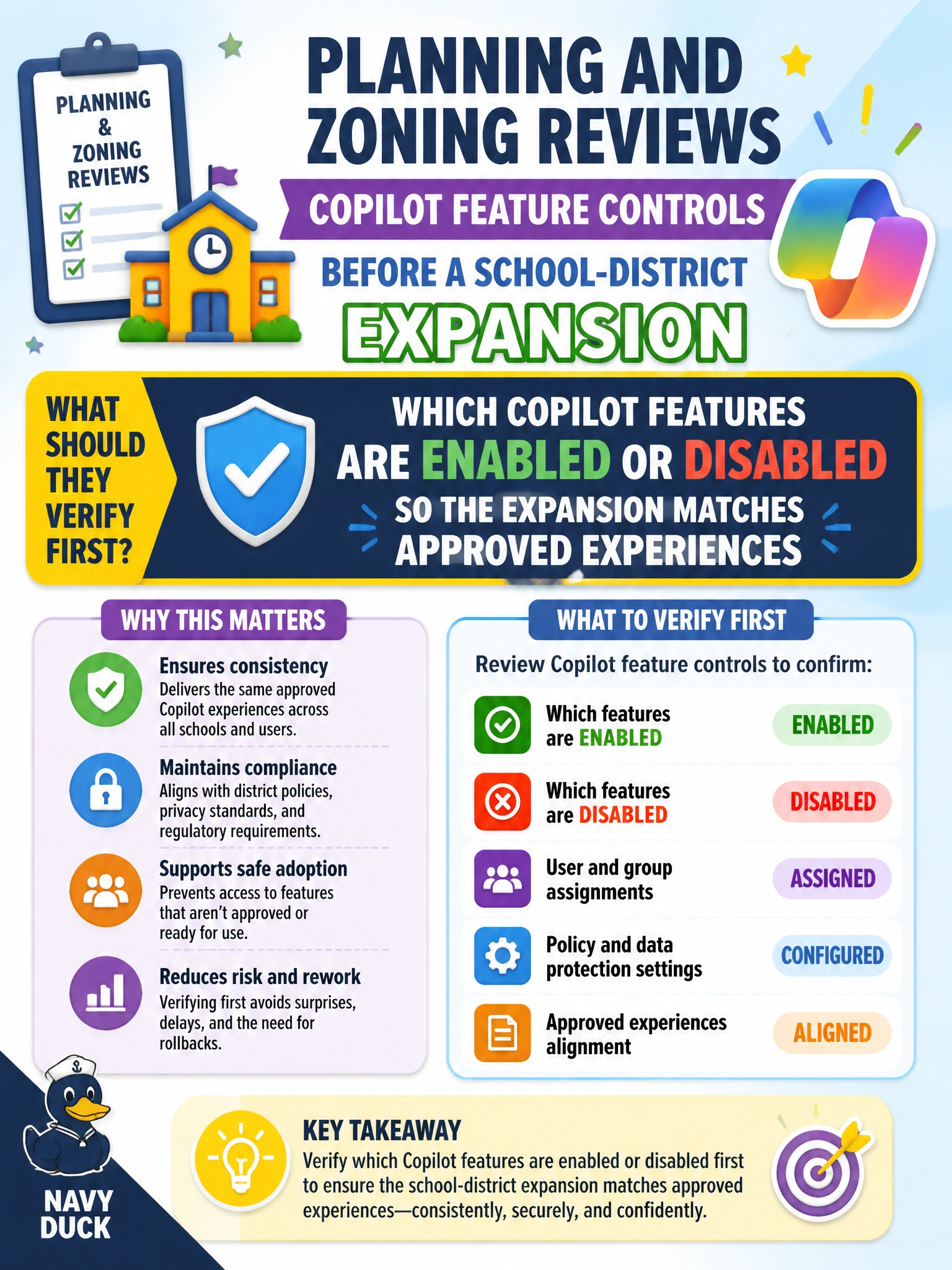
Planning and zoning reviews Copilot feature controls before a school-district expansion. What should they verify first?
Select an answer to reveal the explanation.
Short Explanation
Before expanding Copilot across the school district, check which features are on or off so you only ship what's approved. Checking what's on so you'll get better usage reports, retention coverage for prompts, or faster Entra ID provisioning is useful later, but it doesn't prove you're shipping only what's approved. Features first.
Full Explanation
Before a school-district Copilot expansion, planning and zoning (or the IT partners supporting that expansion) should first verify which Copilot features are enabled or disabled so the rollout matches approved experiences. Feature inventory is the gate: expanding licenses or training without knowing which experiences are on leaves the district shipping unapproved surfaces to staff and students’ supporting workers. Checking which Copilot features are enabled or disabled so the usage reports capture adoption across sites is useful for measurement after rollout, but it is not the first gate— tuning enablement for reporting doesn't ensure the expansion matches approved experiences and won't stop unapproved surfaces from reaching staff and students. Checking which Copilot features are enabled or disabled so retention policies cover prompts for classroom use matters for governance, but it narrows the check to policy coverage and does not verify that the expansion matches approved experiences, so it should be addressed after the feature inventory. Checking which Copilot features are enabled or disabled so Entra ID licenses provision access for new schools is important for user access, yet it is not the first verification; provisioning must follow confirmation that the expansion matches approved experiences, not lead it. Exam caveat: Domain 3 asks you to identify Copilot features that can be enabled or disabled as part of responsible rollout. Confirm the current feature set for the tenant rather than assuming a static list from a study guide alone. Operational check: Export or screenshot the current Copilot feature enablement state for the school-district tenant, mark each feature approved/deferred against the expansion plan, and only then proceed with license waves for approved experiences.
Prefer to study offline? Printable PDF study book + test engine ($7.50, unofficial). These questions stay free here.