
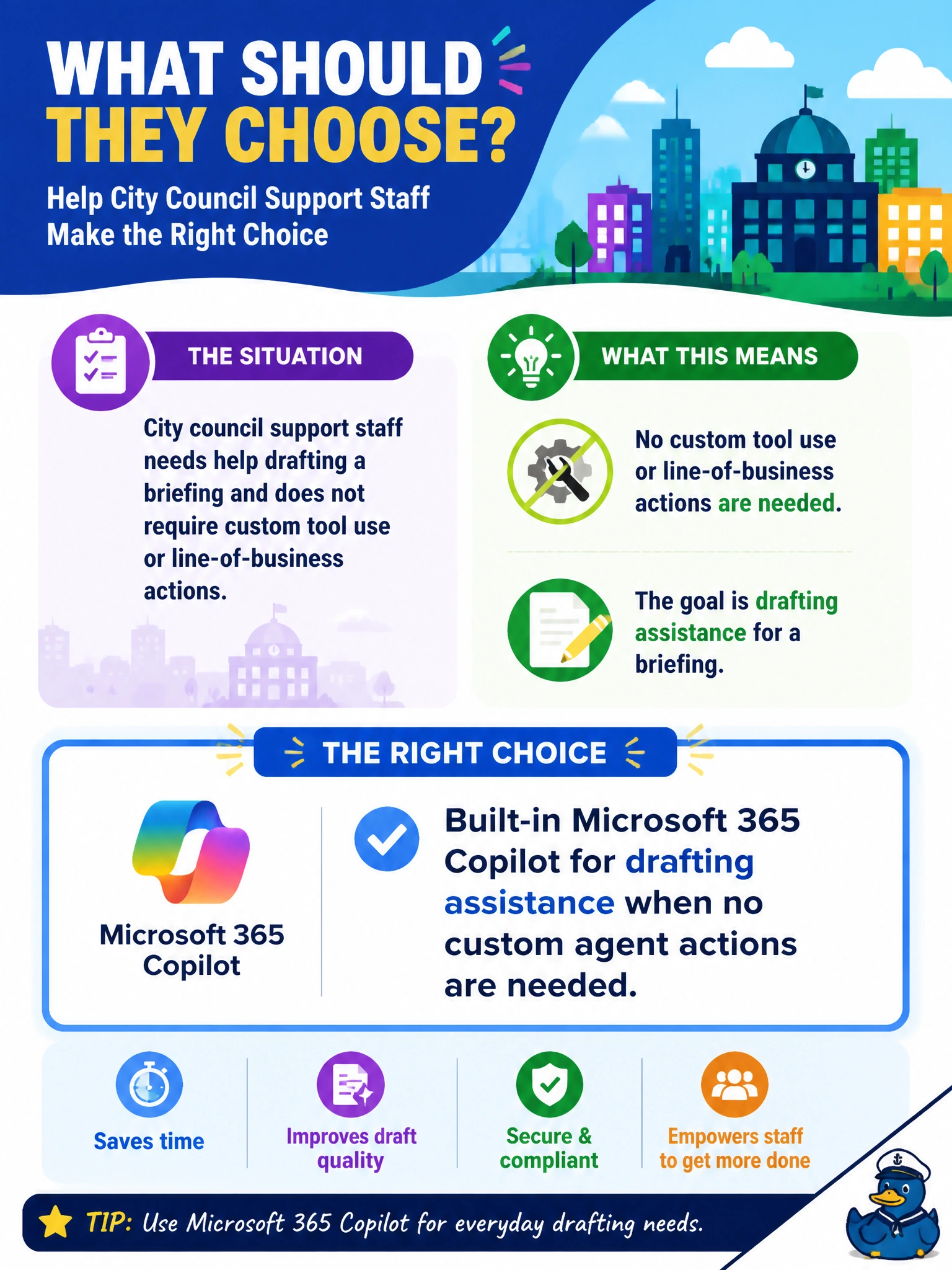
City council support staff needs help drafting a briefing and does not require custom tool use or line-of-business actions. What should they choose?
Select an answer to reveal the explanation.
Short Explanation
If you're just drafting a briefing with no custom tools, stick with built-in Copilot—don't add a Copilot Studio agent, declarative agent, or SharePoint library agent for the sake of it. Council support keeps it simple. Built-in when built-in is enough.
Full Explanation
City council support staff who need drafting help for a briefing and do not require custom tool use or line-of-business actions should choose built-in Microsoft 365 Copilot. Built-in Copilot is the appropriate, lower-complexity path when standard M365 drafting assistance already meets the need. Building a Copilot Studio agent for drafting assistance when no custom agent actions are needed would add unnecessary design, security, and maintenance overhead for pure drafting. Requiring a Copilot Studio agent for drafting assistance when no custom agent actions are needed even when built-in Copilot already meets the drafting need wastes effort and expands attack surface without benefit. Choosing a declarative agent for Microsoft 365 for drafting assistance when no custom agent actions are needed delays assistance the staff could already use today for a task that does not need agent capabilities. A SharePoint library agent for drafting assistance when no custom agent actions are needed is still an agent-based solution for a drafting-only task, adding unnecessary scope when built-in Copilot already works within municipal data-protection boundaries. Exam caveat: If the stem says no custom actions are needed, pick built-in Copilot—not an agent, and do not deploy a declarative agent for Microsoft 365 for drafting assistance when no custom agent actions are needed before using Copilot for routine drafting. AB-900 contrasts “enough with built-in” versus “needs extensibility.” A SharePoint library agent for drafting assistance when no custom agent actions are needed is not a substitute for built-in Copilot when the task is drafting only and no custom actions are needed. Operational check: Confirm the briefing task is drafting/summarization only, assign Copilot licenses to council support staff, draft in Word or Copilot chat with municipal files they are permitted to access, skip agent backlog items for this use case, and revisit agents only if a later requirement adds LOB actions or custom tools.
Prefer to study offline? Printable PDF study book + test engine ($7.50, unofficial). These questions stay free here.