
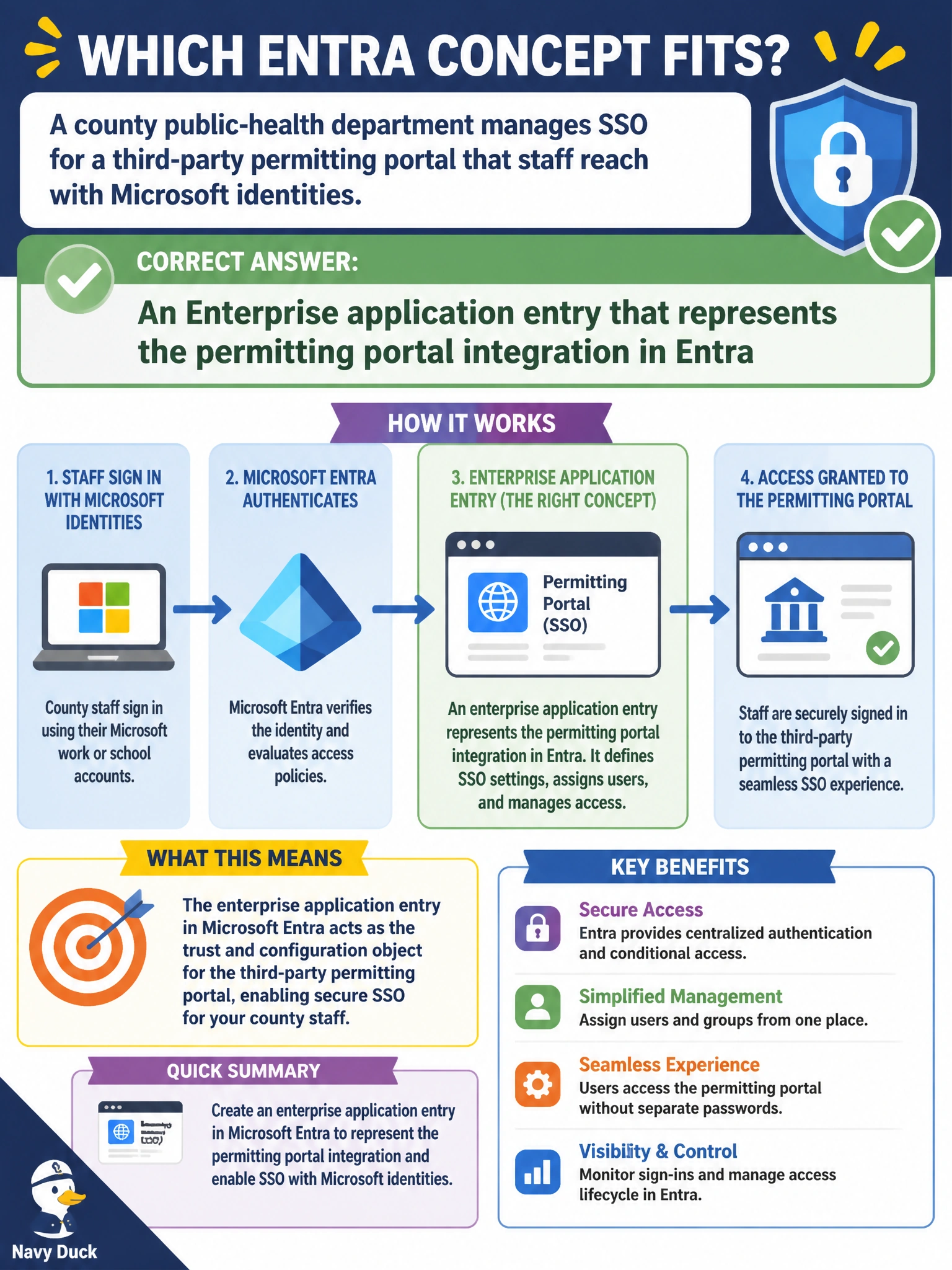
A county public-health department manages SSO for a third-party permitting portal that staff reach with Microsoft identities. Which Entra concept fits?
Select an answer to reveal the explanation.
Short Explanation
You need an Enterprise app entry in Entra for third-party permitting portal SSO with Microsoft identities, not just an app registration that defines API permissions or a Conditional Access policy that requires MFA. A security group that manages staff assignments doesn't provide SSO trust either, and it doesn't represent the integration.
Full Explanation
A county public-health department managing SSO for a third-party permitting portal that staff reach with Microsoft identities should use an Enterprise application entry that represents the permitting portal integration in Entra. Enterprise applications are the tenant-facing representation of integrated apps for SSO, assignment, Conditional Access targeting, and related access management once the app is added or consented in the tenant. An app registration that defines API permissions for custom permitting portal functionality specifies the application's identity and delegated permissions, but without the paired Enterprise application object the tenant lacks the assignment, SSO configuration, and Conditional Access targeting surface the public-health department actually needs to manage. A Conditional Access policy that requires MFA for staff access to the permitting portal scopes sign-in conditions by access controls, but it does not represent the portal itself as an integrated application for SSO. A security group that manages staff assignments for the permitting portal in Entra groups users, but it has no SSO or federation role and does not represent the portal integration in Entra. Exam caveat: Third-party SaaS SSO with Microsoft identities maps to Enterprise applications (and related app registrations/gallery apps). AB-900 expects that object model, not a Conditional Access policy that requires MFA for staff access to the permitting portal, which scopes sign-in but does not represent the portal integration. Operational check: Add or confirm the permitting portal as an Enterprise application, configure SAML/OIDC settings per the vendor, assign only public-health users/groups who need the portal, apply Conditional Access as required, and test SSO for a seasonal inspector account without granting privileged directory roles.
Prefer to study offline? Printable PDF study book + test engine ($7.50, unofficial). These questions stay free here.