
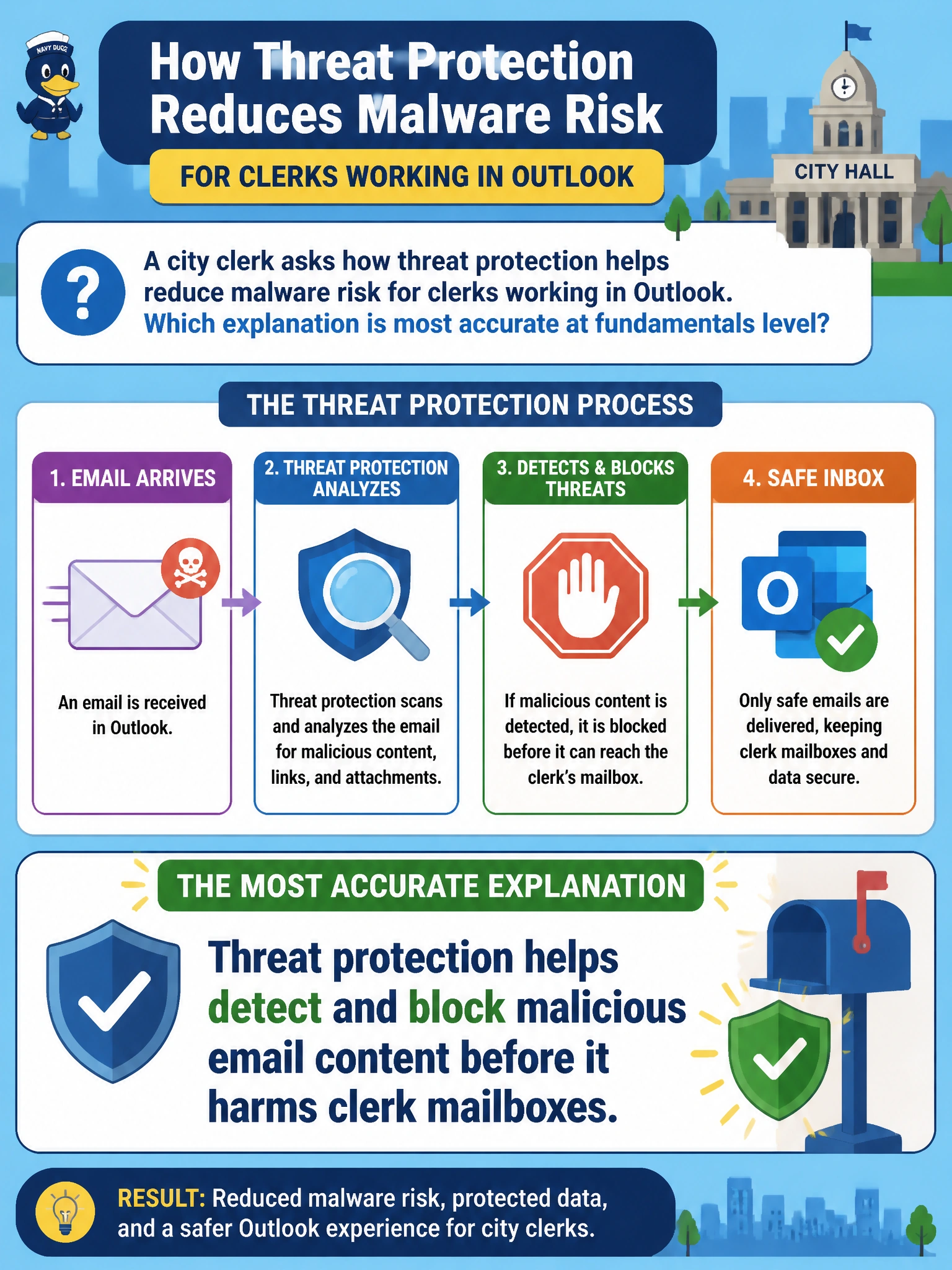
A city clerk asks how threat protection helps reduce malware risk for clerks working in Outlook. Which explanation is most accurate at fundamentals level?
Select an answer to reveal the explanation.
Short Explanation
Think of threat protection like the mailroom scanner that checks packages before they ever reach clerks' desks. It's about catching nasty attachments and links before they do damage, not about storing old mail, checking who's signing in, or recovering what got deleted. Keep those jobs separate and the picture stays clear.
Full Explanation
Microsoft 365 threat protection helps detect and block malicious email content—phishing, malware attachments, and dangerous links—before it harms city clerk mailboxes in Outlook. At fundamentals level, the accurate explanation is protective purpose: reduce successful delivery and user interaction with hostile mail so municipal clerks processing public records are less likely to execute malware from the inbox. That is the operational value clerks should hear, not archive trivia or identity replacement claims.
Saying threat protection helps retain clerk mail for compliance and manage mailbox storage limits over time fails by concept because retention and storage-quota management are Exchange Online Archiving and retention-policy functions, not the threat-protection mission; inspecting and blocking malicious content is what threat protection actually does. Claiming threat protection helps confirm clerk identity with extra sign-in checks when opening shared mailboxes fails because identity verification at sign-in is the job of authentication and multifactor controls in Entra ID; threat protection filters malicious mail content after a clerk is already signed in, it does not add its own sign-in checks. Claiming threat protection helps restore deleted messages from backup after mailbox data loss fails because recovering lost mail is a backup-and-restore function, not threat protection's job; threat protection's role is stopping malicious mail from reaching the mailbox in the first place, not recovering data afterward.
Exam caveat: AB-900 tests plain-language purpose of threat protection for email risk reduction, not deep Safe Attachments policy authoring. Do not mix Defender email controls with SharePoint permission changes or Entra authentication replacement. Municipal clerk guidance should stay on detect-and-block before harm.
Operational check: Confirm threat protection features are enabled for clerk mailboxes, review recent blocked or quarantined detections for Outlook-delivered threats, and verify malicious-looking messages are handled by protection rather than delivered clean. Ensure clerks still authenticate normally and that malware findings do not alter SharePoint Owner assignments.
Prefer to study offline? Printable PDF study book + test engine ($7.50, unofficial). These questions stay free here.