
Library branch managers need to co-edit Copilot-drafted seasonal event themes. What supports that collaboration?
Select an answer to reveal the explanation.
Short Explanation
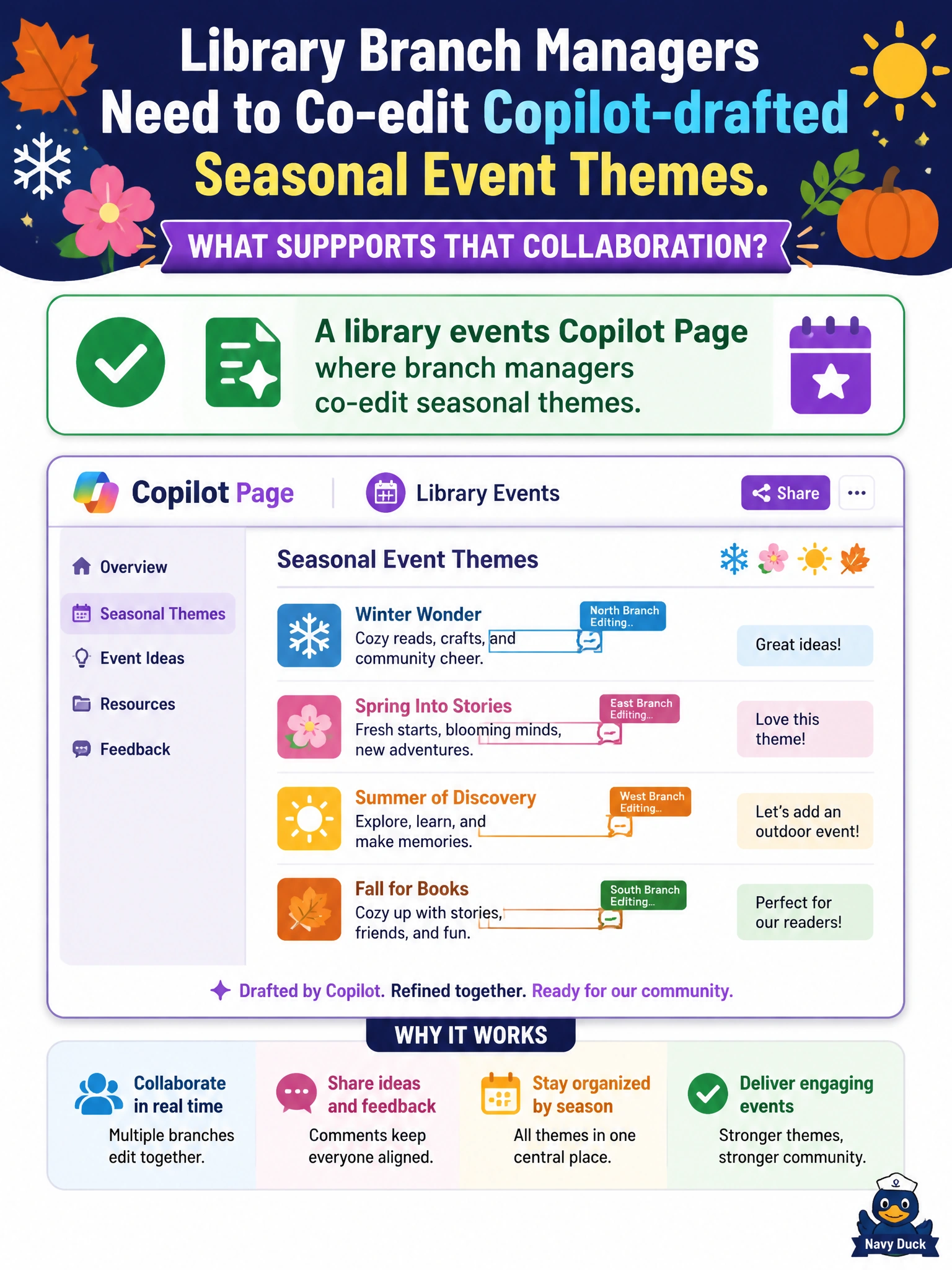
Seasonal themes need many eyes—use a library events Copilot Page so branch managers co-edit Copilot’s drafts. Multi-editor Pages beat locked PDFs and sticky notes.
Full Explanation
Library branch managers refining seasonal event themes need concurrent editing, not locked one-way files. A library events Copilot Page where branch managers co-edit seasonal themes is correct because Pages enable multi-editor refinement of Copilot-drafted themes so system-wide messaging stays coherent while local branches adjust for audience and capacity. Civic library programming improves when theme language is shared early instead of reconciled after conflicting flyers are printed.
Emailing a locked PDF that nobody can edit fails collaboration; managers cannot fix tone, accessibility language, or date conflicts in place. Keeping each branch’s theme edits only on paper sticky notes fails durability and shared visibility across the library system. Asking Copilot to publish unfinished themes to the public catalog immediately fails release control; unfinished drafts can confuse patrons and commit the system to events that are not staffed or funded.
Exam caveat: co-editing on a Page does not replace the library’s formal events calendar approval and catalog publishing workflow. Operational check: co-edit themes on the Page, confirm branch capacity and inclusive language, keep drafts unpublished until approved, and only then push final themes into the public catalog and marketing channels.