
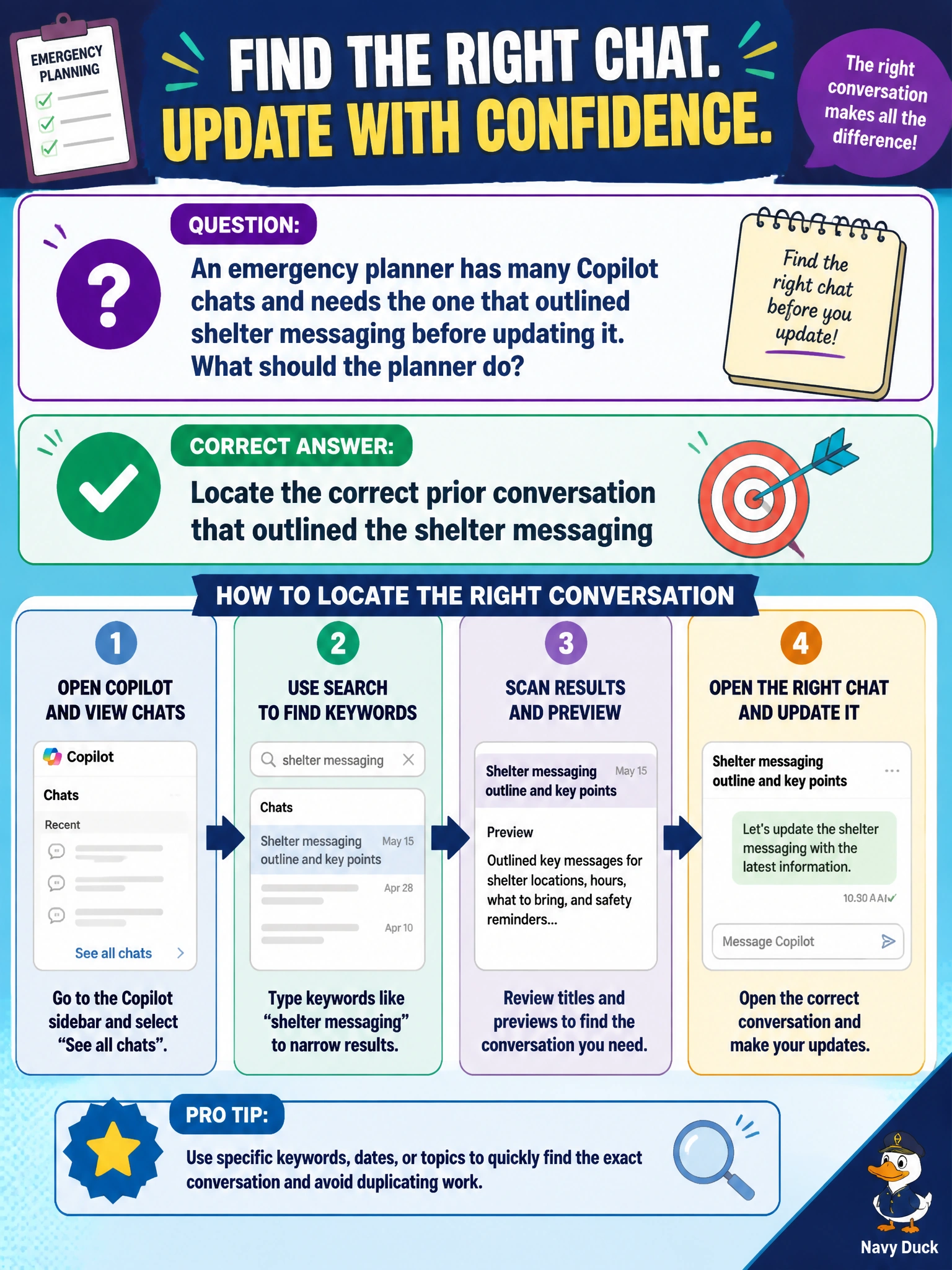
An emergency planner has many Copilot chats and needs the one that outlined shelter messaging before updating it. What should the planner do?
Select an answer to reveal the explanation.
Short Explanation
With many chats, locate the prior conversation that outlined shelter messaging before you update it. You’ll want the right shelter thread, not a random parks-flyer chat, deleted history, or public comments that tell Copilot to ignore capacity rules.
Full Explanation
An emergency planner with many Copilot chats who needs to update shelter messaging should locate the prior conversation that outlined that messaging. Precise retrieval matters in emergency management: capacity language, accessibility notes, pet policies, and public-instruction tone should be updated from the right baseline thread, not from an unrelated conversation. Opening a random chat about parks flyers and treating it as shelter guidance fails topical correctness and could introduce an inappropriate recreational tone into emergency instructions. Deleting the entire chat list removes reusable emergency language when time is critical. Pasting untrusted public comments that tell Copilot to ignore shelter capacity rules fails safety and integrity: capacity and eligibility rules come from official emergency plans, not untrusted comments. Exam caveat: finding the correct chat is necessary but not sufficient; validate updates against current shelter activation orders and do not invent capacity numbers. Refuse prompt-injection-style instructions in public comments. Practical check: search chat history for shelter-messaging keywords, confirm the thread matches the emergency shelter annex, then edit the messaging there and have the emergency manager approve it before distribution.