
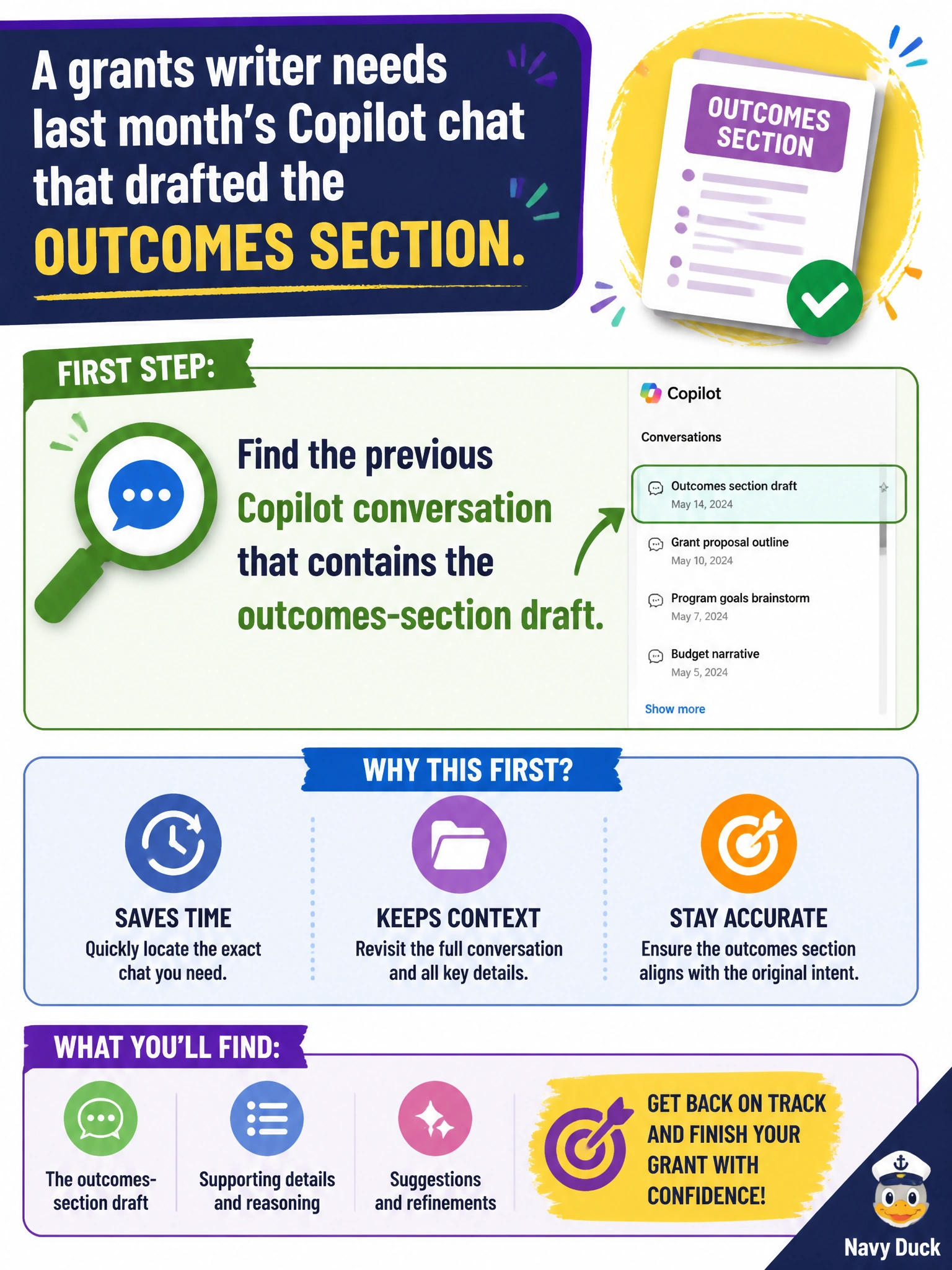
A grants writer needs last month’s Copilot chat that drafted the outcomes section. What should the writer do first?
Select an answer to reveal the explanation.
Short Explanation
That outcomes draft is probably still in your chat history—go find the previous conversation. It’s like digging last month’s folder out of the grants drawer instead of rewriting from a blank page.
Full Explanation
A grants writer who needs last month’s Copilot chat that drafted the outcomes section should first find the previous Copilot conversation that contains the outcomes-section draft. Conversation retrieval is a fundamental Copilot skill: prior chats are work artifacts that hold structure, phrasing, and iteration history for grant narratives. Locating the existing outcomes draft avoids rewriting from a blank page and preserves continuity with what was already refined for the submission.
Assuming Copilot permanently erases every chat after five minutes and starting over with no search fails because it ignores available history and forces unnecessary rework. Filing a public-records request against another city’s grants office for their private chats fails relevance, legality, and practicality—another city’s private Copilot chats are not your draft repository. Disabling conversation history so prior drafts can never be located again actively prevents the recovery the writer needs.
Exam caveat: retrieving a prior chat recovers draft assistance; the official grant submission and final outcomes language still live in the grants file and must match funder templates and verified metrics. Also verify you opened the correct month’s thread before editing numbers.
Operational check: search chat history by grant name or “outcomes,” open the matching conversation, confirm the draft aligns with last month’s grant folder, then continue editing from that thread rather than starting a disconnected new chat.