
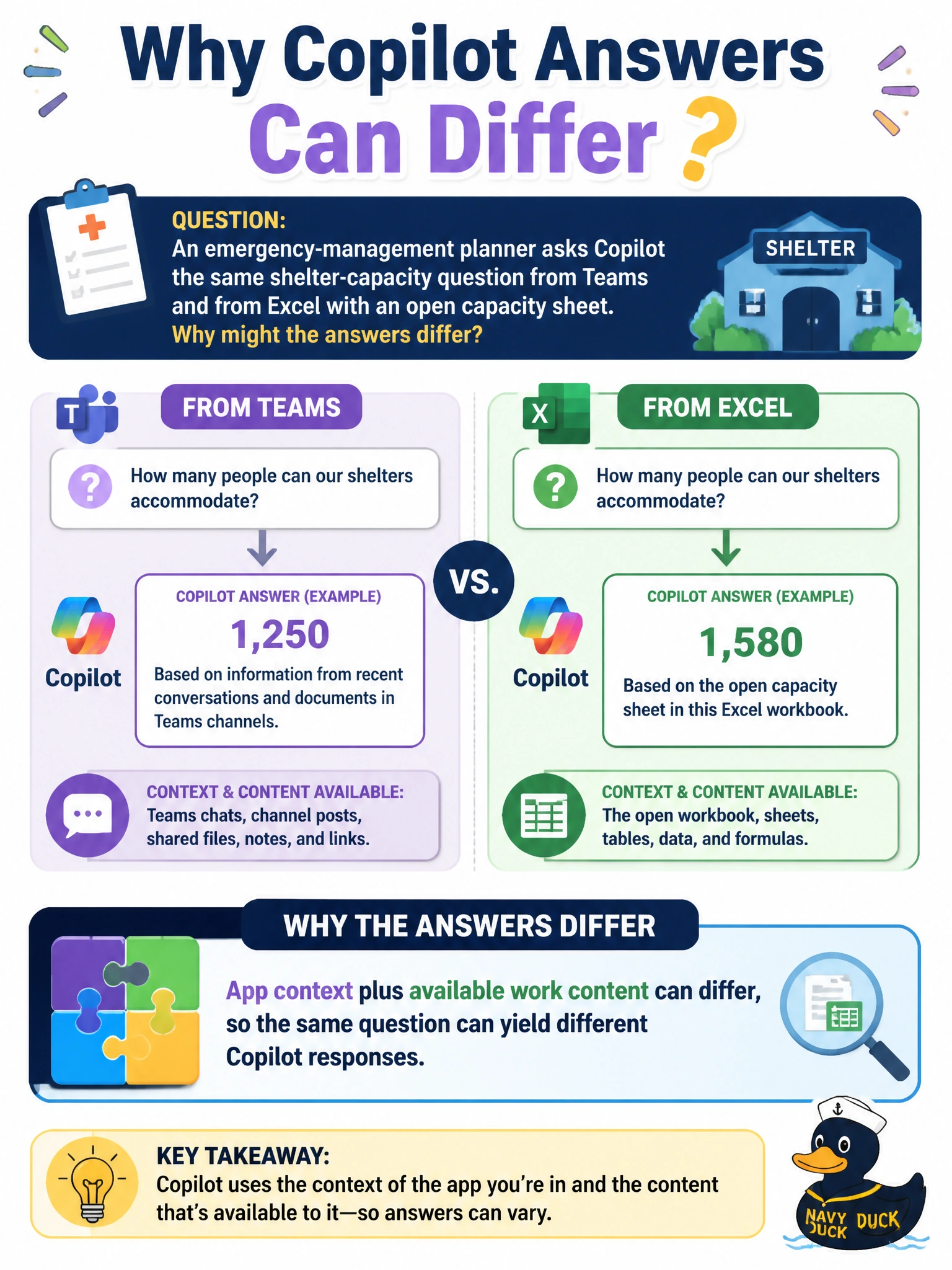
An emergency-management planner asks Copilot the same shelter-capacity question from Teams and from Excel with an open capacity sheet. Why might the answers differ?
Select an answer to reveal the explanation.
Short Explanation
Same question, different desks: Teams has meeting-chat vibes; Excel has the live capacity sheet under your nose. Copilot leans on whichever app and content you've actually got open.
Full Explanation
App context plus available work content can differ across Microsoft 365 surfaces, so the same shelter-capacity question can yield different Copilot responses. An emergency-management planner asking from Teams may get conversational or collaboration-oriented help, while asking from Excel with an open capacity sheet gives Copilot numeric workbook context that Teams may not have in the same form. The correct concept is that host app and open work content jointly shape answers—not that the question text alone guarantees identical output everywhere.
Character-for-character identical answers always fails because distinct app and content contexts routinely produce different phrasing and grounding. Excel Copilot cannot read numbers and always refuses capacity questions fails because spreadsheet awareness is a core reason answers can improve in Excel with an open sheet. Teams deleting the Excel workbook whenever a question is asked fails as an unrelated destructive myth; asking in Teams does not wipe the capacity workbook.
Exam caveat: Different answers are expected; blindly preferring the longer answer is not. For shelter operations, the workbook figures are usually the system of record—treat Excel-grounded numbers as candidates to verify, not automatic truth.
Operational check: When capacity math matters, ask Copilot in Excel against the official capacity sheet, compare any Teams-side narrative to those cells, and publish shelter numbers only after the emergency-management planner confirms the spreadsheet values.