
Adventure Works has deployed Microsoft 365 Copilot company-wide. The legal team requires that every Copilot-generated response displayed to users includes a visible disclaimer stating that AI-generated content should be verified before use. Additionally, the IT department wants to prevent users from purchasing Copilot add-ons independently through self-service. Which admin center is the CORRECT location to configure BOTH of these settings?
Select an answer to reveal the explanation.
Short Explanation and Infographic
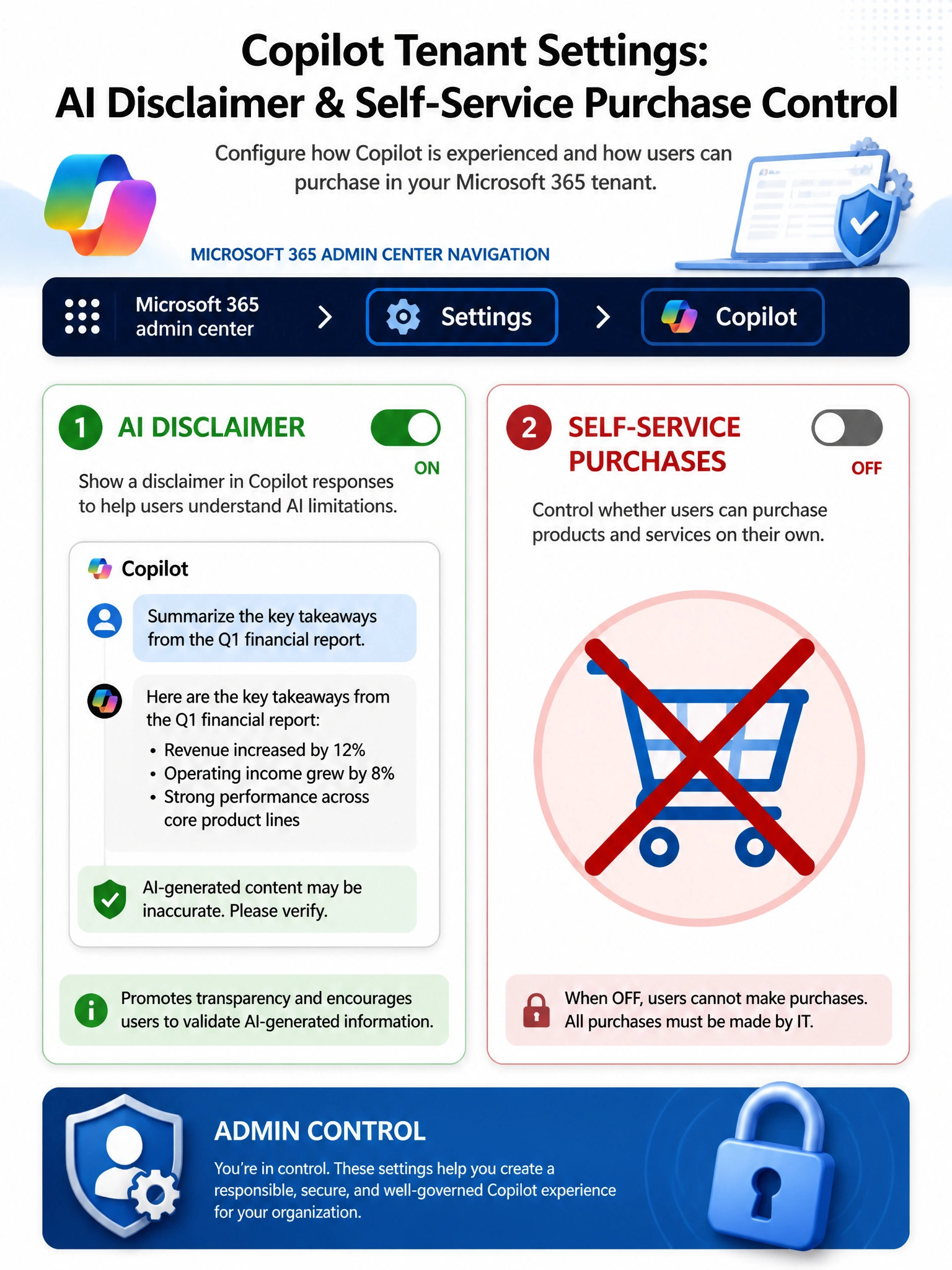
Think of Copilot settings in the M365 admin center as the master control panel for how Copilot behaves across your entire organization. AI disclaimer on? Check. Block self-service purchases? Also right there. One stop, two settings.
Full explanation below image
Full Explanation
The Microsoft 365 admin center, specifically under the Copilot settings section, is where administrators configure tenant-wide behavioral settings for Microsoft 365 Copilot. This includes enabling or disabling the AI content disclaimer that appears on Copilot responses — a legal requirement for many regulated industries. The same admin center also includes the self-service purchase controls (under Billing > Self-service purchase settings or within the Copilot settings area) that allow administrators to block users from independently purchasing Microsoft 365 Copilot licenses or add-ons without IT approval. Both settings work at the tenant level and apply globally to all users.
Option A, Microsoft Purview Communication compliance, is a policy engine for monitoring and reviewing communications for policy violations (e.g., inappropriate language, data exfiltration). It is not used to configure UI disclaimers or purchase controls.
Option C, Microsoft Entra admin center under Enterprise applications, manages application consent, permissions, and service principal settings. It does not surface Copilot-specific UI or purchasing controls.
Option D, Microsoft 365 admin center Billing > Purchase services, is where administrators can buy new services but is not the location to restrict self-service purchases by end users. Self-service purchase controls are a separate settings area.
Exam tip: Both AI disclaimer settings and self-service purchase controls for Copilot are found in the Microsoft 365 admin center Copilot settings. When a question mentions configuring the Copilot experience or purchase behavior at the tenant level, the M365 admin center Copilot settings section is your target.