
Contoso Ltd. is planning to deploy Microsoft 365 Copilot to 500 users. Before purchasing licenses, the IT administrator wants to evaluate whether the tenant is ready for Copilot. Which tool in the Microsoft 365 admin center should the administrator use first to assess tenant readiness?
Select an answer to reveal the explanation.
Short Explanation
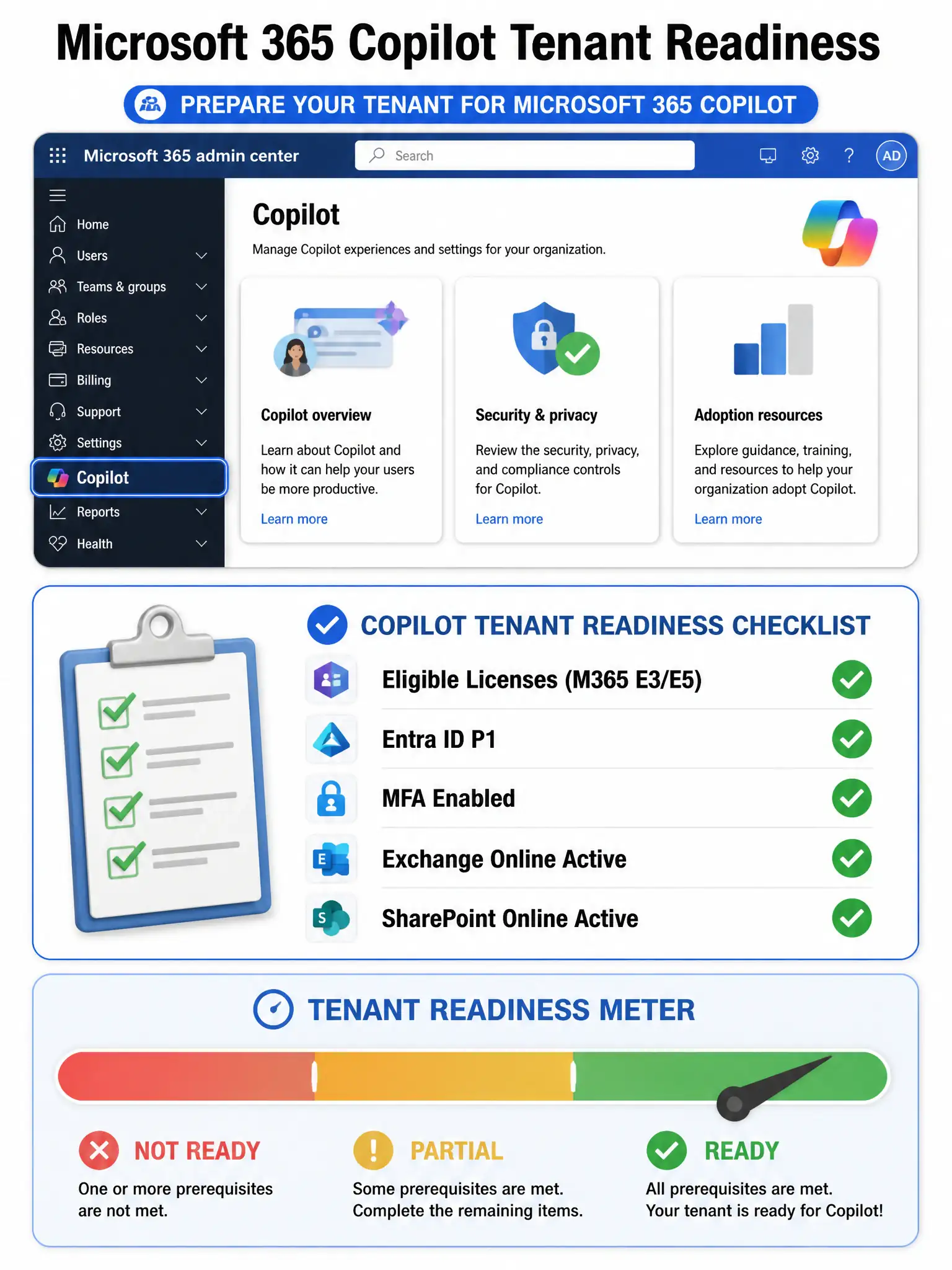
Think of tenant readiness like a pre-flight checklist — Microsoft built one specifically for Copilot right in the Microsoft 365 admin center. The Copilot readiness report shows you license eligibility, prerequisites like Microsoft Entra ID P1, and which users are ready to fly.
Full Explanation
The Microsoft 365 Copilot readiness report, found in the Microsoft 365 admin center under Copilot, is specifically designed to evaluate whether a tenant meets the prerequisites for Microsoft 365 Copilot deployment. It checks items such as eligible license assignments, Microsoft Entra ID P1 or P2 requirements, multi-factor authentication status, and whether necessary services like Exchange Online and SharePoint Online are properly configured. It also surfaces in-app experience readiness for individual users.
The Microsoft Secure Score in the Microsoft Defender portal measures security posture but does not specifically evaluate Copilot deployment prerequisites. While good security hygiene matters for Copilot, Secure Score is not a readiness tool for artificial intelligence service deployment.
The Service Health dashboard in the Microsoft 365 admin center shows real-time and historical health of Microsoft 365 services. It tells you if something is broken, not whether your tenant is ready for a new feature rollout.
The Microsoft Purview Compliance Manager assessment helps assess compliance posture against regulatory frameworks. It is relevant for data governance planning but is not the first step when checking whether users and licenses are ready for Copilot.
Exam tip: When a question asks about assessing readiness specifically for Microsoft 365 Copilot, look for tools that directly evaluate prerequisites like license eligibility and Microsoft Entra configuration — that points to the Copilot readiness report in the Microsoft 365 admin center.