
A developer has built a Copilot Studio agent that calls a third-party weather API and a company-internal analytics API using separate API keys. During a security review, the reviewer finds that both API keys are stored as plain text in Power Automate environment variables of type 'Text' within the development environment. The organization is preparing to promote the solution to production. Which approach correctly secures API key management for this production deployment?
Select an answer to reveal the explanation.
Short Explanation and Infographic
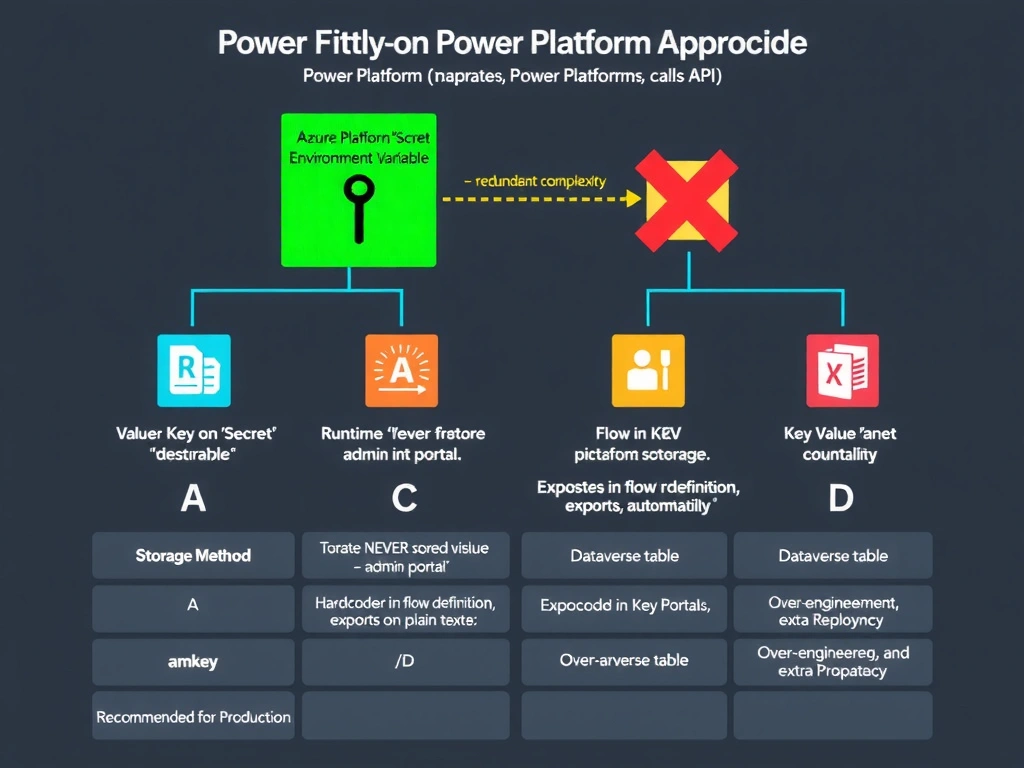
Power Platform environment variables of type 'Secret' are not just fancy text boxes — they are backed by Azure Key Vault under the covers, so the actual key value never lives in the Power Platform admin portal. When you rotate the key in Key Vault, the next flow run picks up the new value automatically, without touching the solution package or redeploying anything.
Full explanation below image
Full Explanation
API key management in Power Platform solutions requires understanding the difference between environment variable types and their security implications at rest, in transit, and during rotation.
Option B is correct. Power Platform environment variables of type 'Secret' are backed by Azure Key Vault as the secure store. When a solution uses a Secret environment variable, the Key Vault reference (not the actual key value) is stored in the solution. At runtime, Power Automate retrieves the actual API key directly from Key Vault using managed identity, ensuring the plain-text value is never exposed in the Power Platform admin center's environment variable listing, in flow run history, or in solution export files. Key rotation can be performed entirely in Azure Key Vault without modifying or redeploying the Power Platform solution — the Key Vault reference remains valid and returns the updated value on the next flow execution. This approach satisfies the requirement for secure production deployment.
Option A describes a hybrid approach that is partially correct but architecturally redundant. Power Platform 'Secret' environment variables already use Azure Key Vault as their backing store — storing the API keys in a 'separate' Azure Key Vault for disaster recovery implies two separate Key Vault entries, which creates synchronization complexity. The statement that 'Secret type prevents values from being read by anyone with the environment variable list access' is also slightly misleading: the values are not exposed in the admin center UI, but administrators with appropriate Key Vault access can still retrieve the values from Key Vault. This answer is less precise than B.
Option C is the worst option from a security standpoint. Hardcoding API keys into Power Automate flow actions embeds the plain-text key in the flow definition, which is visible to anyone with edit access to the flow, included in solution exports, and stored in Dataverse flow storage in plain text. There is no security benefit over environment variables, and the key cannot be rotated without modifying the flow.
Option D describes a custom secret management approach using Dataverse column-level encryption. While Dataverse does support column-level encryption for specific field types, this approach requires custom code to retrieve and use secrets, is not natively integrated with the Power Automate runtime, introduces additional query latency on every flow run, and does not benefit from Key Vault's built-in secret rotation, auditing, and access policy features. This is an over-engineered solution when Secret environment variables are available.
Exam tip: For AB-620, know that Power Platform environment variables have three types: Text, JSON, and Secret. Secret type variables are backed by Azure Key Vault and are the only type where the value is not stored in Dataverse directly. Know that Key Vault-backed secrets support automatic rotation without solution redeployment, and that managed identity is used for the Power Platform-to-Key Vault authentication.