
A developer is building a Copilot Studio agent that helps sales reps look up account information. The Dataverse environment has three related tables: Accounts (one), Contacts (many, with a lookup to Accounts), and Opportunities (many, with a lookup to Accounts). A sales rep asks the agent: 'Show me all open opportunities for Contoso Ltd.' The agent uses a Power Automate flow to retrieve the data. Which Power Fx expression in the flow's Dataverse 'List rows' action filter query most correctly returns only open Opportunities for the Contoso account using the relationship?
Select an answer to reveal the explanation.
Short Explanation and Infographic
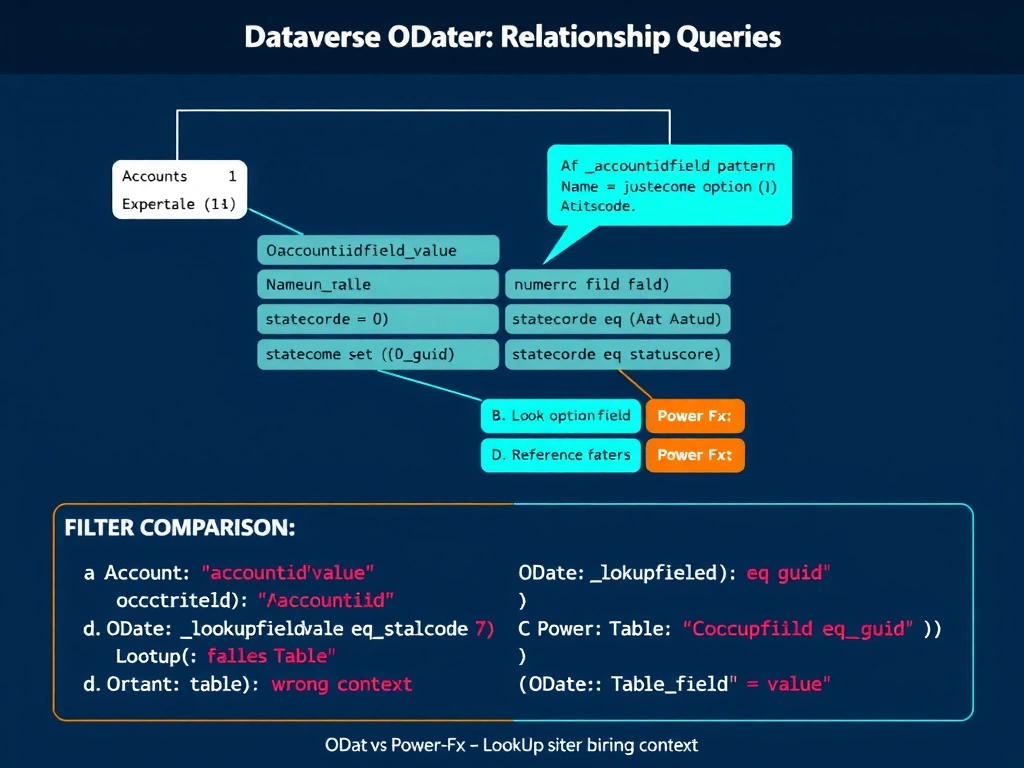
Dataverse OData filter queries use lookup field reference syntax with an underscore prefix and _value suffix for the foreign key GUID — it looks strange but that's how OData rolls. And the 'open' flag in Dataverse uses the numeric statecode field (0 = active/open), not a text string like 'Open'. Knowing the Dataverse naming conventions for relationship columns saves hours of debugging.
Full explanation below image
Full Explanation
When querying Dataverse through the List Rows action in Power Automate (or directly via the Web API), filter conditions must be written in OData filter syntax — not Power Fx syntax. This is a common confusion point because Copilot Studio uses Power Fx in the designer, but the underlying Dataverse connector uses OData.
Option A is correct. In Dataverse OData, lookup fields (N:1 relationships) are represented in filter queries using the pattern _{navigationPropertyLogicalName}_value. For the Opportunities table's relationship to Accounts, the lookup column's OData filter name is _accountid_value. Filtering by the GUID value of the Contoso account record is the correct and performant approach — filtering by GUID avoids cross-table joins in the query. The statecode eq 0 filter uses the standard Dataverse statecode field where 0 = Active (open) and 1 = Inactive (closed/won/lost). This expression will return only open opportunities linked to the specific Contoso account.
Option B is incorrect. While OData does support traversing navigation properties using the / separator (e.g., Account/name eq 'Contoso Ltd'), the correct navigation property name for the account lookup in Opportunities is typically customerid_account/name or account_id/name depending on schema configuration — Account/name alone is likely not the correct navigation property path without knowing the exact schema. More critically, Status eq 'Open' uses a text label rather than the numeric option set value. Dataverse stores status/statecode as integer option sets (0, 1), not text strings. Using text values in OData filters will fail.
Option C is incorrect. LookUp() is a Power Fx function used in canvas apps and Copilot Studio expressions, not an OData filter query string. The List Rows action's filter field expects OData syntax, not Power Fx. Entering a Power Fx function call in an OData filter field will result in a query error.
Option D is incorrect for the same reason as C. Filter() with dot notation for relationship traversal (accountid.name) is Power Fx syntax. While Power Automate does have a Power Fx-mode for some Dataverse actions, the standard List Rows filter field uses OData syntax. This option also misuses the function in a context that expects OData.
Exam tip: For the AB-620 exam, know that Dataverse Lookup (N:1) fields in OData filter queries use the _{logicalname}_value eq '{guid}' pattern. Statecode = 0 means Active. Do not confuse Power Fx syntax (for Copilot Studio and canvas apps) with OData filter syntax (for the Dataverse Web API and Power Automate List Rows). They look similar but are not interchangeable.