
A developer is designing a Copilot Studio agent that tracks IT support tickets. The agent must: (1) create new ticket records when users report issues, (2) update ticket status as the conversation progresses, (3) allow the help desk manager to run Power BI reports on ticket trends, and (4) enforce row-level security so that agents only see tickets assigned to them. The developer is choosing the Dataverse table type. Which table type is most appropriate for this scenario?
Select an answer to reveal the explanation.
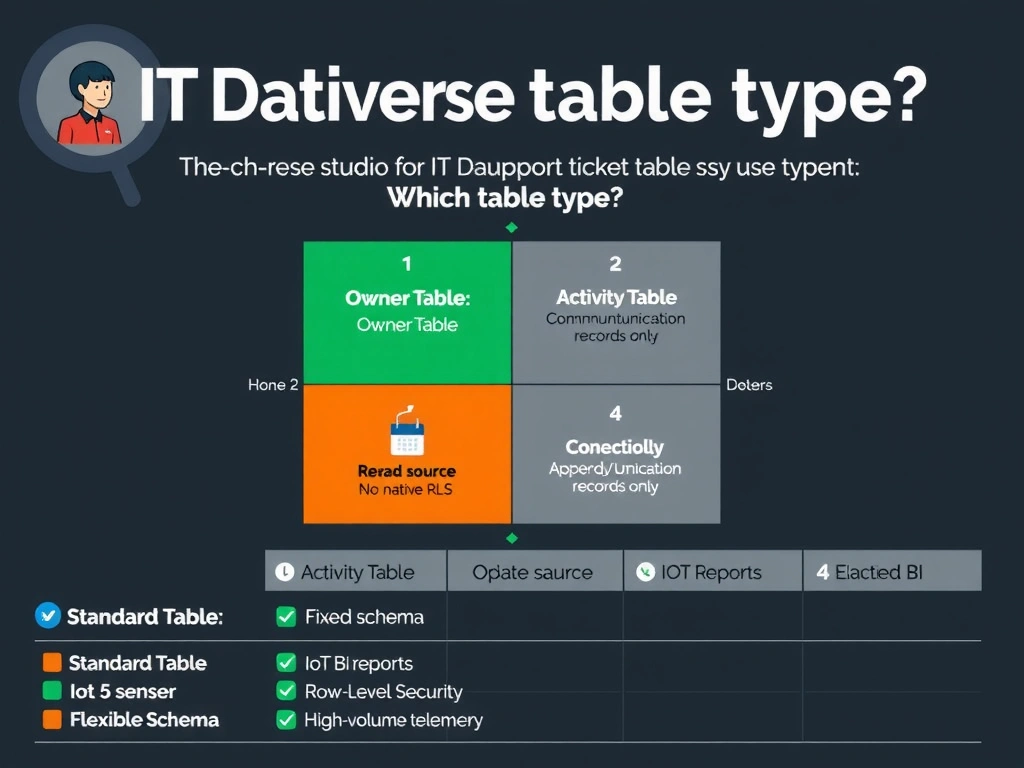
Short Explanation and Infographic
A standard owned Dataverse table is the workhorse of the Power Platform — it supports full CRUD, ships with owner-based security built in, and feeds Power BI through the native Dataverse connector without any plumbing. Virtual tables look attractive until you need to write back to them or enforce row-level security, at which point the OData backend has to carry that entire burden.
Full explanation below image
Full Explanation
Choosing the right Dataverse table type affects write capability, security enforcement, storage costs, and integration options. Each type has specific design purposes that the exam tests.
Option B is correct. A standard (owned) table is the default Dataverse table type and is the right choice when all four requirements must be met simultaneously. Standard tables support full CRUD operations (create, read, update, delete), which is required for ticket creation and status updates. Owner-based row-level security is a built-in feature: by assigning an owner field to each ticket record and configuring business unit security roles, only the assigned agent can see their own tickets. Power BI connects to standard Dataverse tables via the native Dataverse connector, which supports DirectQuery and scheduled import modes. There is no architectural blocker.
Option A is incorrect. Virtual tables surface data from an external OData source inside Dataverse's interface, but write-back (creating or updating records in the external system) requires the external OData service to support write operations. More critically, virtual tables do not natively support Dataverse's row-level security — the external source must enforce security independently. Virtual tables are appropriate for read-heavy integration scenarios, not for transactional agent workflows that require consistent security enforcement.
Option C is incorrect. Activity tables in Dataverse are specifically designed for communication-type records: emails, phone calls, appointments, and tasks. They have a fixed schema with fields like 'from,' 'to,' 'due date,' and 'regarding.' While some properties superficially match (time-bound, user-involved), activity tables are not designed for arbitrary structured business data like IT support tickets, and they carry schema constraints that would complicate the developer's data model.
Option D is incorrect. Elastic tables in Dataverse are designed for extremely high-volume, append-mostly scenarios like IoT telemetry or audit logs, where records are written millions of times per day and rarely updated. Support tickets require frequent updates (status changes, comment additions, assignments) and rich querying for reporting. Elastic tables are not optimized for update-heavy, relationally queried workloads.
Exam tip: Know all four Dataverse table types for AB-620: (1) Standard/owned — full CRUD, RLS, relationships; (2) Activity — communication records; (3) Virtual — external OData, read-mostly; (4) Elastic — high-volume append, IoT/telemetry. For any transactional agent workflow with security requirements and reporting, standard tables are always the answer.