
A Copilot Studio agent is configured to answer questions about company IT policies stored in a SharePoint document library. The Azure AI Search index that powers the RAG pipeline was built last month. After HR updated 12 policy documents and uploaded three new ones two weeks ago, users are still receiving outdated answers based on the old policy content. The agent was not redeployed after the document changes. What is the most likely root cause of the stale responses, and which corrective action should the administrator take first?
Select an answer to reveal the explanation.
Short Explanation and Infographic
Think of the Azure AI Search indexer like a library cart-restacker — it only puts new books on the shelves when it runs. If nobody triggered the restacker after HR swapped out the policy binders, the catalog still lists the old editions. Kicking off a new indexer run is always the first diagnostic step when RAG answers lag behind source document updates.
Full explanation below image
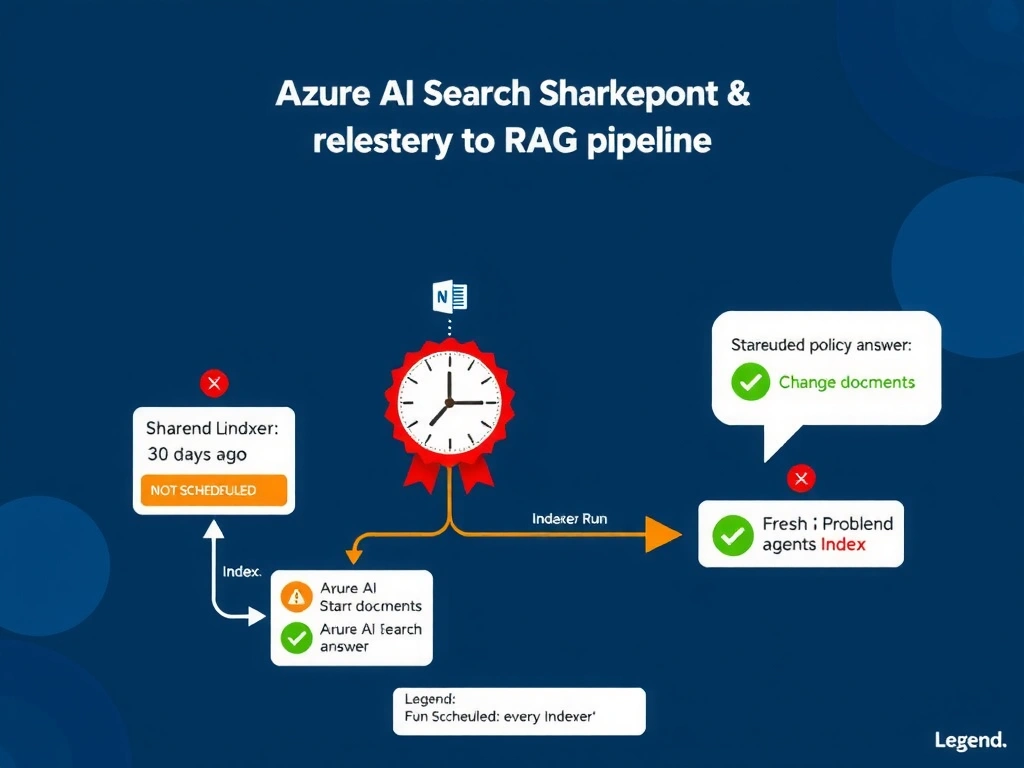
Full Explanation
Azure AI Search separates index creation from index maintenance. When an indexer is first created it does an initial crawl, but it does not automatically monitor the data source for changes. Subsequent runs must be scheduled (e.g., every 5 minutes, hourly, daily) or triggered manually via the Azure portal, REST API, or Azure SDK. If neither a schedule nor a manual trigger fires after documents change, the index remains frozen at its last-run state regardless of how many documents were added or modified in SharePoint.
Option C is correct because the symptom — stale answers after known document changes, with no redeployment in between — maps directly to an indexer that has not re-run. The corrective sequence is: (1) navigate to the Azure AI Search resource in the Azure portal, (2) open the Indexers blade, (3) select the indexer pointing to the SharePoint data source, and (4) click 'Run' to trigger an immediate incremental or full crawl. For ongoing freshness, configure an indexer schedule that aligns with the organization's document update cadence.
Option A is a plausible distractor because connector authentication tokens do expire, but an expired token would cause a hard failure (no results or an error) rather than consistently returning old results. If the token had expired, the indexer run history would show authentication errors.
Option B is incorrect. Azure AI Search tier limitations affect throughput, index size limits, and the number of indexers, not whether an existing indexer can process updated documents. The Standard S1 tier supports SharePoint indexing adequately for most enterprise scenarios.
Option D is incorrect. Copilot Studio does not maintain a 30-day RAG result cache tied to sessions. Each conversation turn queries the knowledge source live; there is no admin-clearable cache of retrieved chunks. The problem is upstream — the index itself is stale.
Exam tip: Questions about RAG freshness almost always hinge on the indexer lifecycle. Know that 'indexer schedule' and 'change-detection policy' (for SQL and Cosmos DB sources) are the two mechanisms for keeping an index current. SharePoint indexers use SharePoint's built-in change tracking; make sure the indexer has 'trackChanges' enabled and is scheduled to run frequently enough.