
A Power Platform administrator is reviewing a DLP policy that has the Microsoft Dataverse connector in the 'Business' group and the Twitter (X) connector in the 'Non-business' group. A developer creates a new Copilot Studio agent topic that uses a Power Automate flow. The flow reads employee salary data from Dataverse and then posts a summary to a corporate Twitter account for a social media campaign. The admin has not changed the DLP policy. What happens when the developer tries to save and publish the Power Automate flow?
Select an answer to reveal the explanation.
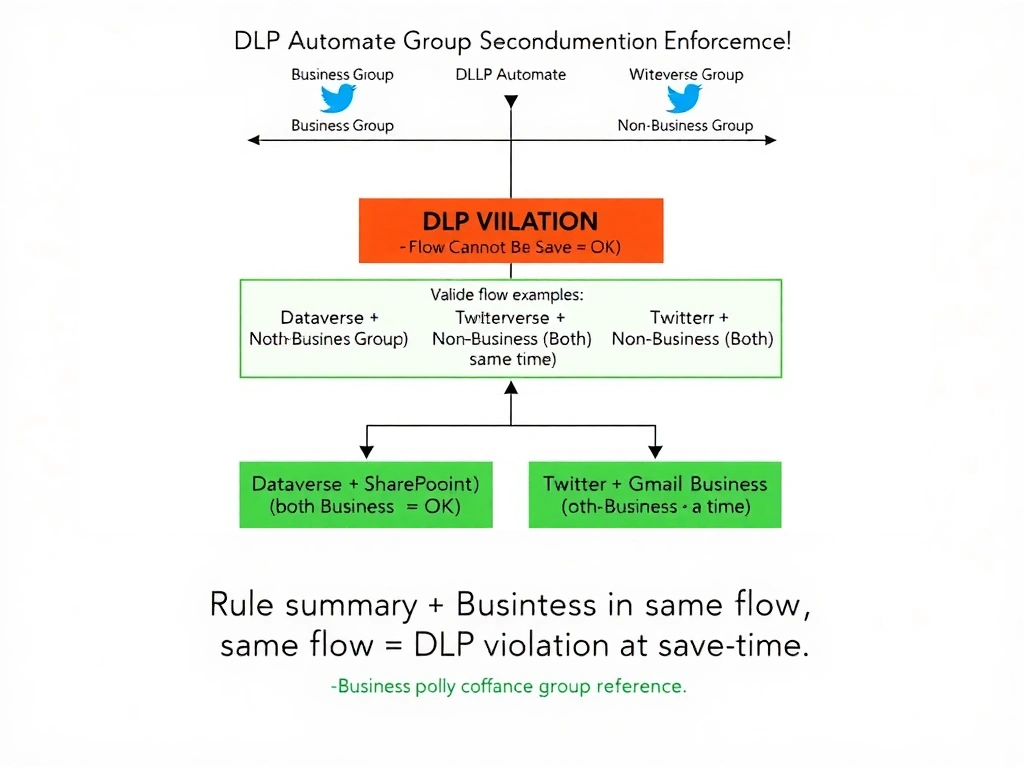
Short Explanation and Infographic
The DLP connector group rules are like a strict 'no mixing allowed' policy at a classified research facility — business-sensitive data (Dataverse in Business group) and non-business external services (Twitter in Non-business group) are in separate zones that cannot share a workflow container. The DLP policy enforces this separation at save time, not runtime. The flow fails to save the moment both connectors appear in the same flow definition — the Blocked group isn't even needed to stop this.
Full explanation below image
Full Explanation
Power Platform DLP policies enforce connector group separation to prevent data from flowing between classified connectors. The core rule is: connectors in the 'Business' group and connectors in the 'Non-business' group cannot be used in the same Power Automate flow, Power App, or related artifact.
Option D is correct because the scenario places Dataverse (Business) and Twitter (Non-business) in the same flow. DLP policy enforcement evaluates the combination of connectors in a flow when the flow is saved — if the combination violates the Business/Non-business separation rule, the platform prevents the flow from being saved. This is a design-time enforcement, not a runtime enforcement. The developer will receive an error at save time indicating that the DLP policy restricts the combination of connectors being used.
Option A is incorrect because 'Blocked' is not the only enforcement mechanism in a DLP policy. The Business/Non-business group separation is an equally enforced rule. Connectors in the Blocked group cannot be used at all. Connectors in the Business group cannot be used together with connectors in the Non-business group in the same artifact. Both rules apply simultaneously.
Option B is incorrect because DLP policy enforcement for connector group separation happens at save time (design time), not at runtime. The platform evaluates whether a flow's connector combination is policy-compliant before allowing it to be saved. If it is non-compliant, the save operation fails and the flow is not published. Runtime failure would imply the flow was saved successfully, which is not the case here.
Option C is incorrect because DLP policies do not selectively disable individual connector actions in the flow designer UI. The policy enforcement operates at the flow artifact level, not at the individual action level within the designer. Connectors are not 'greyed out' or disabled within a flow — the flow itself fails to save if the connector combination violates DLP.
Exam tip: DLP connector group rules: (1) Blocked = cannot be used in any flow or app. (2) Business and Non-business connectors CANNOT be in the same flow — this is the most commonly tested rule. (3) Connectors from the same group (both Business, or both Non-business) can coexist. (4) DLP enforcement happens at save time for flows. Memorize this as 'Business and Non-business don't mix — ever.'