
Fabrikam's development team has built a Copilot Studio agent and needs to move it through Development, Test, and Production environments in a controlled, repeatable way. The team wants each stage transition to require an explicit approval before the solution is deployed to the next environment. Which Power Platform feature should the team configure to meet this requirement?
Select an answer to reveal the explanation.
Short Explanation and Infographic
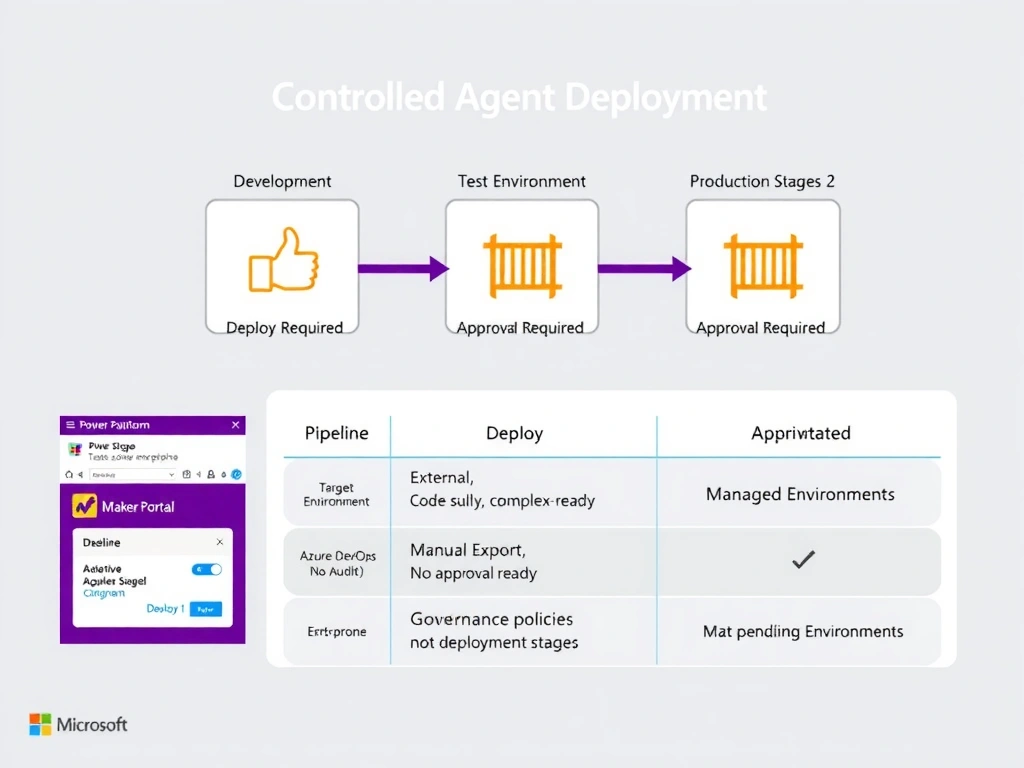
Power Platform Pipelines are the built-in assembly line for moving agents from dev to test to prod. Each stage is a stop on the conveyor belt, and you can bolt an approval gate at each stop so nothing moves forward without a human sign-off. It is the Microsoft-native answer for controlled, repeatable agent deployment.
Full explanation below image
Full Explanation
Power Platform Pipelines is a built-in deployment feature that provides a governed path for moving Power Platform solutions — including Copilot Studio agents — across environments. A pipeline is configured with ordered stages (for example: Development → Test → Production), and each stage targets a specific environment. Stage transitions can be gated with approval requirements so that no deployment proceeds without explicit authorization from a designated approver.
Key capabilities of Power Platform Pipelines include: automated deployment triggered by a button click from the maker portal, pre- and post-deployment validations, support for managed solutions, deployment history and audit logs, and approval workflows powered by the host environment.
Option A (Managed Environments with DLP policies) is incorrect. Managed Environments is a governance feature that enforces policies — such as data loss prevention rules, weekly digests, and usage insights — on an environment. While it is often combined with pipelines, it does not itself provide stage-based deployment with approvals.
Option C (Azure DevOps release pipelines) is incorrect. Azure DevOps is a valid enterprise ALM option for Power Platform via the Power Platform Build Tools extension, but it requires significant external configuration and is not the Power Platform-native, low-code solution the scenario implies. More importantly, this scenario is specifically testing knowledge of the built-in Pipelines feature.
Option D (manual export/import) is incorrect. Manual solution import/export via the maker portal is error-prone, unaudited, and does not support structured approvals or repeatable stage definitions. It is explicitly the problem that Pipelines was designed to solve.
For the AB-620 exam, remember that Power Platform Pipelines live in a 'host environment' and target downstream environments. The pipeline creator defines stages, assigns target environments, and can enable approvals. Makers then deploy from within the source environment's maker portal.