
A Copilot Studio agent provides HR policy answers from an Azure AI Search index. The index contains documents tagged with a 'department' field. During a conversation, the agent collects the user's department from their Azure AD profile. The developer wants search results to be automatically scoped to the user's department. However, when testing, results from all departments appear regardless of the user's department. What must be done to enable per-user department filtering?
Select an answer to reveal the explanation.
Short Explanation and Infographic
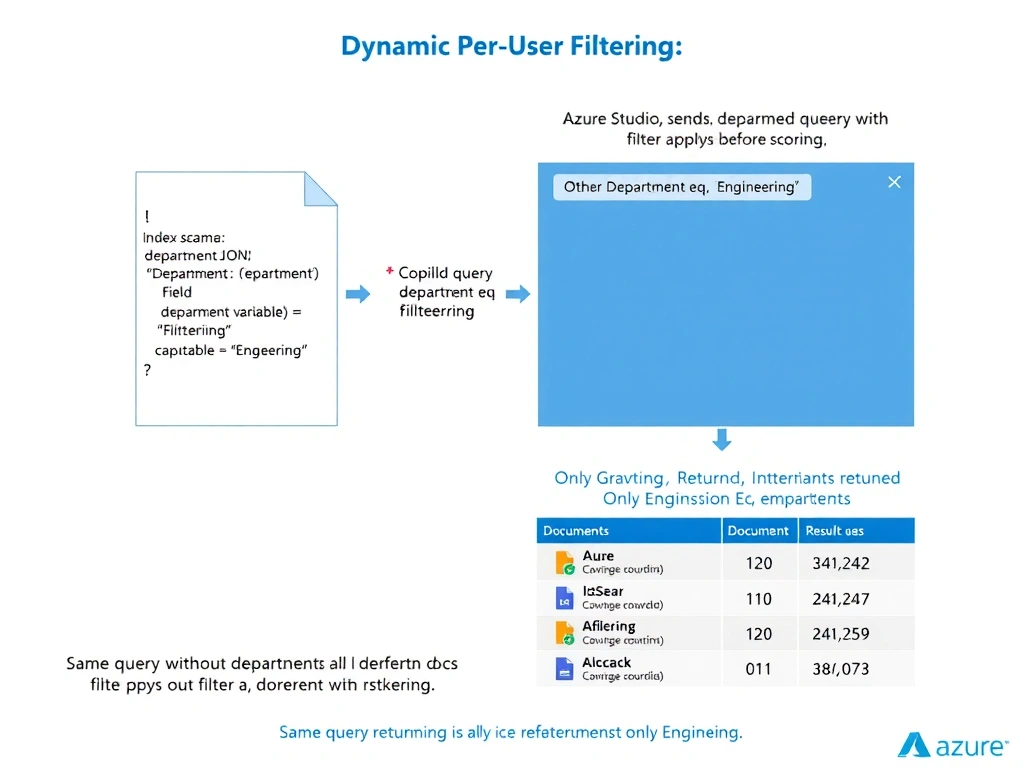
Filterable fields are the switches that make Azure AI Search query-time dynamic — once you flip the 'filterable' switch on a field in the index definition, you can pass OData expressions at query time to scope results. With the user's department in hand, the agent sends the filter as part of every search call.
Full explanation below image
Full Explanation
Azure AI Search supports field-level filtering through OData filter expressions, but a field must be declared as filterable: true in the index schema before it can be used in filter expressions. This is an index-design decision that must be made when the index is created or updated. If the 'department' field is not filterable, any filter expression referencing it will be ignored or rejected.
Once the field is filterable, the Copilot Studio knowledge source configuration or the Power Automate flow calling the search API can include a filter expression like department eq 'Engineering' in the query. In an agent scenario where the department comes from the user's Azure AD profile (collected via authentication), the developer would capture this as a conversation variable and pass it dynamically to the search call — making the filter personalized per user.
Option A is incorrect because maintaining a separate index per department is operationally expensive and fragile. Any schema changes require updates across all indices, and adding a new department requires creating a new index. The filterable field approach handles any number of departments with a single index.
Option C is incorrect because Azure AI Search does not have a native row-level security feature integrated with Azure AD group membership. While document-level access control can be implemented by storing user/group identifiers in index fields and filtering on them, this is a custom implementation pattern — not a built-in row-level security toggle. Additionally, even with such a pattern, the 'filterable' field requirement still applies.
Option D is incorrect because post-processing results in Power Automate is inefficient — irrelevant documents are retrieved, transferred, and processed unnecessarily. Filtering at the search layer (before retrieval) is far more performant and is the architecturally correct approach.
Exam tip: Two-step: (1) make the field filterable in the index definition, (2) pass the filter at query time. Missing either step means filtering won't work. Index schema changes require re-indexing the data source.