
You add your company's public documentation website (docs.contoso.com) as a knowledge source for a Copilot Studio agent. Two weeks later, new documentation pages are published and the agent does not return answers about them. What is the most likely cause and fix?
Select an answer to reveal the explanation.
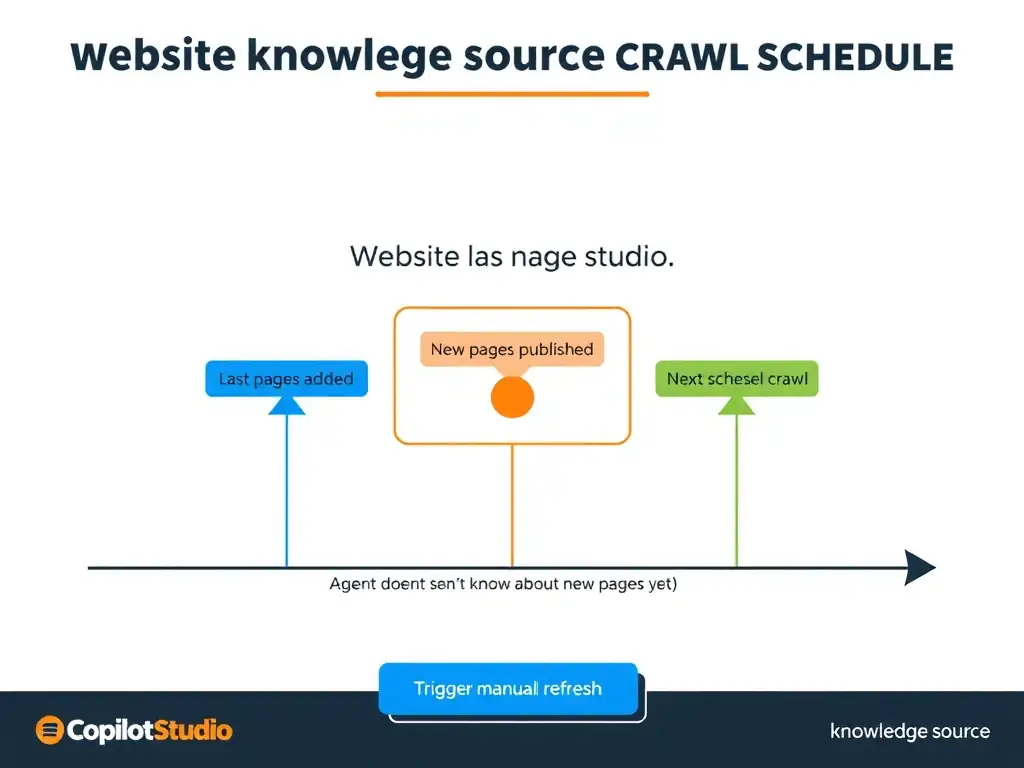
Short Explanation
Website knowledge sources crawl the site on a schedule, so new pages won't show up until the next crawl. You can trigger a manual refresh or shorten the crawl interval to keep the agent current.
Full Explanation
When you add a website URL as a knowledge source in Copilot Studio, the platform crawls and indexes the content of that site, including sub-pages within configured depth limits. This index is what the agent searches when generating answers. The crawl is not continuous; it runs on a schedule. New pages added to the site after the last crawl will not appear in the agent's responses until the site is re-crawled and re-indexed. The fix is to wait for the next scheduled crawl, trigger a manual refresh of the knowledge source in the Copilot Studio interface, or configure a more frequent crawl schedule.
The explanation about the generative AI model's training cutoff confuses the knowledge source crawl with the underlying language model's pretraining. The agent answers from the indexed knowledge source, not from its training data, so new knowledge source content does not require model retraining.
The suggestion to manually add individual URL entries is unnecessary because website knowledge sources are designed to crawl entire sites from a root URL. Manual URL listing defeats the purpose of using a website knowledge source.
The claim that the Copilot Studio agent caches knowledge indefinitely and must be republished is incorrect. The knowledge source index is refreshed on the crawl schedule, and republishing the agent does not trigger a knowledge source re-crawl.
Exam note: a website knowledge source is a crawl-based index with a schedule. To see new content, trigger a manual refresh. For time-sensitive content such as news or product updates, configure frequent crawl intervals.