
Your data science team has built a sophisticated AI agent in Azure AI Foundry that uses custom fine-tuned models and advanced RAG pipelines. The business wants to surface this agent's capabilities through the company's existing Copilot Studio deployment. What integration approach should you use?
Select an answer to reveal the explanation.
Short Explanation and Infographic
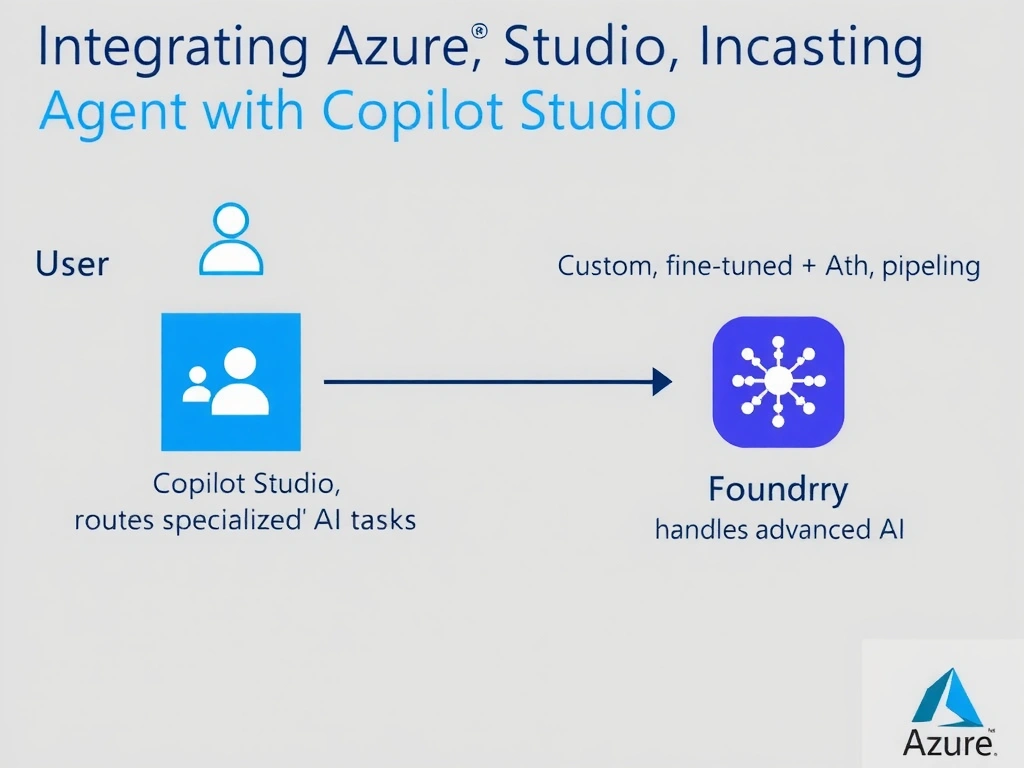
Copilot Studio and Azure AI Foundry are designed to complement each other in Microsoft's agent ecosystem. Copilot Studio can act as the orchestration layer that surfaces Foundry agents — connecting them natively so the two-agent architecture works as one experience without rebuilding anything.
Full explanation below image
Full Explanation
Microsoft's AI agent ecosystem supports interoperability between Copilot Studio and Azure AI Foundry. Copilot Studio can integrate a Foundry agent as a connected/child agent, where Copilot Studio handles channel management, authentication, and topic routing, while delegating complex AI reasoning tasks to the Foundry-hosted agent.
This integration is configured in Copilot Studio by adding the Foundry agent as a connected service. The Copilot Studio agent acts as the orchestrator/front-end, and the Foundry agent provides specialized intelligence (custom models, vector search, RAG pipelines) that would be costly to replicate in Copilot Studio alone.
Option A (rebuild from scratch) defeats the purpose of integration — the Foundry agent was built precisely because its capabilities exceed what Copilot Studio's built-in features offer.
Option C (importing prompt instructions as knowledge source) misunderstands both systems. The Foundry agent's value is its execution capability (fine-tuned models, dynamic RAG) — not static instructions you can copy.
Option D (APIM + HTTP action) technically possible but bypasses the native agent orchestration integration. APIM + HTTP treats the Foundry agent as a dumb API rather than leveraging agent-to-agent communication protocols (like the emerging Agent Protocol standards Microsoft is supporting).
Exam principle: Foundry agent in Copilot Studio = connected agent integration, with Copilot Studio as the orchestration front-end. This is the native, Microsoft-recommended integration path.