
Your Copilot Studio agent is configured with a SharePoint knowledge source and generative answers enabled. A user asks a question that is not covered by any document in the knowledge source. What is the default behavior of the agent?
Select an answer to reveal the explanation.
Short Explanation and Infographic
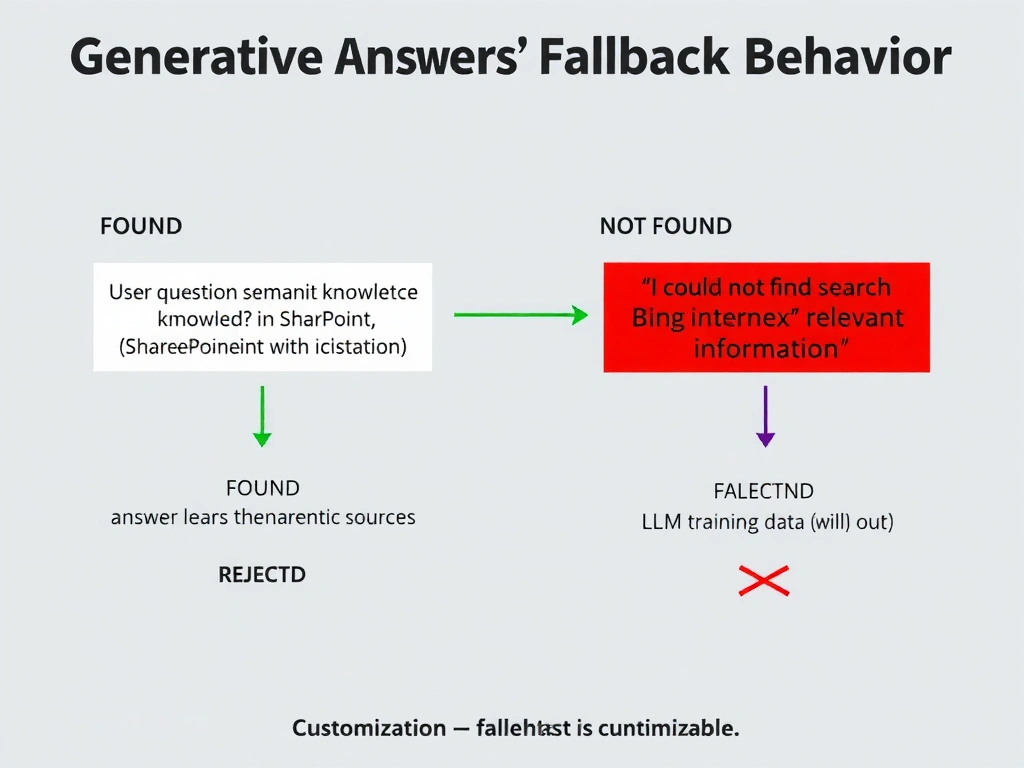
Generative answers in Copilot Studio are grounded exclusively in the configured knowledge sources — the agent won't freelance from the internet or make things up from training data. When no matching content is found, it gracefully says 'I don't have that information' rather than hallucinating.
Full explanation below image
Full Explanation
Copilot Studio's generative answers capability performs semantic search over the configured knowledge sources (SharePoint, uploaded files, websites) to find relevant content chunks, then uses an LLM to synthesize a response grounded in those chunks. If no relevant content is found above the confidence threshold, the agent returns a fallback message — by default something like 'I wasn't able to find information about that in my knowledge sources.'
This grounded behavior is by design: Copilot Studio does not allow the agent to search the public internet by default (Bing search would need to be explicitly enabled as a separate knowledge source), and it does not fall back to the LLM's general training knowledge.
Option A (queries Bing) is wrong by default. Bing search must be explicitly added as a knowledge source and is off by default for enterprise deployments to prevent hallucination from public internet content.
Option C (immediate human escalation) would only happen if you configured an escalation topic triggered by low-confidence scenarios — not the default behavior.
Option D (generates from LLM training data) is the behavior you're specifically trying to avoid in enterprise agents. Copilot Studio's grounding mechanism prevents this.
Exam point: knowledge-grounded generative answers = no answer found → fallback message, not internet search, not LLM hallucination. The fallback message is customizable in the agent settings.